
MCP changed how AI agents call tools. For GTM teams, that means the same outbound workflow you used to scope across half a dozen browser tabs and disconnected SaaS tools can now live in one terminal session. The question is no longer whether to use MCP. It is which MCP servers belong in your stack.
We tested the ones GTM teams actually run. Some are single-provider wrappers. A few aggregate across many data sources. One is built for sending. Here is the honest read on the best MCP server for GTM in 2026, and when to pick which.

Quick Picks
Best overall for enrichment breadth: Databar MCP (100+ providers, one MCP, tables for visibility)
Best for outbound sending: Smartlead MCP
Best for CRM operations: Attio MCP or HubSpot MCP
Best for web research: Perplexity MCP or Exa MCP
Comparison Table
MCP Server | Best for | Data sources | Pricing | Free tier |
|---|---|---|---|---|
Databar MCP | Multi-source enrichment + tables as control planes | 100+ aggregated | From $99/mo | 14-day free trial |
Apollo MCP | Contact and company enrichment | 1 (Apollo) | From $49/seat/mo | Yes (limited) |
Prospeo MCP | Email + mobile finding, LinkedIn-to-email | Multi-method (single vendor) | Tiered monthly credits | Yes (limited) |
Hunter MCP | Email finding and verification | 1 (Hunter) | From $34/mo | Yes (limited) |
Smartlead MCP | Outbound sending and warm-up | N/A (sending) | From $39/mo | Trial |
Attio MCP | CRM reads and updates | Internal CRM | From $34/seat/mo | Yes (limited) |
HubSpot MCP | CRM reads and updates | Internal CRM | Part of HubSpot tiers | Yes (limited) |
Perplexity MCP | Live web research | Web index | From $20/mo | Yes (limited) |
What to Look For in an MCP Server for GTM
Not every MCP server belongs in a GTM stack. The ones that actually matter share four traits. Use these as your filter when evaluating the best MCP server for GTM in your specific situation.
Data breadth. Single-provider enrichment returns around 50% match rates. You want either one MCP that aggregates many providers or you want to stack provider-specific MCPs until you get waterfall-like coverage.
Inspectable output. An MCP that dumps raw JSON into the context window is hard to debug at scale. MCPs that write results into structured tables you can open and review are much safer to run on large batches.
Stable schemas. Every provider has different input requirements. A well-designed MCP standardizes inputs so the agent does not get stuck reasoning about which fields to pass.
Credit transparency. Agents can burn credits fast. MCPs that report cost per call and let you set limits are the ones worth running in production.
The MCP vs SDK vs API decision framework covers when to move from MCP to a more programmatic interface.
Databar MCP
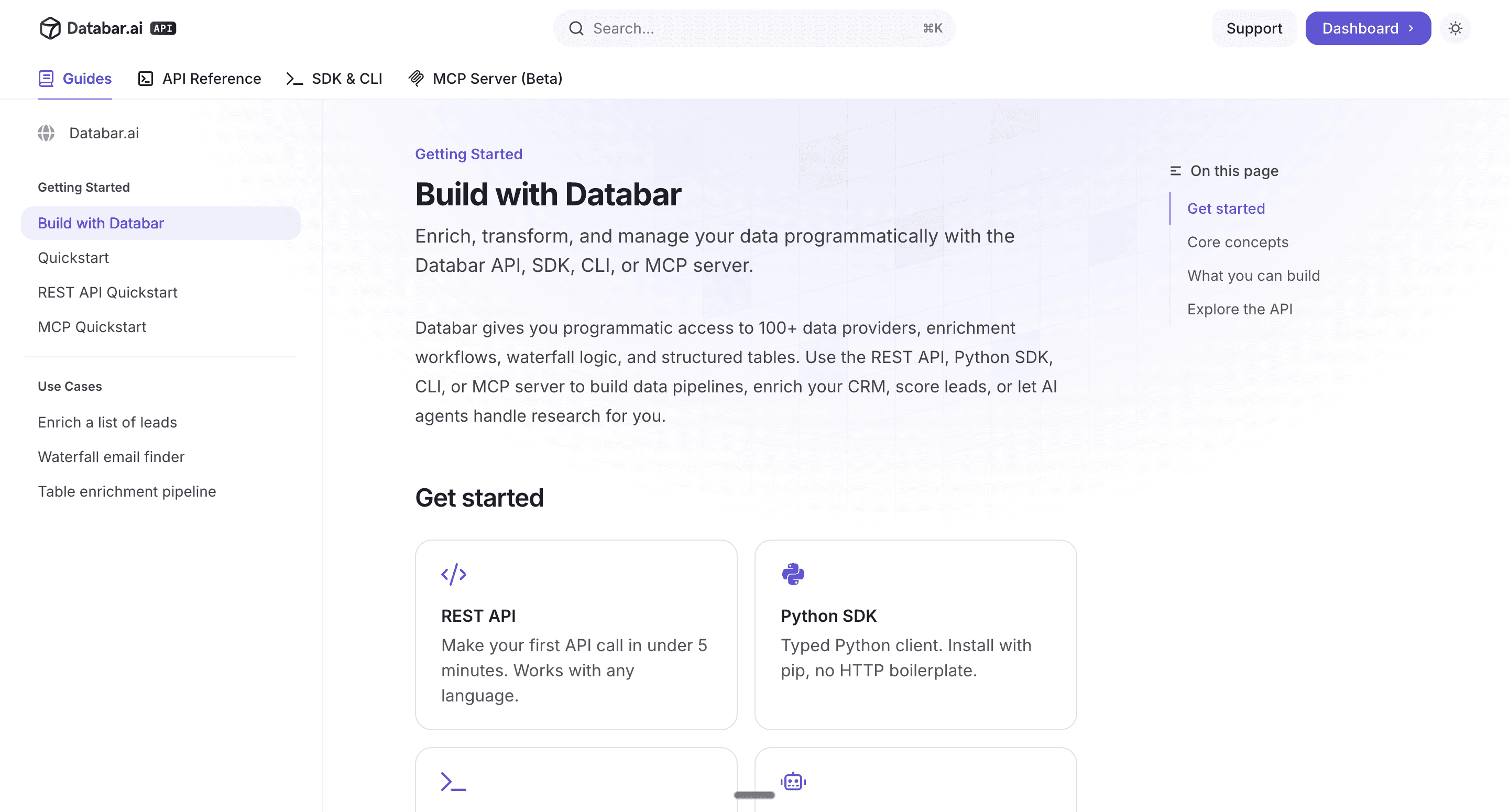
Best for: Multi-source enrichment with visible, debuggable output
Databar's MCP aggregates 100+ data providers behind one connection. Company data, contact data, email finding, phone numbers, tech stack, job postings, funding signals. The agent makes one call. Databar routes through the right providers, runs waterfall logic when coverage matters, and writes results into structured tables you can open in the UI.
The two things that separate Databar from single-provider MCPs are breadth and visibility. You get 100+ providers through one integration. You also get tables that make agent output inspectable at scale, which is what makes headless GTM workflows safe to run on 1,000+ row batches.
Key features:
100+ data providers through one MCP: No other MCP aggregates this breadth. Most wrap a single source.
Eight pre-built waterfalls: Emails, phones, company data, contacts, signals, and more. The agent calls the waterfall, not individual providers.
Tables as control planes: Agent output is written into Databar tables. You open the table, inspect every row, and hand it to a teammate or client.
Same stack works headless or visual: Run it through MCP for interactive work, switch to the SDK for batch jobs at scale.
Pricing: Pay only if data is successfully returned. Free trial with API access. Setup takes under two minutes at build.databar.ai.
Pros:
Only MCP that aggregates 100+ data providers in a single integration
Tables make agent workflows inspectable, which matters on larger batches
Works equally well for large operators and agencies running multi-client campaigns
Cons:
Small learning curve for picking the right provider per use case (100+ options)
Apollo MCP
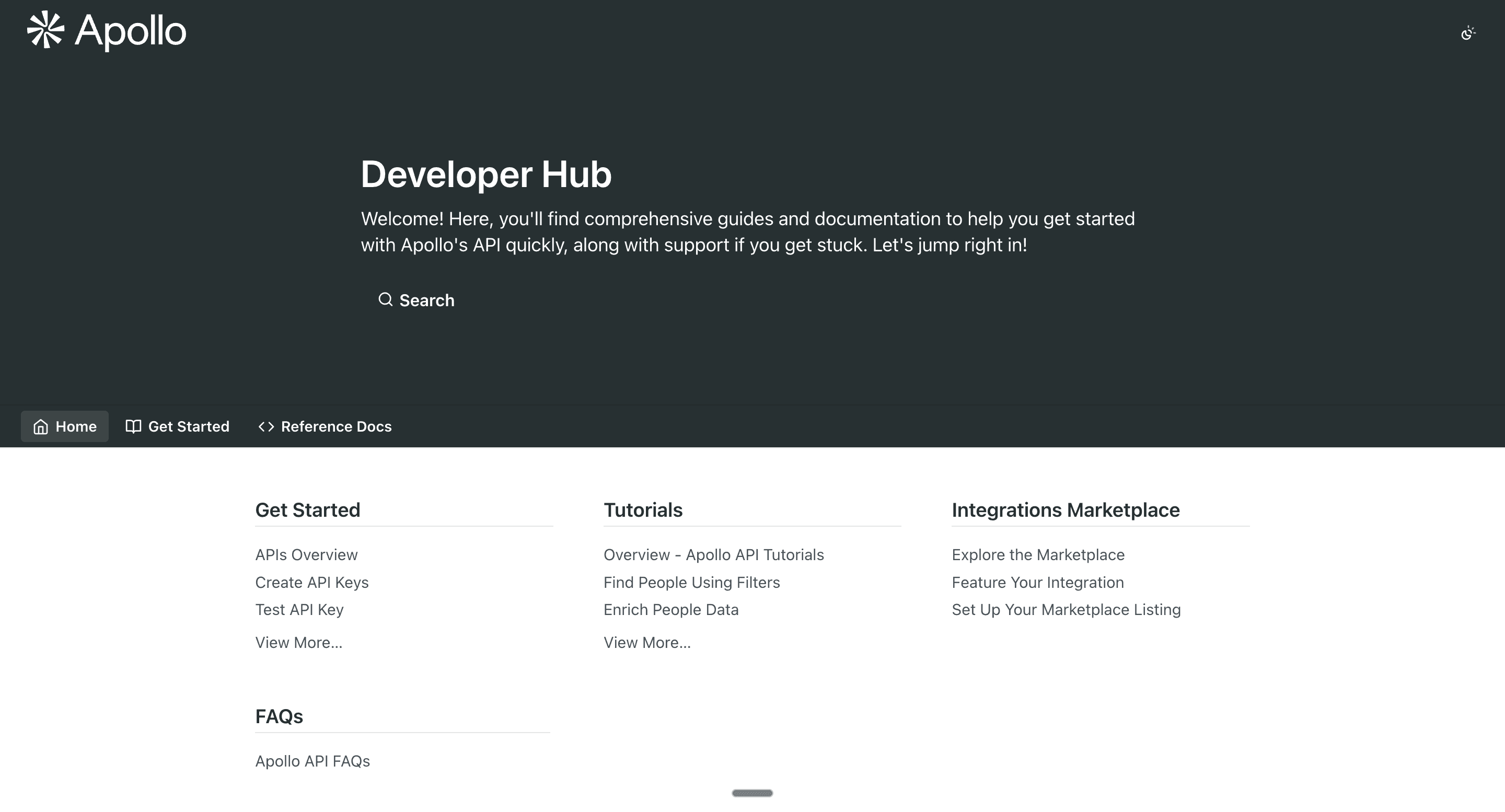
Best for: Quick contact and company lookups inside one database
Apollo's MCP gives agents access to Apollo's B2B database. Useful when you are already on Apollo and want your agent to pull contacts and accounts without a browser tab. The limitation is that it is a single source. Match rates are whatever Apollo has on your target segment, and if Apollo does not cover a given geography or industry deeply, the agent returns blanks.
Key features:
Contact search across Apollo's database
Company firmographic lookups
Integrates with Apollo's existing workflows and sequences
Pricing: Starting around $49/seat/mo for paid plans. Limited free tier.
Pros:
Good depth for US-based mid-market contacts
Generous free tier for experimenting
Cons:
Single source. Coverage drops outside core geographies and industries.
No native waterfall logic if Apollo misses
Prospeo MCP
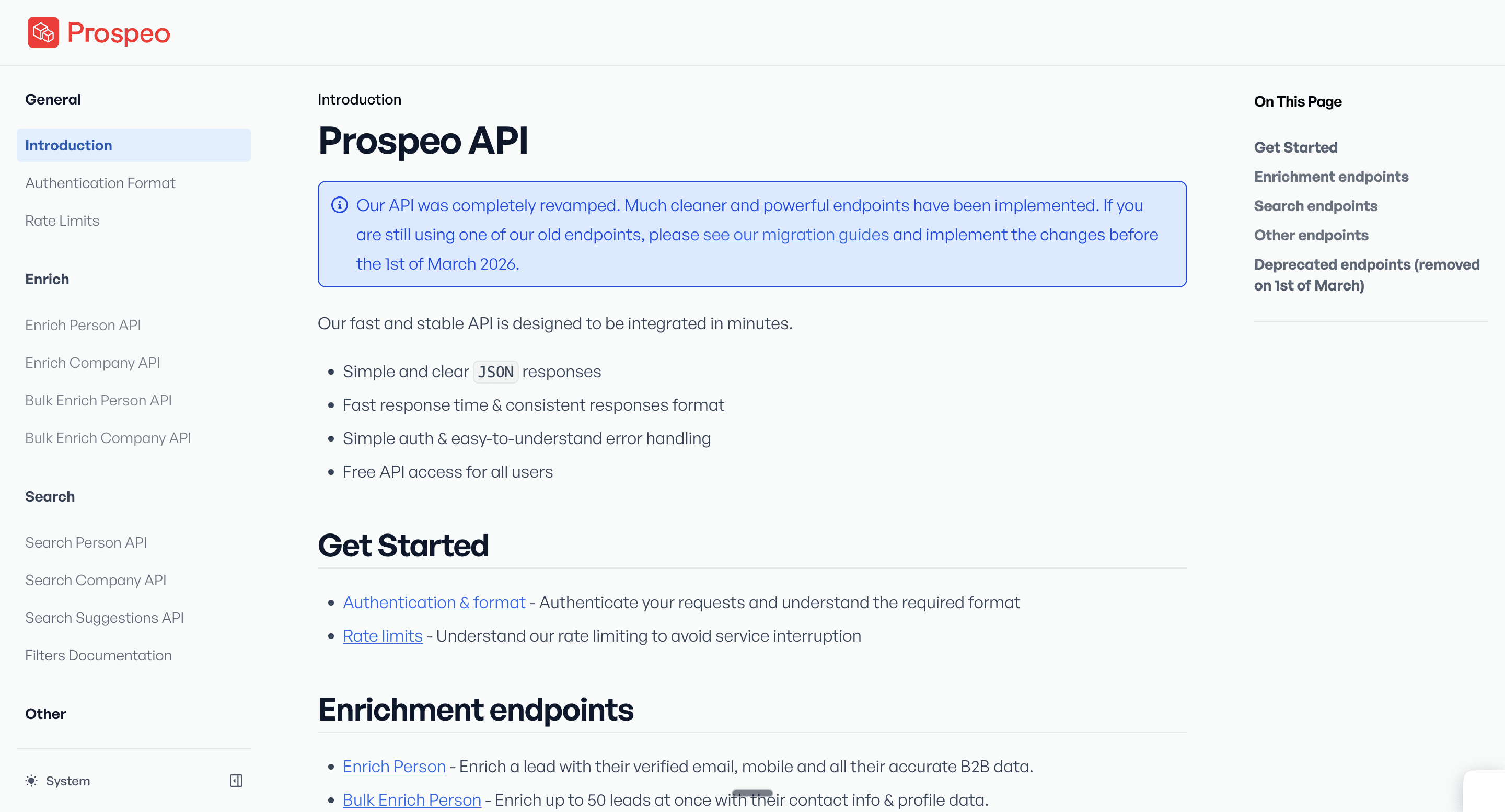
Best for: Email and mobile finding with LinkedIn-to-email resolution
Prospeo is one of the email finders that GTM teams plug into Claude Code today. Its MCP gives agents direct access to email search, mobile phone lookups, and LinkedIn URL to email resolution. Prospeo runs internal cascades across multiple methods, which lifts match rates on harder-to-find contacts compared to single-method tools.
Key features:
Email finder by name and domain or by LinkedIn URL
Mobile phone number lookup
Email verification with deliverability checks
Bulk enrichment endpoints for batch jobs
Pricing: Tiered monthly subscriptions with credit allowances. Limited free tier for testing.
Pros:
Strong on LinkedIn-to-email resolution, which agencies rely on heavily for prospecting
Better international coverage than purely US-focused single-source providers
Cons:
Email and contact data only. No company firmographics, intent, or signal data.
Still single-vendor; coverage capped compared to a 100+ provider aggregator
>> Get started with Prospeo inside Databar today >>
Hunter MCP
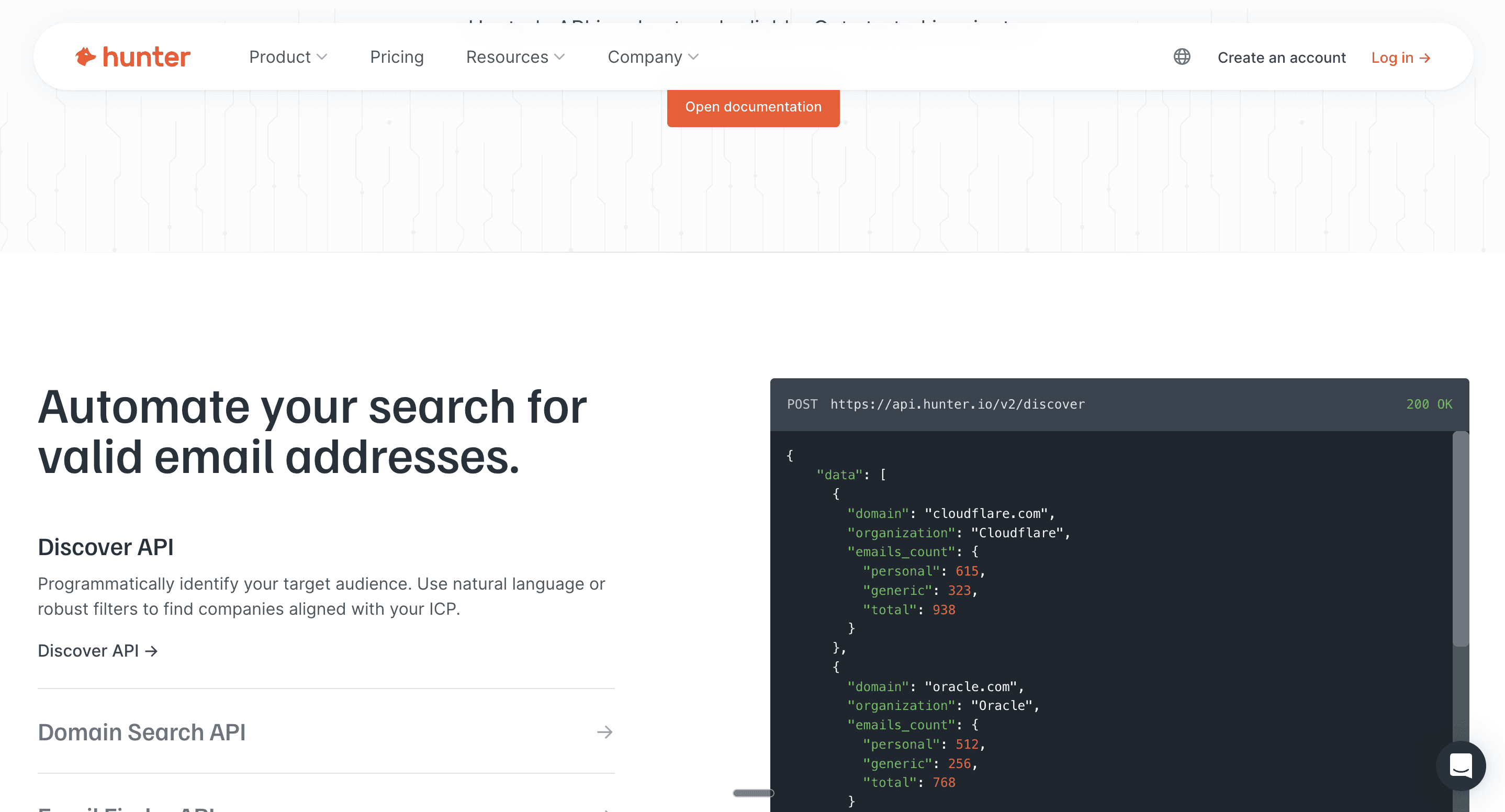
Best for: Email finding and verification on a budget
Hunter is one of the oldest email finders. Its MCP gives agents a clean way to call email search and verification endpoints. Good for a narrow use case. Not a replacement for broader enrichment.
Key features:
Email search by name and domain
Email verification
Domain search for contacts
Pricing: Starting at $34/mo. Free tier with limited credits.
Pros:
Reliable email verification
Simple pricing
Cons:
Email only. You still need company data and contact data from somewhere else.
Match rates on newer or international domains are lower than aggregated waterfalls
>> Start using Hunter.io inside the Databar MCP today! >>
Smartlead MCP
Best for: Outbound sending, warm-up, and campaign management
Smartlead's MCP is not for data. It is for actioning. Once your agent has built a list and drafted sequences, Smartlead MCP lets it push campaigns, monitor warm-up, and pull reply data. Pair it with a data MCP like Databar and your agent can run end to end without a browser.
Key features:
Create and manage email campaigns from the agent
Monitor inbox warm-up and deliverability
Pull reply and engagement data back into Claude Code
Pricing: Starts around $39/mo.
Pros:
Clean integration with Claude Code for end-to-end outbound
Inbox rotation built in, which matters for deliverability
Cons:
Sending only. You need a data layer and a CRM elsewhere.
Reply classification still needs human review for edge cases
Attio MCP
Best for: CRM reads, updates, and call insight retrieval
Attio's MCP gives agents structured access to your CRM records. Useful for closed-won analysis, call transcript search, and keeping CRM fields fresh. The risk is giving an agent write access to your CRM too early. Start read-only, review outputs, and only expand permissions once the workflow is stable.
Key features:
Read and write CRM records
Semantic search across call recordings and notes
Native support for custom objects and workflows
Pricing: From $34/seat/mo.
Pros:
Call recording search is unusually good for ICP research
Clean data model works well with agent reasoning
Cons:
Write access to a live CRM is risky without strict guardrails
Not a replacement for an external enrichment data layer
HubSpot MCP
Best for: Teams already running on HubSpot as their system of record
HubSpot's MCP lets agents read and update HubSpot records. If HubSpot is your source of truth, this keeps the agent working inside the same CRM the sales team uses. Same CRM-write caution applies as with Attio.
Key features:
Deal, contact, and company record operations
Workflow triggers
Native to HubSpot tiers, no extra contract
Pricing: Bundled with HubSpot Sales Hub and Marketing Hub tiers.
Pros:
No separate contract if you already run HubSpot
Broad coverage of HubSpot object types
Cons:
Locked to the HubSpot ecosystem
Enrichment data depth depends on which Hubs you license
Perplexity and Exa MCP
Best for: Live web research inside agent workflows
Neither of these is a GTM tool specifically. They are live search MCPs that agents call for web research, competitor checks, news triggers, and content grounding. Useful alongside a data layer, not a replacement for one.
Key features:
Live web search with citations
Semantic search for research-heavy workflows
Pricing: Perplexity from $20/mo. Exa offers usage-based pricing.
Pros:
Great for grounding agent outputs in recent information
Fills in gaps that no structured data provider covers
Cons:
Not structured data. Still need enrichment MCPs for contacts and firmographics.
Agents can over-use search and blow through context window budget
How to Choose the Best MCP Server for GTM Workflows
The honest answer is that the best MCP server for GTM depends on what part of the workflow you are automating. Most teams need a stack, not a single MCP.
Choose Databar MCP if you want one integration to cover 100+ data providers, waterfall enrichment, and inspectable tables.
Choose Smartlead MCP if you need sending infrastructure inside your agent workflow.
Choose Attio or HubSpot MCP if you need CRM reads and updates from the agent.
Choose Perplexity or Exa MCP if your agent needs live web research alongside structured data.
For most GTM teams, a real stack looks like this: one data layer (Databar), one actioning layer (Smartlead), one CRM (Attio or HubSpot), and one research tool (Perplexity or Exa). Four MCPs, end-to-end coverage, agent-native from the first prompt.
Start With the Best MCP Server for GTM Enrichment
Picking the best MCP server for GTM is not a single-answer question. It is a stack question. The teams getting the most out of MCP combine a data layer, an actioning layer, and a CRM into one agent session.
Databar is the data layer. 100+ providers, one MCP, visible tables, agent-native setup. Start at build.databar.ai and plug the rest of your stack in around it.
FAQ
What is the best MCP server for GTM teams?
There is no single best MCP server. GTM teams typically run a stack: one data MCP like Databar for enrichment across 100+ providers, one actioning MCP like Smartlead for sending, one CRM MCP like Attio or HubSpot, and optionally a search MCP like Perplexity. The best MCP server for data enrichment specifically is one that aggregates multiple providers rather than wrapping a single source.
What does MCP stand for in GTM?
MCP stands for Model Context Protocol. It is an open standard that lets AI agents call external tools in a consistent way. For GTM, it means agents running in Claude Code or similar can pull enrichment data, update a CRM, and send email campaigns without custom integrations for each tool.
Is an MCP server better than an API for GTM workflows?
MCP is better for interactive agent workflows in Claude Code. APIs are better for production batch jobs, scheduled scripts, and high-volume processing where context window fills matter. Most GTM teams use both: MCP for exploring and building, API or SDK when moving to production scale.
Do I need a developer to set up MCP servers for GTM?
No. Most MCP servers install in under two minutes by adding a URL and API key to your Claude Code config file. Databar MCP setup is documented at build.databar.ai and takes about two minutes. You do not write code to use it.
Which MCP servers do GTM agencies use?
Agencies we speak with typically run Databar for enrichment, Smartlead or Instantly for sending, HubSpot or Attio for CRM, and Claude Code as the interface. The common thread is running a data layer that aggregates many providers rather than negotiating contracts with each provider individually.
What is the biggest mistake teams make with MCP servers?
Wiring up too many MCP servers at once. When multiple MCPs return verbose responses, the context window fills up and agent output quality drops. Start with two or three MCPs, get the workflow solid, then add more. For large batches, switch from MCP to the SDK to avoid context pollution.
Can I use MCP servers with tools other than Claude Code?
Yes. MCP is an open protocol. Cursor, Windsurf, the Claude desktop app, and many other runtimes support it. The MCP servers listed here work with any MCP-compatible client.
Also interesting
Related articles
See all