
The moment you open Claude Code for the first time and tell it to "find me 500 SaaS companies in North America with 50 to 200 employees," you realize the bottleneck was never the AI. It was always the data. Claude Code can write Python, call APIs, parse JSON, clean CSVs, and push results to your CRM before you finish your morning coffee. But it can only do that if it has a reliable data API feeding it relevant information.
And that is exactly where most people get stuck. There are hundreds of data providers out there, but not all of them play nicely with an agentic coding tool that runs autonomously in a terminal. Some have clunky authentication. Others have rate limits so aggressive that Claude Code grinds to a halt after 20 requests. And a surprising number still require you to click through a browser UI, which defeats the whole point of using an AI agent in the first place.

We looked at dozens of providers across GTM workflows and landed on 12 that consistently deliver for teams running Claude Code for sales, outbound, and lead enrichment. Below is our breakdown, organized by use case, with an honest look at what each one does well and where it falls short.
Quick Reference: Best Data APIs for Claude Code
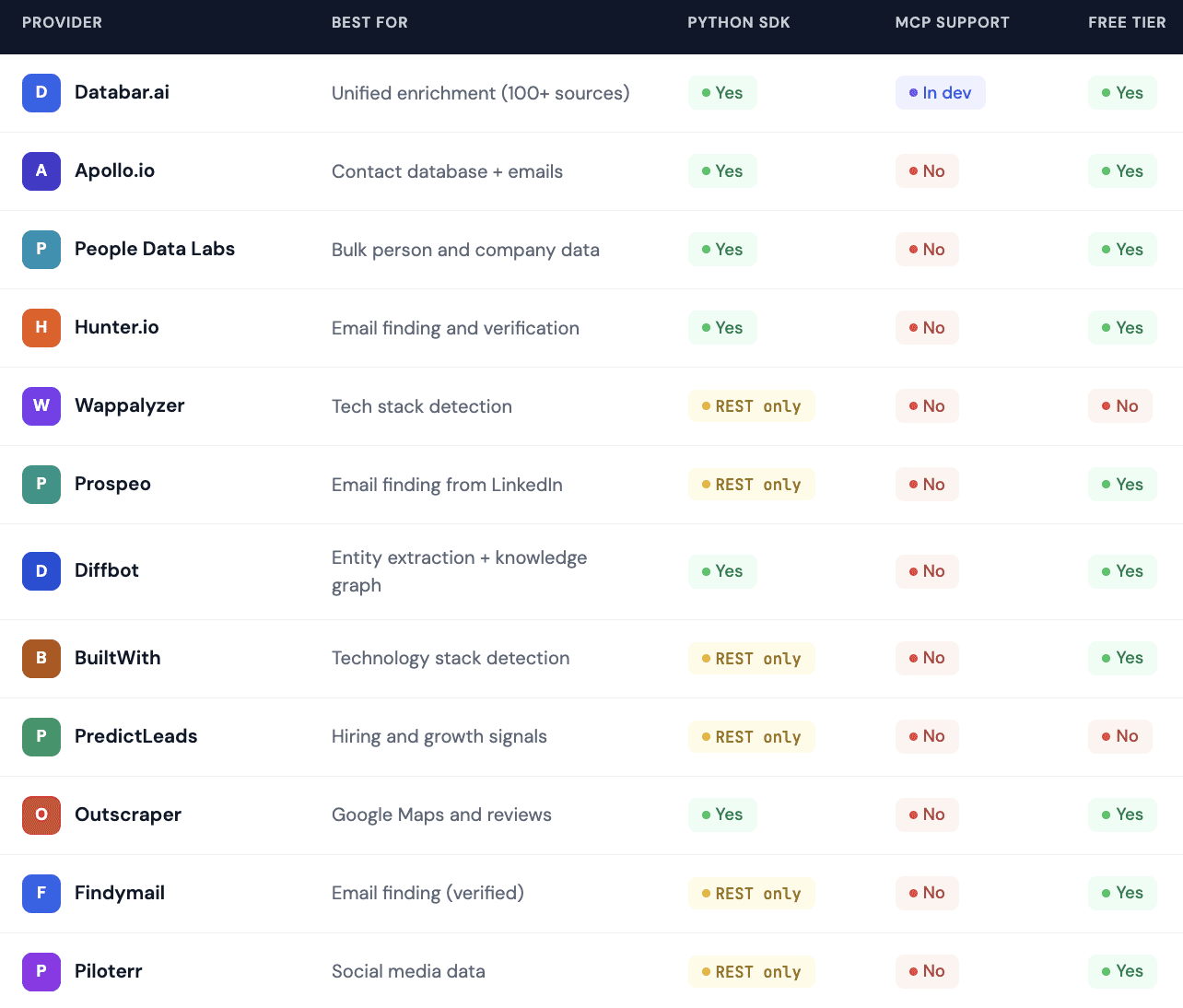
Now let's get into the details.
Why Picking a Data API for Claude Code Is Different
Choosing a data provider for manual work and choosing one for Claude Code are two completely different exercises. When you are personally logging into a platform and clicking around a dashboard, things like UI design and filter menus matter. When Claude Code is making API calls on your behalf, none of that matters at all.
What matters instead is a short list of technical requirements that most "best data tools" articles completely ignore:
Documentation quality is probably the single most important factor. Claude Code reads your API docs to figure out how to make requests. If the documentation is vague, outdated, or locked behind a login wall, Claude will hallucinate endpoints or format requests incorrectly. The best providers publish clear, structured docs with example requests and response schemas.
Rate limits become critical when an AI agent is doing the work. A human might make 10 API calls per hour. Claude Code can easily make 500+. Providers with strict per-minute rate limits will throttle your workflows and force you to build retry logic, which adds complexity.

SDK availability matters because Claude Code writes Python natively. If a provider has a well-maintained Python SDK, Claude can import it and start making calls immediately. REST-only APIs work too, but they require more boilerplate code for authentication, pagination, and error handling.
Structured response formats make a big difference in downstream processing. When Claude Code gets clean JSON back from an API, it can immediately parse, filter, enrich, and export results. When responses come back in inconsistent or nested formats, Claude spends extra tokens cleaning data instead of moving the workflow forward.
Keep these four criteria in mind as we walk through each provider below.
Company Enrichment APIs
1. Databar.ai
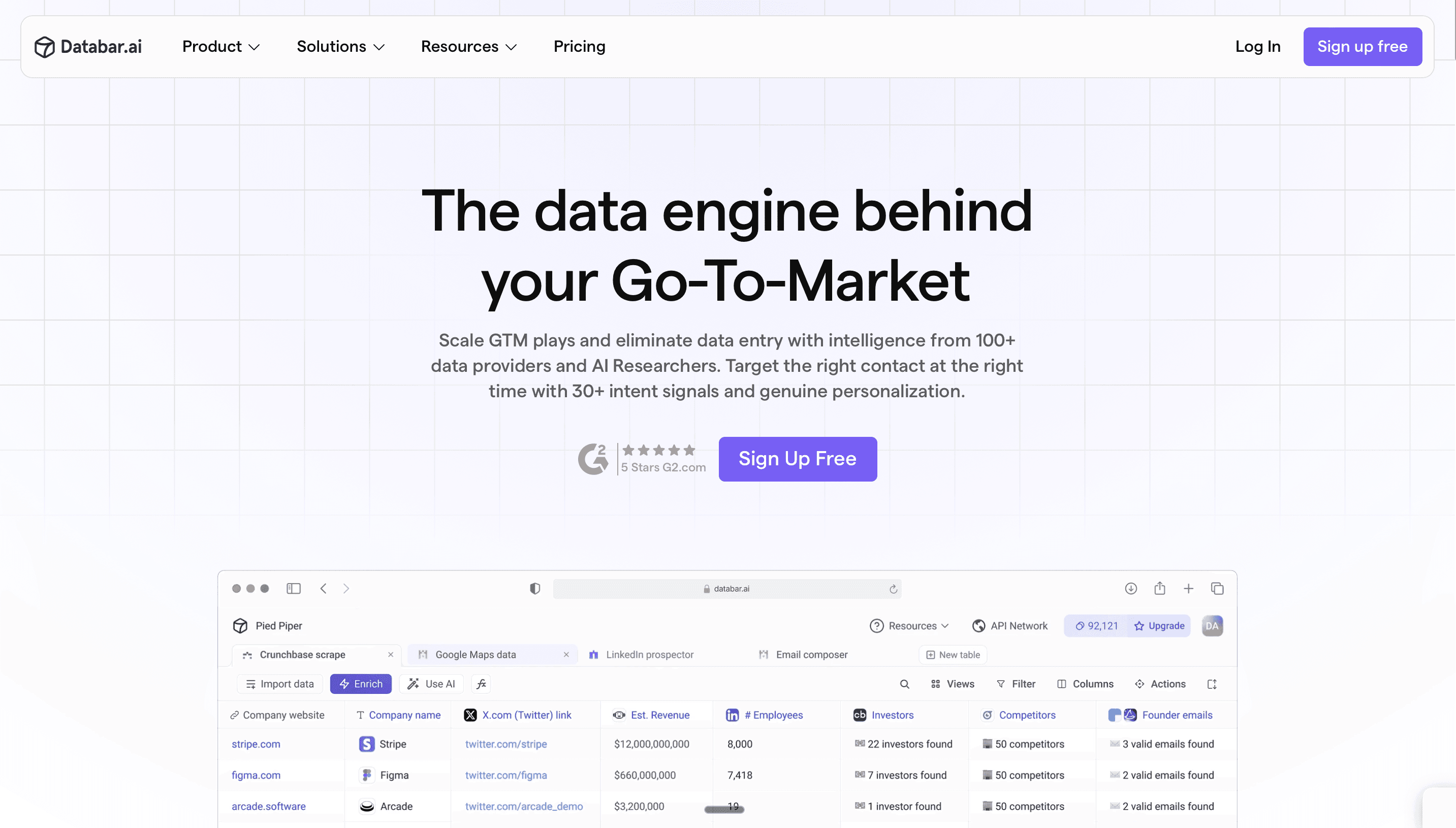
Databar sits in a unique position on this list because it is not a single data source. It is an aggregation layer that connects to 100+ data providers through one API and one Python SDK. That means when Claude Code calls Databar, it can pull company data from People Data Labs, find emails through Findymail, run tech stack detection through BuiltWith, and verify contact information through ZeroBounce, all without managing separate API keys for each.
For Claude Code workflows, this is a significant advantage. Instead of writing authentication logic for a dozen providers, you authenticate once with the Databar SDK and access everything. The platform also supports waterfall enrichment, which means it tries multiple data sources in sequence until it finds a match. If People Data Labs does not have an email for a contact, Databar automatically falls through to Hunter, then Findymail, then the next source in the chain. You can read more about how waterfall enrichment boosts coverage in our guide to waterfall enrichment and data quality.
The Python SDK is straightforward to use inside Claude Code. You install it, authenticate with your API key, and start making enrichment calls. Claude Code can also discover available APIs through the SDK, which means you can prompt it to "find all email enrichment providers on Databar" and it will return a list of options programmatically.
What it does well: Single SDK for 100+ providers, structured JSON responses, solid documentation, table UI for visual inspection of results before running at scale.
Pricing: Usage-based, varies by provider. No seat licenses.
2. Apollo.io
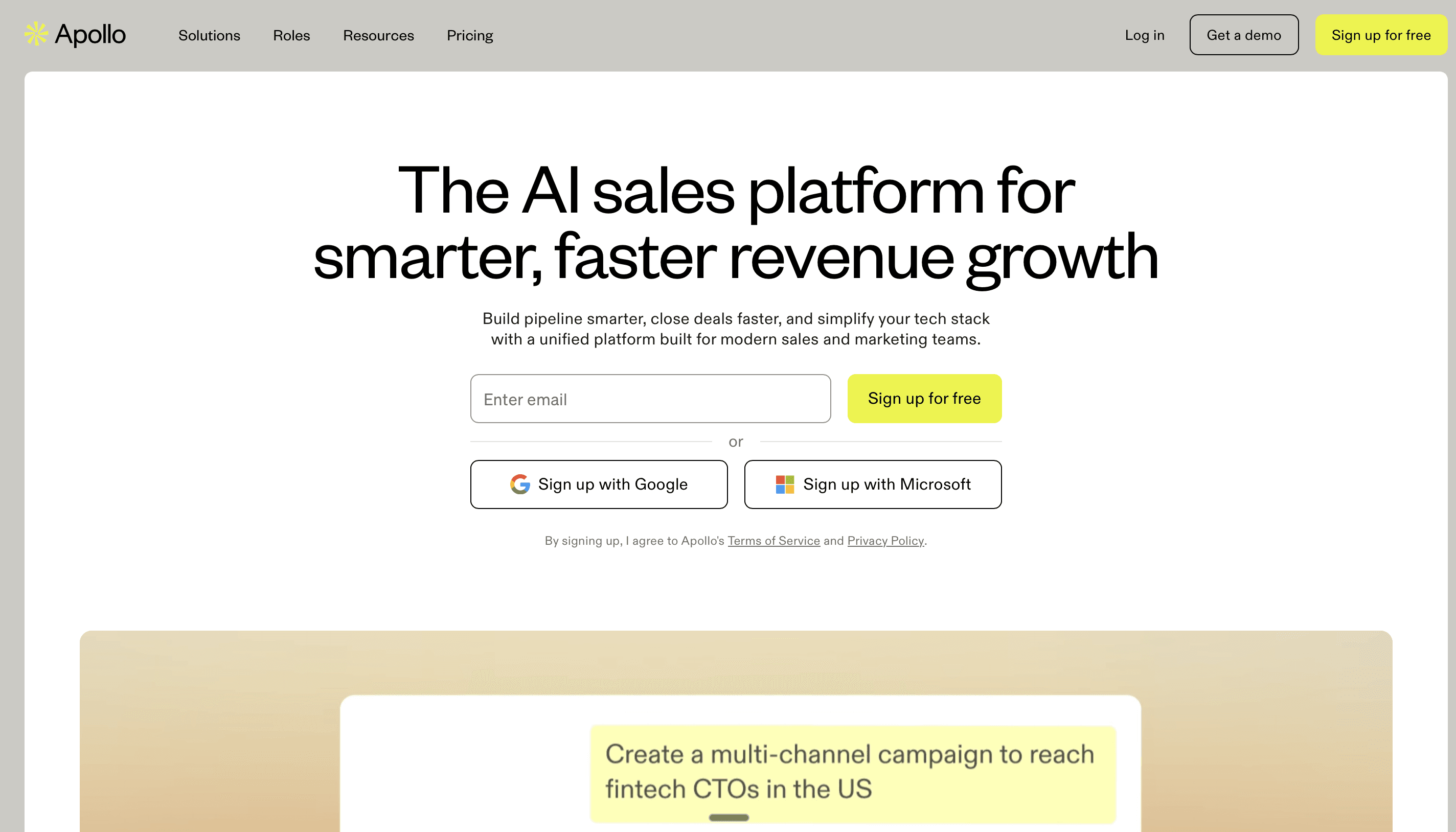
Apollo is probably the most popular contact database among sales teams. It has over 270 million contacts and provides both company and person data. The API is well documented, and there is a Python wrapper available.
For Claude Code, Apollo works best as a lead source rather than a pure enrichment tool. You can tell Claude Code to search Apollo for "VP of Marketing at SaaS companies with 50 to 200 employees in Texas" and get structured results back. The challenge is that Apollo's API rate limits are relatively tight on lower-tier plans, and the data quality can vary depending on the industry and region. European contacts tend to be less reliable than US ones.
Apollo also bundles email finding with its contact database, which makes it convenient for quick list building. But for teams that care about email verification, you will want to run Apollo results through a dedicated verification service.
What it does well: Large contact database, combined company and person data, email sequences built in, good API documentation.
Where it falls short: Rate limits on lower plans, data accuracy varies by geography, pricing scales quickly when you need high-volume access.
Pricing: Free tier with limited credits. Paid plans start around $49/month.
3. People Data Labs
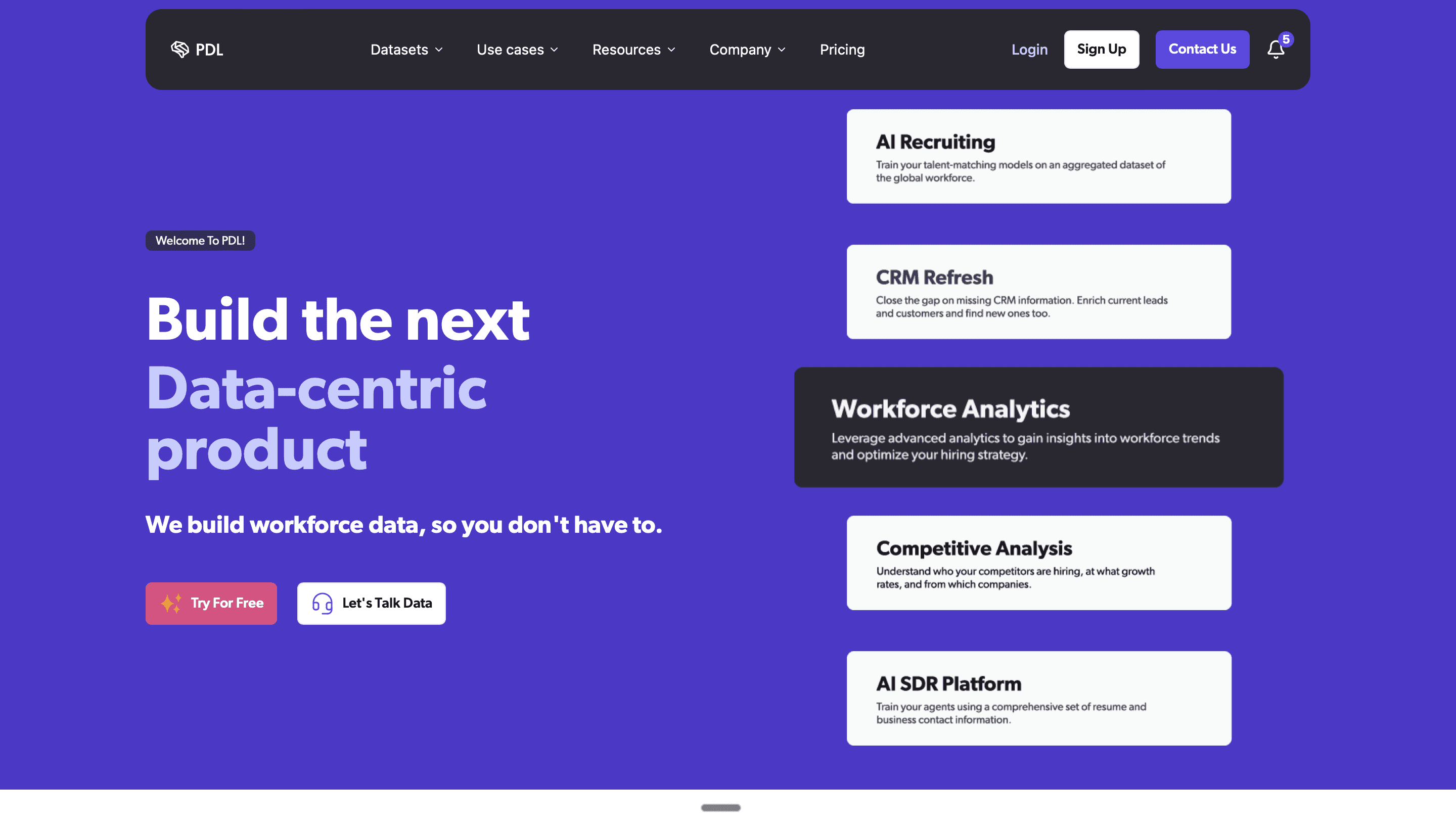
PDL is built for developers and it shows. The API is clean, the documentation is excellent, and the response format is consistent and well-structured. For Claude Code, PDL is one of the smoothest providers to work with because the Python SDK handles pagination, error handling, and response parsing out of the box.
PDL's strength is bulk person and company enrichment. If you have a list of domains or LinkedIn URLs and need to fill in firmographic data, employee counts, industry classifications, and tech stack information, PDL is reliable at scale. The dataset covers over 1.5 billion person profiles and 80+ million companies.
The limitation with PDL is that it does not do email finding in the traditional sense. It can return known emails associated with a person profile, but it is not a real-time email lookup tool. If you need verified work emails, you will need to combine PDL with an email finding API, which is one of the reasons a multi-source enrichment approach tends to outperform any single provider.
What it does well: Developer-friendly SDK, massive dataset, clean and consistent JSON responses, generous rate limits for paid plans.
Where it falls short: No real-time email finding, pricing can get expensive at high volume, free tier has limited records.
Pricing: Pay-per-record, starting at $0.02/record for company data.
> Get started with People Data Labs inside Databar today! >
Contact Finding and Email Verification APIs
4. Hunter.io
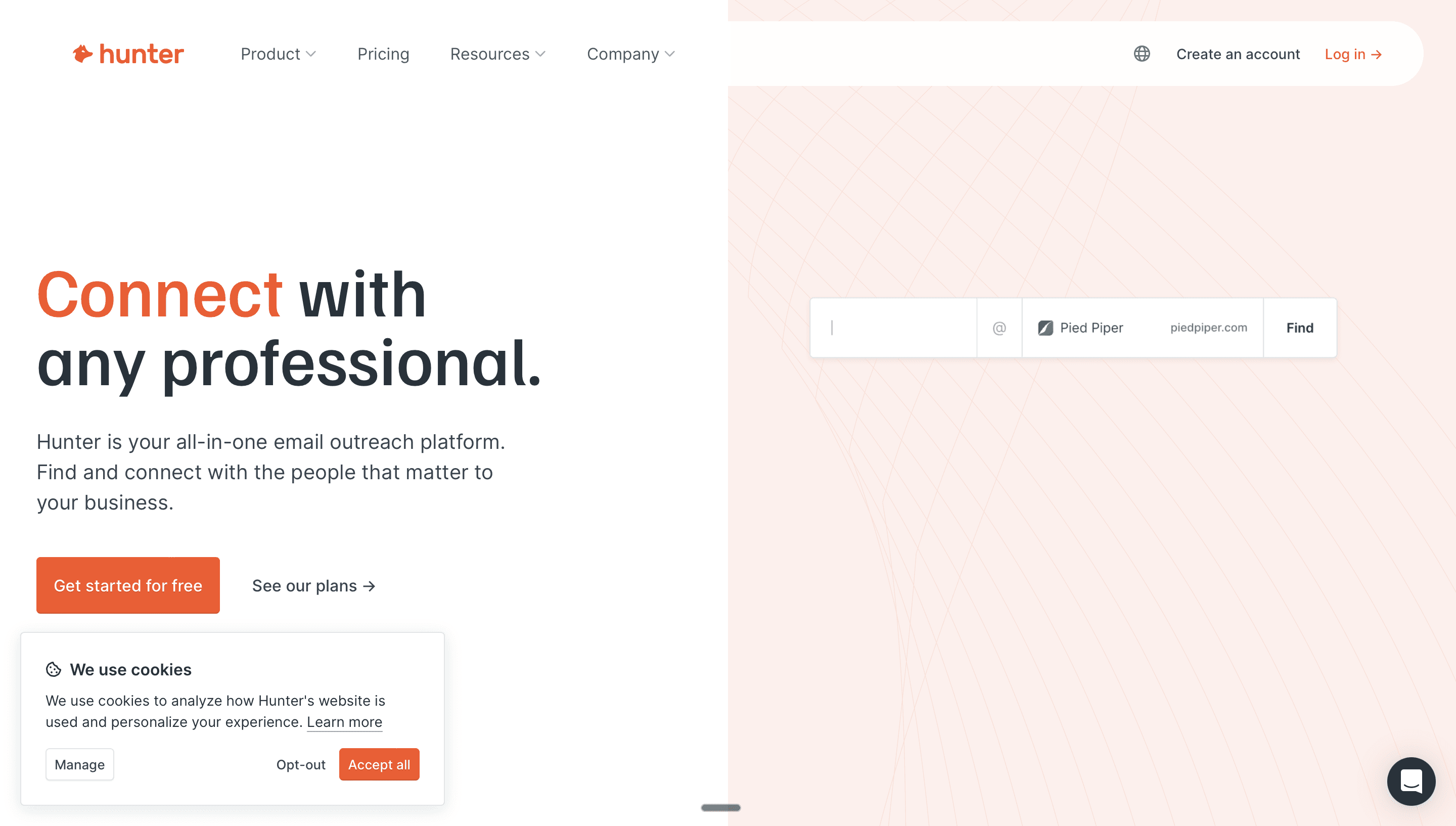
Hunter has been around for years and remains one of the most straightforward email finding APIs. You give it a domain, and it returns email addresses associated with that company along with confidence scores. You give it a full name and domain, and it generates the most likely email pattern and verifies it.
For Claude Code, Hunter is simple to integrate. The API is well documented, the Python SDK works reliably, and the response times are fast. The main limitation is coverage. Hunter's database is smaller than Apollo's or PDL's, so it works best as one piece of a broader enrichment stack rather than your only email source.
Hunter also offers built-in email verification, which saves you from needing a separate verification step. Claude Code can call the verification endpoint directly after finding an email to confirm deliverability before adding it to your outreach list.
What it does well: Fast and simple email finding, built-in verification, clean API design, reliable Python SDK.
Where it falls short: Smaller database than larger competitors, limited person and company enrichment beyond email.
Pricing: Free tier with 25 monthly searches. Paid plans from $49/month.
> Access Hunter.io using the Databar.ai SDK today! >
5. Prospeo
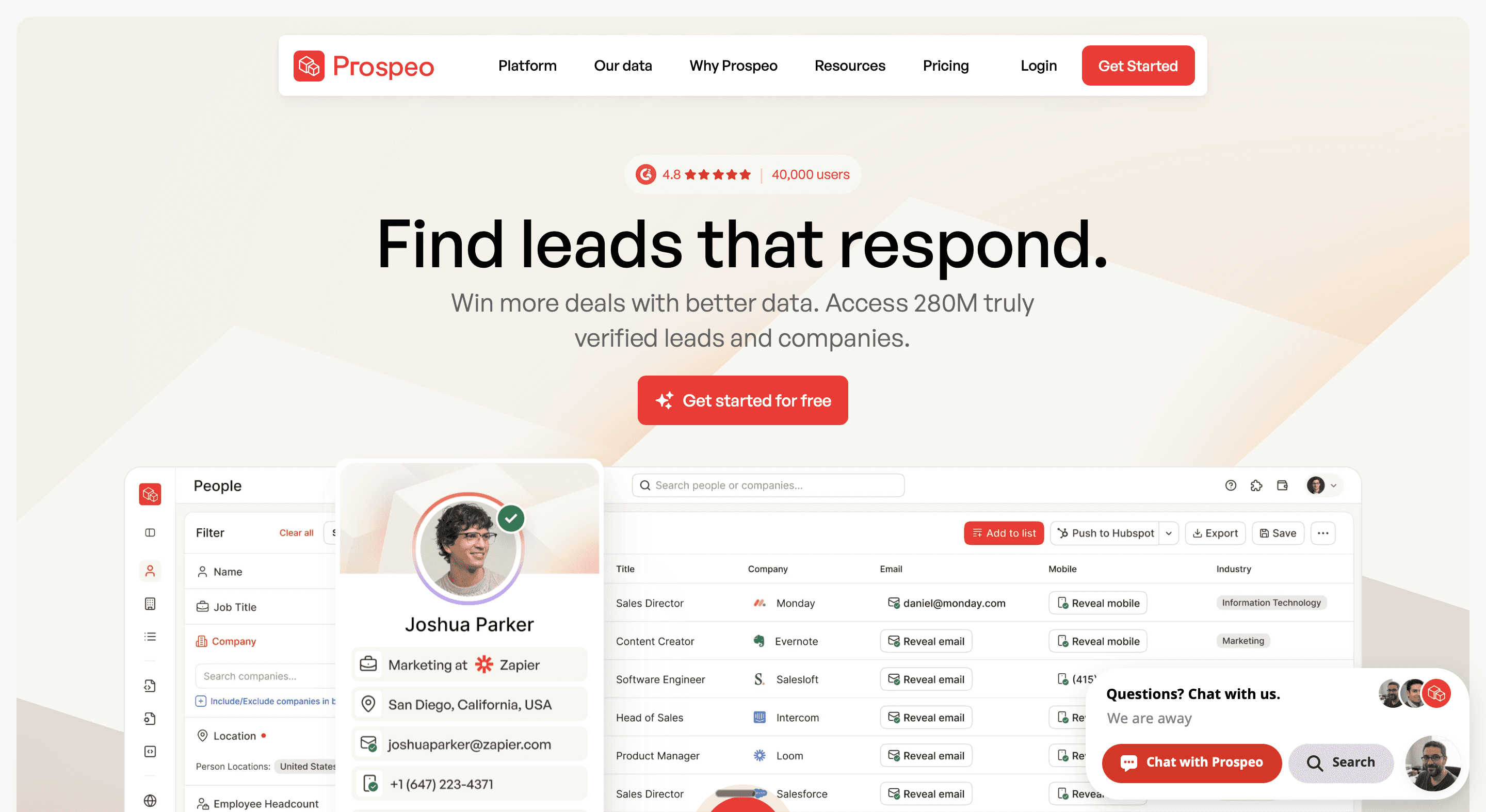
Prospeo is a newer player that has gained traction specifically among the Claude Code and outbound automation crowd. The reason is simple: Prospeo finds emails from LinkedIn URLs, which is one of the most common workflows in B2B sales.
The way it works is you feed it a LinkedIn profile URL, and it returns a verified work email. This pairs perfectly with Claude Code workflows where you first scrape LinkedIn Sales Navigator results (through a tool like Apify or Phantombuster), then enrich each profile with a verified email through Prospeo's API.
Prospeo's API is REST-based without a dedicated Python SDK, but the endpoints are simple enough that Claude Code can generate the request code without any trouble. The verification is solid, and the pricing is competitive compared to established players.
Prospeo is excellent at what it does. Email finding from LinkedIn profiles, good verification quality, simple REST API, and fair pricing. The trade-off is scope. It is a specialist tool, not a full enrichment platform. And the company is newer than competitors like Hunter or Apollo, so the track record is shorter. For many Claude Code users, that specialist focus is actually the appeal.
Pricing: Plans start around $39/month with per-credit pricing.
> Access Prospeo through Databar’s SDK today! >
6. Findymail
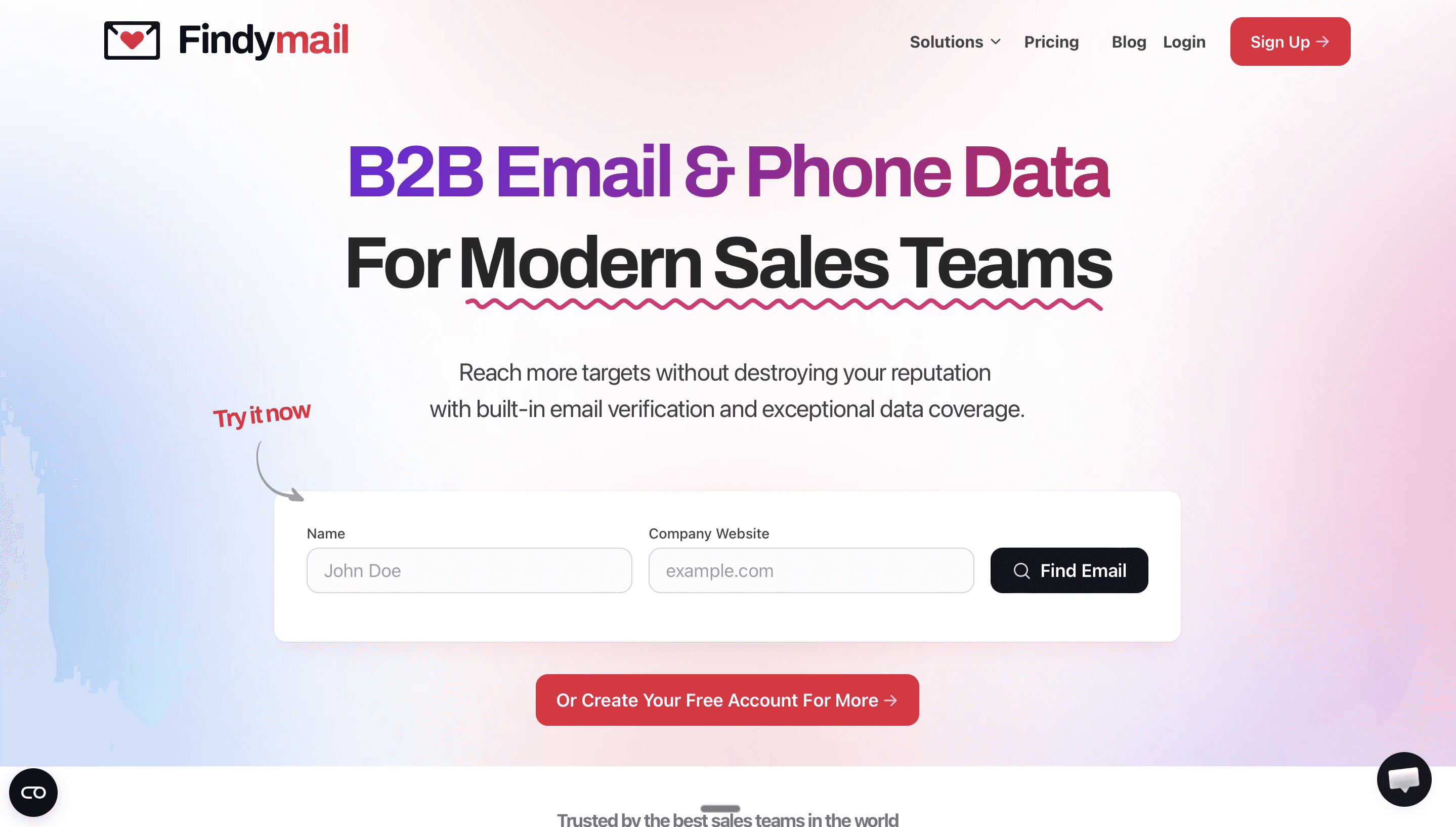
Findymail is a dedicated email finding service that has quietly become one of the most trusted providers in the cold email community. What makes it different from most email finders is that it only returns verified results, and it only charges you when it actually finds a valid email. That "only pay for verified" model is something Findymail pioneered, and it means you never waste credits on bounced addresses.
For Claude Code, Findymail works well as a primary or secondary email finder in a waterfall enrichment pipeline. You feed it a name and domain (or a LinkedIn URL), and it returns a verified work email. The API is REST-only but clean and easy for Claude Code to call. Response times are fast, and the verification accuracy is consistently rated among the best in the industry.
What it does well: High email finding rates (consistently benchmarks among the best), only charges for verified results, good catch-all email handling, fast response times, straightforward API.
Where it falls short: Narrow focus (email finding only), REST-only (no Python SDK), no company or person enrichment beyond email and phone.
Pricing: Credit-based, starting around $49/month.
Intent and Signal APIs
7. PredictLeads
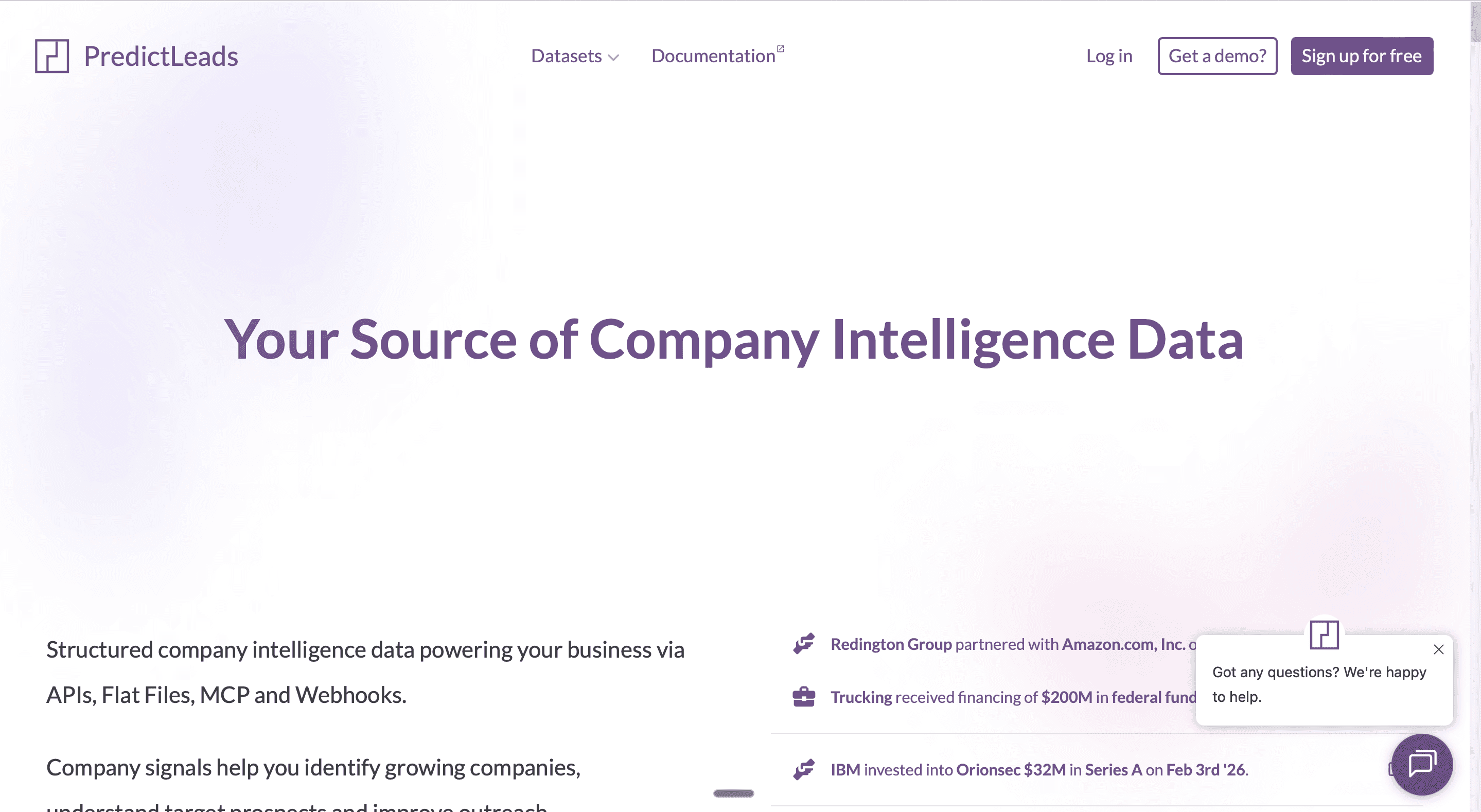
PredictLeads is an underrated gem for teams that want buyer intent and growth signals rather than just static firmographic data. It tracks job postings, technology changes, product launches, and partnerships across millions of companies. When a company starts hiring SDRs or posts a job for a RevOps manager, PredictLeads captures that signal.
For Claude Code, PredictLeads is valuable because it answers a question that static databases cannot: "Which companies are actively doing something that suggests they need our product?" Claude Code can query PredictLeads to find companies with recent hiring activity in specific roles, filter by industry, and generate a prioritized outreach list based on timing rather than just firmographics.
The API is REST-based and the documentation is decent, though not as polished as PDL or Hunter. You will want to give Claude Code clear instructions about how to parse the nested response format.
What it does well: Unique hiring and growth signal data, covers technology adoption and job postings, great for identifying buyer intent before competitors do.
Where it falls short: No Python SDK, response format can be complex, smaller developer community.
Pricing: Custom pricing based on usage.
8. Piloterr
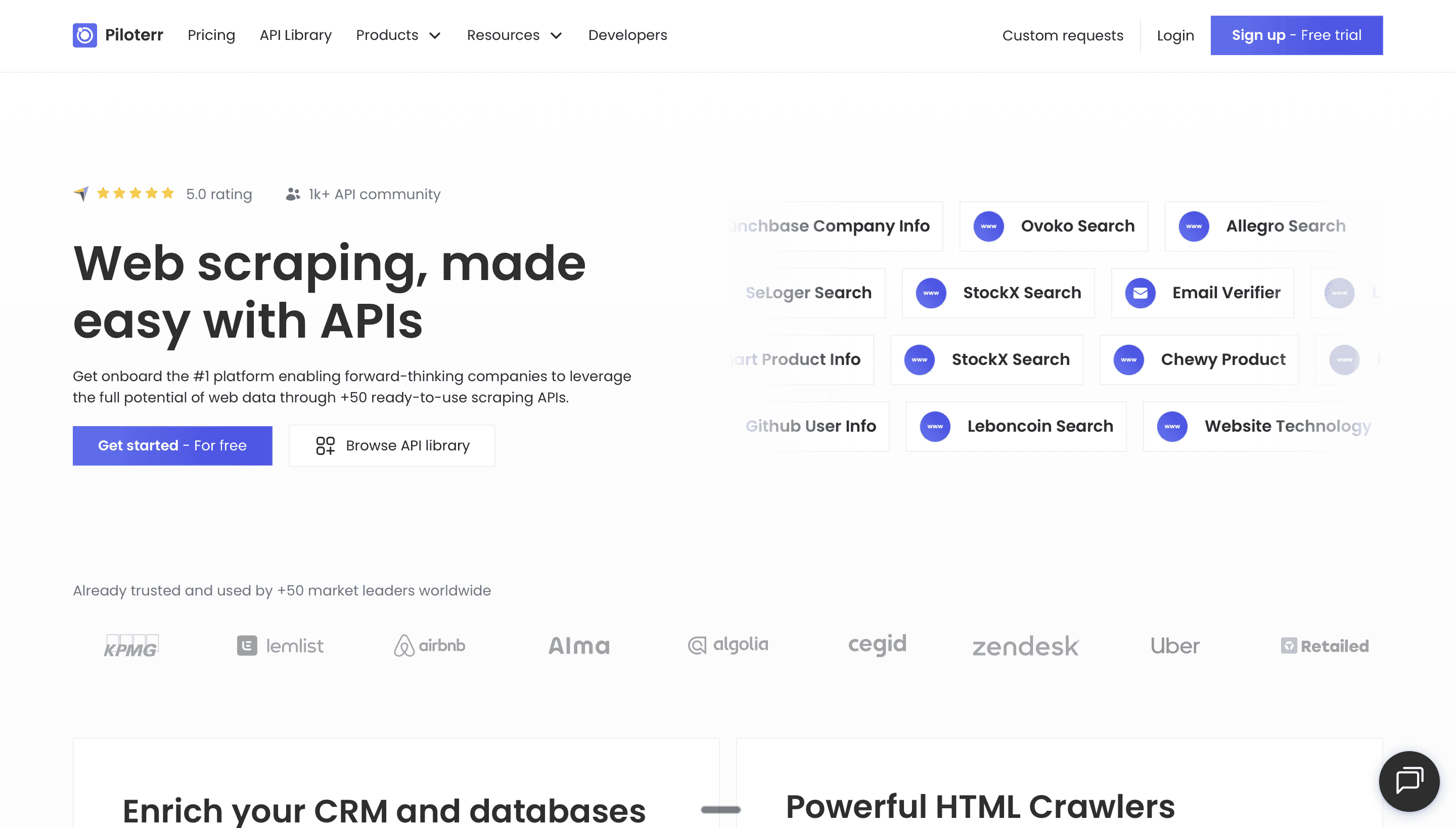
Piloterr provides social media data through a clean API. It can pull LinkedIn company data, profile information, social engagement metrics, and more. For GTM teams using Claude Code, Piloterr is particularly useful for competitor monitoring workflows where you want to track who is engaging with competitor content on LinkedIn and then enrich those profiles for outreach.
The API is REST-based with clear documentation. Claude Code can call Piloterr to pull a list of people who liked or commented on a competitor's LinkedIn post, then pipe those results into an enrichment workflow to find verified emails. If you are running any kind of social selling or LinkedIn engagement-based prospecting, Piloterr fills a data gap that traditional B2B databases simply do not cover. The downside is the same as most social scraping tools: costs add up quickly at volume, and the data is only as good as the social profiles it accesses.
Pricing: Credit-based plans starting at $49/month.
Web Scraping and Local Business APIs
9. Outscraper
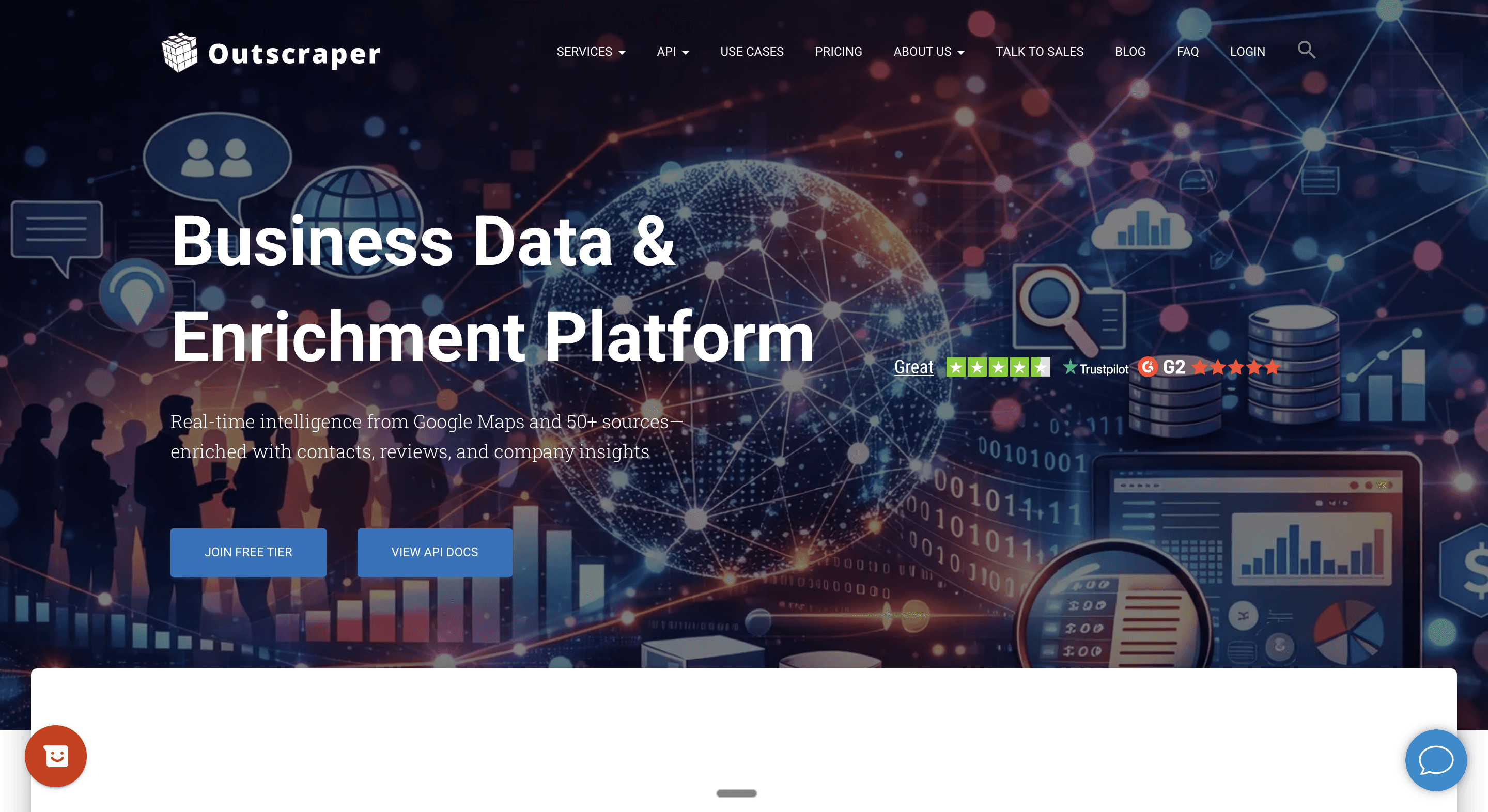
Outscraper specializes in Google Maps scraping and review extraction. For Claude Code workflows targeting local businesses, Outscraper is the go-to provider. You can search for "plumbers in Denver" and get structured data back with business name, address, phone number, website, rating, and reviews.
Claude Code can then take those results and enrich them further, using the website domain to find decision-maker emails, or using the business name to look up additional firmographic data. This is a popular pipeline for agencies that sell to local SMBs.
The Python SDK is available and works well inside Claude Code. The rate limits are reasonable for batch processing. You can learn more about this type of workflow in our local leads prospecting playbook.
What it does well: Best-in-class Google Maps data, review extraction, Python SDK, structured output.
Where it falls short: Limited to Google Maps and review data, pricing is per-result.
Pricing: Pay-per-result, starting at $0.002 per result.
10. Diffbot
Diffbot takes a completely different approach to data. Instead of maintaining a static database, it continuously crawls the web and builds a knowledge graph of companies, people, products, and relationships. The entity extraction is impressive, and the data is often more current than traditional database providers because it is constantly refreshing.
For Claude Code, Diffbot's API returns rich, structured entity data that is easy to parse. If you give it a company URL, it returns not just basic firmographics but also related entities like key people, products, competitors, and recent news. This makes it particularly powerful for account research and competitive intelligence workflows.
The limitation is price. Diffbot is positioned as an enterprise tool, and the cost per API call can add up. But for account-based research where you need to understand a company's ecosystem, competitors, and leadership team in a single API call, it’s a great choice.
Pricing: Custom enterprise pricing, free trial available.
> Get started with Diffbot inside Databar.ai today >
Tech Stack and Firmographic APIs
11. BuiltWith
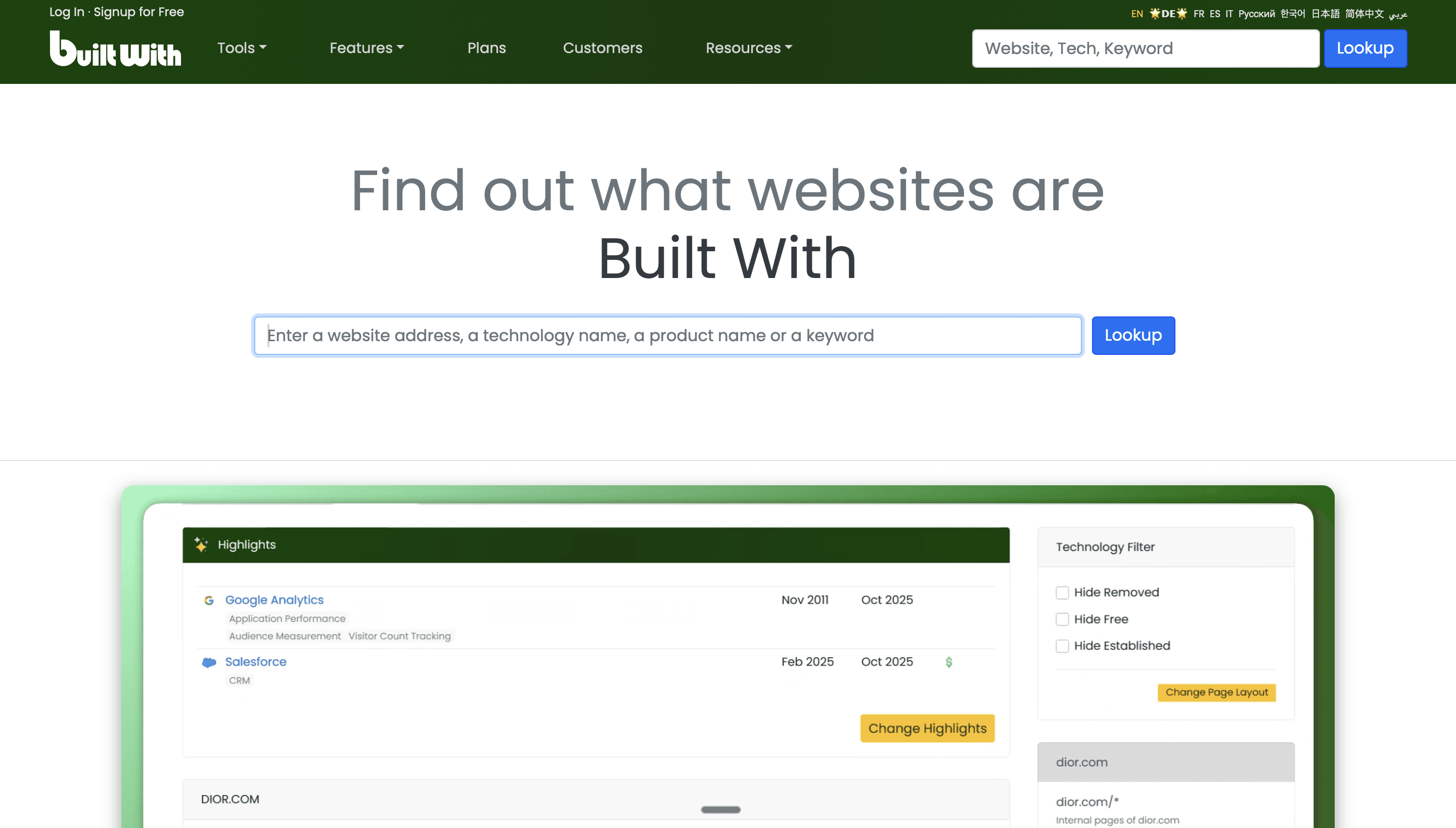
BuiltWith detects the technology stack of any website. Give it a domain, and it returns every technology that company uses, from their CRM and marketing automation platform to their hosting provider and analytics tools. This is incredibly valuable for GTM teams that sell to companies using (or not using) specific technologies.
For Claude Code, BuiltWith is useful as a qualification step. You can prompt Claude Code to "find all companies using HubSpot but not using Gong" and build a targeted list of companies that are in your sweet spot. The API is REST-based and the documentation is adequate, though the response format includes a lot of nested data that Claude Code needs to filter through.
BuiltWith is also available through Databar, which means you can access its technology detection alongside other enrichment sources through a single API call instead of managing a separate BuiltWith subscription.
What it does well: Most comprehensive tech stack detection, historical technology data, good coverage of both large and small companies.
Where it falls short: Expensive as a standalone subscription, REST-only API with complex responses, UI-heavy product with API access on higher tiers only.
Pricing: Plans from $295/month for API access.
12. Wappalyzer
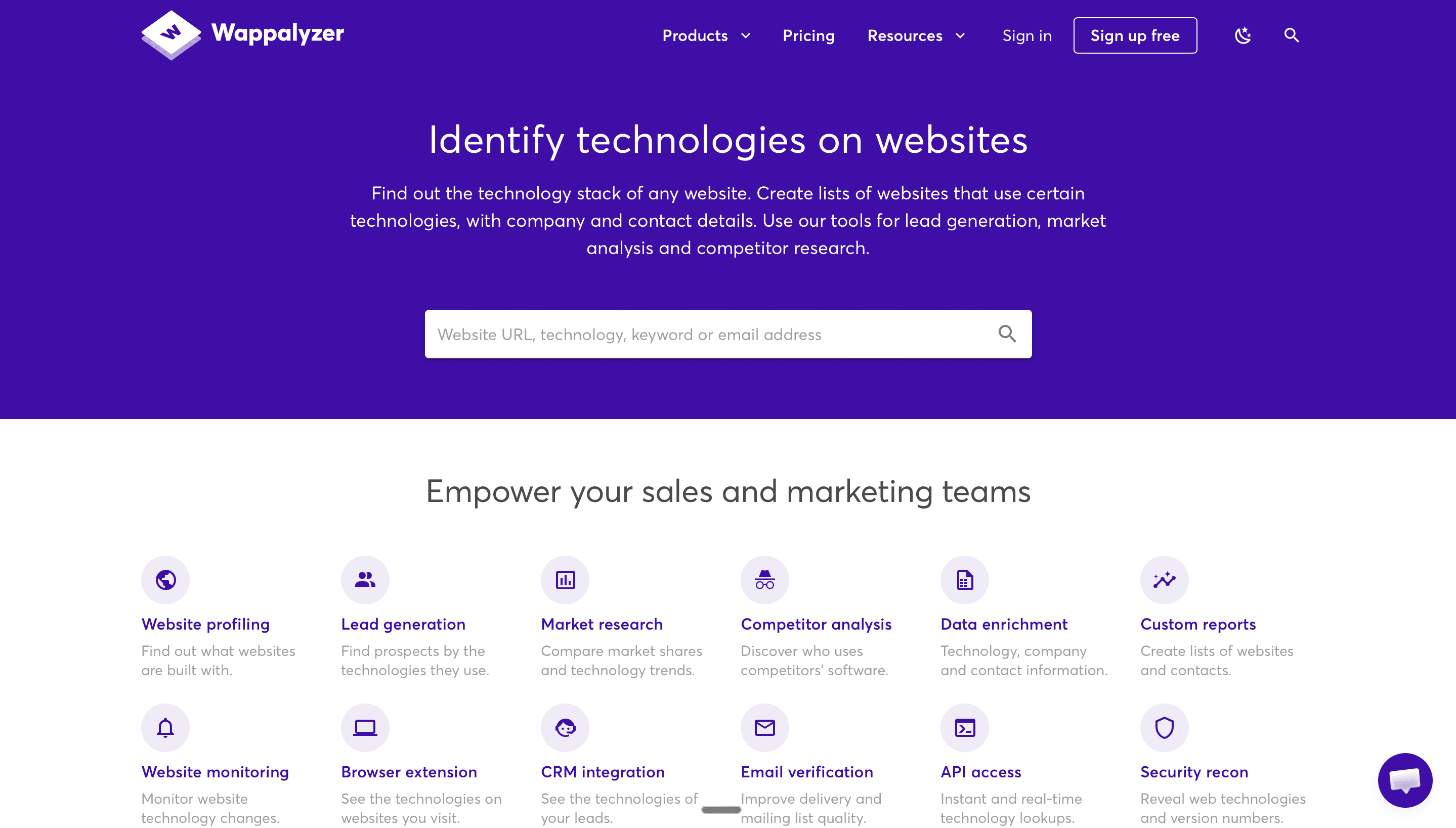
Wappalyzer is a lighter-weight alternative to BuiltWith for technology detection. It identifies technologies used on a website, including frameworks, CMS platforms, analytics tools, and marketing technologies. The database is smaller than BuiltWith's, but the pricing is more accessible and the API is easier to work with.
For Claude Code, Wappalyzer's API returns clean JSON that is easy to parse. The main trade-off is depth. BuiltWith tends to detect more obscure technologies and provides historical data, while Wappalyzer focuses on currently active technologies and is faster to query.
What it does well: Clean API, affordable pricing, quick technology detection, good enough for most use cases.
Where it falls short: Smaller technology database than BuiltWith, no historical data, limited to current tech stack only.
Pricing: Plans start at $250/month for API access. Also available through Databar.
How to Evaluate a Data API for Claude Code Workflows
If you are evaluating a provider that is not on this list, here is the framework we use:
Test the documentation first. Before signing up for anything, read the API docs. If you cannot understand how to make a basic enrichment call in under ten minutes, Claude Code is going to struggle with it too. Look for example requests, response schemas, and clear authentication instructions.
Check rate limits against your volume. Calculate how many API calls your typical workflow makes. If you are enriching a list of 5,000 leads and each lead requires three API calls (company lookup, email finding, verification), that is 15,000 calls. Make sure your plan supports that volume without hitting throttling limits.
Run a small batch test. Before committing to any provider, run a test batch of 100 records. Compare fill rates across providers. Typically no single provider fills more than 60 to 70% of records in most B2B datasets, which is why combining multiple sources for enrichment consistently outperforms single-provider approaches.
Evaluate response consistency. Some APIs return different field structures depending on how much data they have for a given record. This inconsistency forces Claude Code to write extra error handling. Providers that return a consistent schema, even with null values for missing fields, are much easier to work with programmatically.
The Case for a Unified API Layer
Here is the reality of running data enrichment through Claude Code: you are almost never using just one provider. A typical outbound workflow might use Apollo to build an initial list, People Data Labs to enrich company firmographics, Hunter and Findymail to find emails, ZeroBounce to verify those emails, and PredictLeads to add intent signals. That is six separate APIs, six sets of authentication, six different rate limit policies, and six different response formats.
Managing all of that inside Claude Code is doable but messy. Every new provider adds complexity to your prompts, increases the chance of errors, and makes your workflows harder to maintain. This is the core argument for platforms like Databar that aggregate multiple sources behind a single SDK. You trade some flexibility for a lot of simplicity.
For teams running 15 to 30 campaigns per month at volumes of 5,000 to 50,000 leads each, that simplicity matters. The fewer moving parts in your Claude Code workflow, the more reliably it runs, and the less time you spend debugging authentication failures and rate limit errors.
Finding the right data APIs for Claude Code comes down to your specific workflow, volume, and budget. Start with one or two providers from this list, run a test batch, measure fill rates, and expand from there. The tools are only getting better, and teams that build solid data infrastructure into their Claude Code workflows now are going to have a serious head start as agentic GTM becomes the standard way to run outbound.

FAQ
What is the best single data API for Claude Code? There is no single best provider because data quality varies by industry, geography, and use case. For the broadest coverage, an aggregation platform like Databar.ai that combines 100+ sources through one SDK is the most practical choice.
Do I need a Python SDK, or is a REST API enough? A REST API is perfectly fine. Claude Code can generate the requests, headers, and parsing logic for any REST endpoint. That said, a well-maintained Python SDK reduces setup time and handles edge cases like pagination and retries automatically, which means less debugging for you.
How many data API calls does a typical Claude Code workflow make? It depends on the workflow, but a standard outbound campaign that includes list building, company enrichment, email finding, and email verification typically makes 3 to 5 API calls per lead. For a campaign targeting 5,000 leads, that is 15,000 to 25,000 total calls.
Can Claude Code handle multiple data APIs in one workflow? Yes. Claude Code is very capable of chaining API calls. You can instruct it to "search Apollo for leads, enrich each one with People Data Labs, find emails with Hunter, verify with Findymail, and export the results to a CSV." The challenge is managing complexity as the number of providers grows.
How do I keep API costs under control when using Claude Code? Start with small test batches of 50 to 100 records to validate your workflow before scaling up. Use conditional logic so Claude Code only calls expensive APIs (like email finding) after cheaper qualification steps confirm the lead fits your ICP. Set explicit limits in your prompts, like "stop after 500 enrichment calls."
What rate limits should I look for? For Claude Code workflows, you want at least 100 requests per minute for batch processing to be practical. Anything under 30 requests per minute will bottleneck your pipeline noticeably. Most paid plans from the providers listed here meet this threshold.
Related articles
See all