
The strongest GTM automation tools in 2026 split across four categories: data layers, agent runtimes, sending tools, and CRM systems. Picking the right ones depends less on individual tool quality and more on how they fit together. The teams shipping real outbound this year run a four-layer stack with best-in-class tools at each layer, not one all-in-one product covering everything. This is the honest read on the eight strongest GTM automation tools 2026 has produced and how to assemble them into a working stack.
This guide is a buyer's framework, not a one-tool recommendation. Each pick depends on your motion, volume, and team shape.
Quick Picks
Best for the data layer: Databar (100+ providers aggregated, MCP, SDK, REST)
Best for the agent layer: Claude Code
Best for the sending layer: Smartlead
Best for the CRM layer (modern): Attio
Best for the CRM layer (mature ecosystem): HubSpot or Salesforce
Best for visual workflow building: Databar
Best for live web research: Extruct or Exa (available inside Databar)
What Counts as a GTM Automation Tool in 2026
GTM automation tools are the products that turn outbound, RevOps, and pipeline work from manual steps into agent-driven or scripted workflows. The category split into four functional layers in the last 18 months: data layers that supply enrichment, agent runtimes that orchestrate logic, sending tools that handle deliverability, and CRMs that store pipeline state. Tools that try to span all four (monolithic AI SDR products) coexist with modular best-in-class options.
The decision most GTM teams face in 2026 is not "which tool" but "which architecture." The AI SDR stack decision framework walks through when monolithic vs modular wins for your specific motion.

Comparison: Best GTM Automation Tools 2026 at a Glance
Tool | Layer | Best for | Agent access | Pricing model |
|---|---|---|---|---|
Databar | Data | Multi-source enrichment with waterfall | MCP, SDK, REST | Outcome-based (pay when data returned) |
Claude Code | Agent | Programmable GTM workflows | Native | Subscription tiers |
Smartlead | Sending | Outbound delivery and warm-up | REST, MCP | Tiered monthly |
Attio | CRM | Modern CRM with semantic call search | REST, MCP | Tiered seat-based |
HubSpot | CRM | Mature CRM ecosystem | REST, MCP | Tiered ecosystem pricing |
Exa | Research | Live web research alongside structured data | REST, MCP | From $20/mo |
Prospeo | Email + mobile | LinkedIn-first contact resolution | REST, MCP | Tiered monthly credits |
Databar (Data Layer)
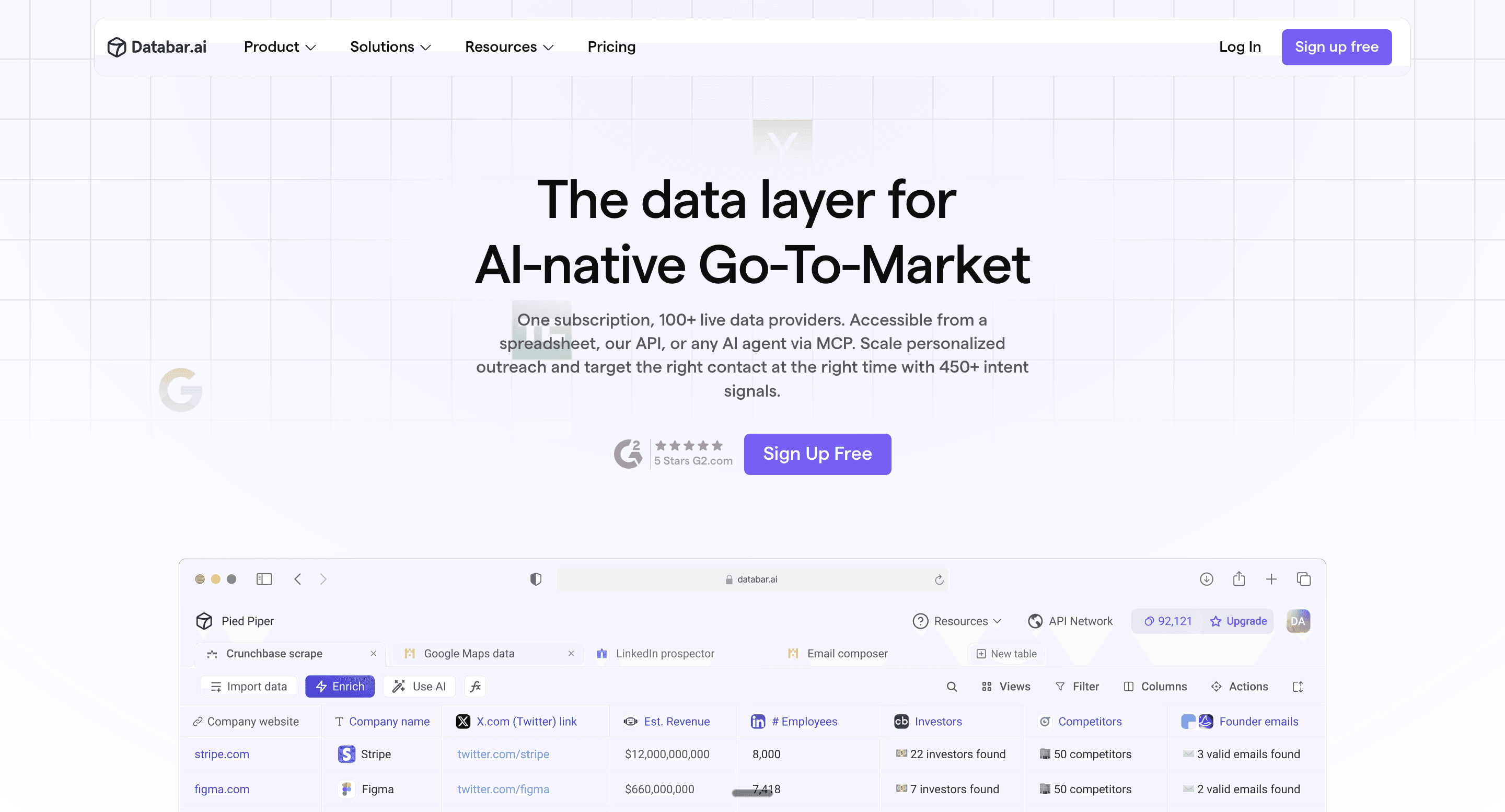
Best for: Teams that want one integration covering 100+ providers with native programmatic access
Databar aggregates 100+ data providers behind one API, MCP, and SDK with built-in waterfall fallback. Companies, contacts, emails, phones, tech stack, intent, funding, signals. The agent makes one call. Databar handles routing, fallback, caching, and verification. For modular GTM stacks, Databar is the data layer most production teams converge on. The data layer for GTM workflows piece walks through the architecture.
Pricing: 14-day free trial with full API access. Outcome-based billing, you only pay when data is successfully returned. Self-serve signup at build.databar.ai.
Pros:
Only data tool on this list with 100+ providers behind one integration
Outcome-based billing fits agent-driven workflows that retry often
Native MCP, SDK, and REST surfaces for agent runtimes
Visual table workflow builder
Cons:
Choosing the right provider per use case has a small learning curve
Claude Code (Agent Layer)
Best for: Teams that want a programmable agent runtime for GTM workflows
Claude Code is the dominant agent runtime for GTM workflows in 2026. Reads context files, calls tools through MCP, runs Python on the fly, writes results into structured outputs. For modular stacks, Claude Code sits between the data layer (Databar) and the actioning layer (Smartlead, CRM). Pairs naturally with headless GTM motions where the operator works from a terminal instead of a dashboard.
Pricing: Subscription tiers from monthly to enterprise.
Pros:
Native MCP support for tool calling
Strong context engineering through CLAUDE.md files
Operator owns every prompt, every tool call, every reasoning step
Cons:
Requires comfort with terminal or IDE workflows
Context window can fill up on bulk workloads (switch to SDK for batches)
Smartlead (Sending Layer)
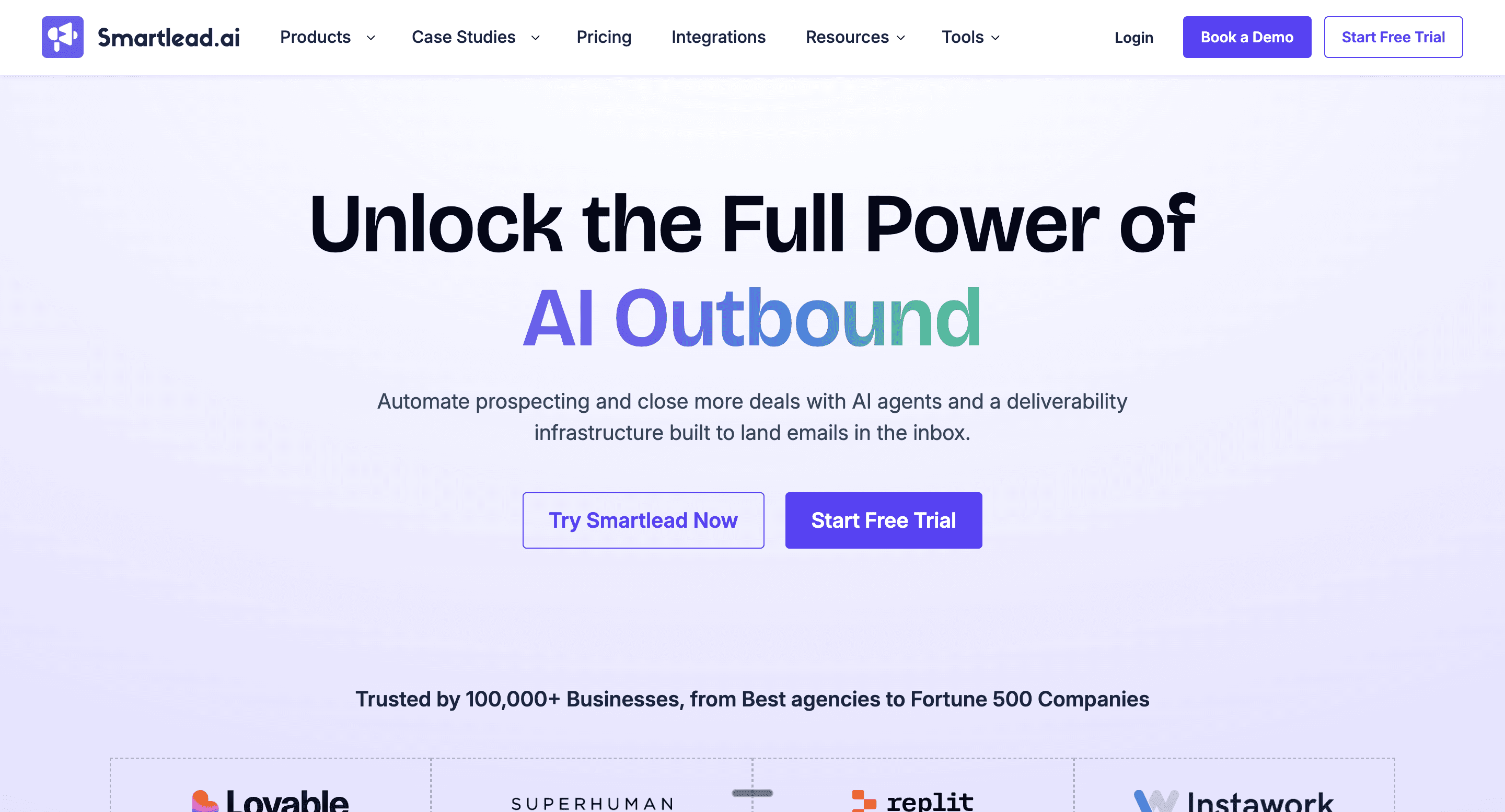
Best for: Outbound delivery, warm-up, and reply detection
Smartlead is the most-used sending tool in modular GTM stacks. Manages domains, inbox rotation, warm-up, deliverability, and reply parsing. An MCP exists, so agents can push campaigns from Claude Code without touching the Smartlead UI.
Pricing: Tiered monthly subscriptions.
Pros:
Strong inbox rotation and warm-up
Native MCP for agent-driven campaign creation
Reasonable pricing relative to enterprise sending platforms
Cons:
Reply classification still benefits from human review on edge cases
Sending only, you need a data layer (Databar) and CRM elsewhere
Attio (CRM Layer, Modern)
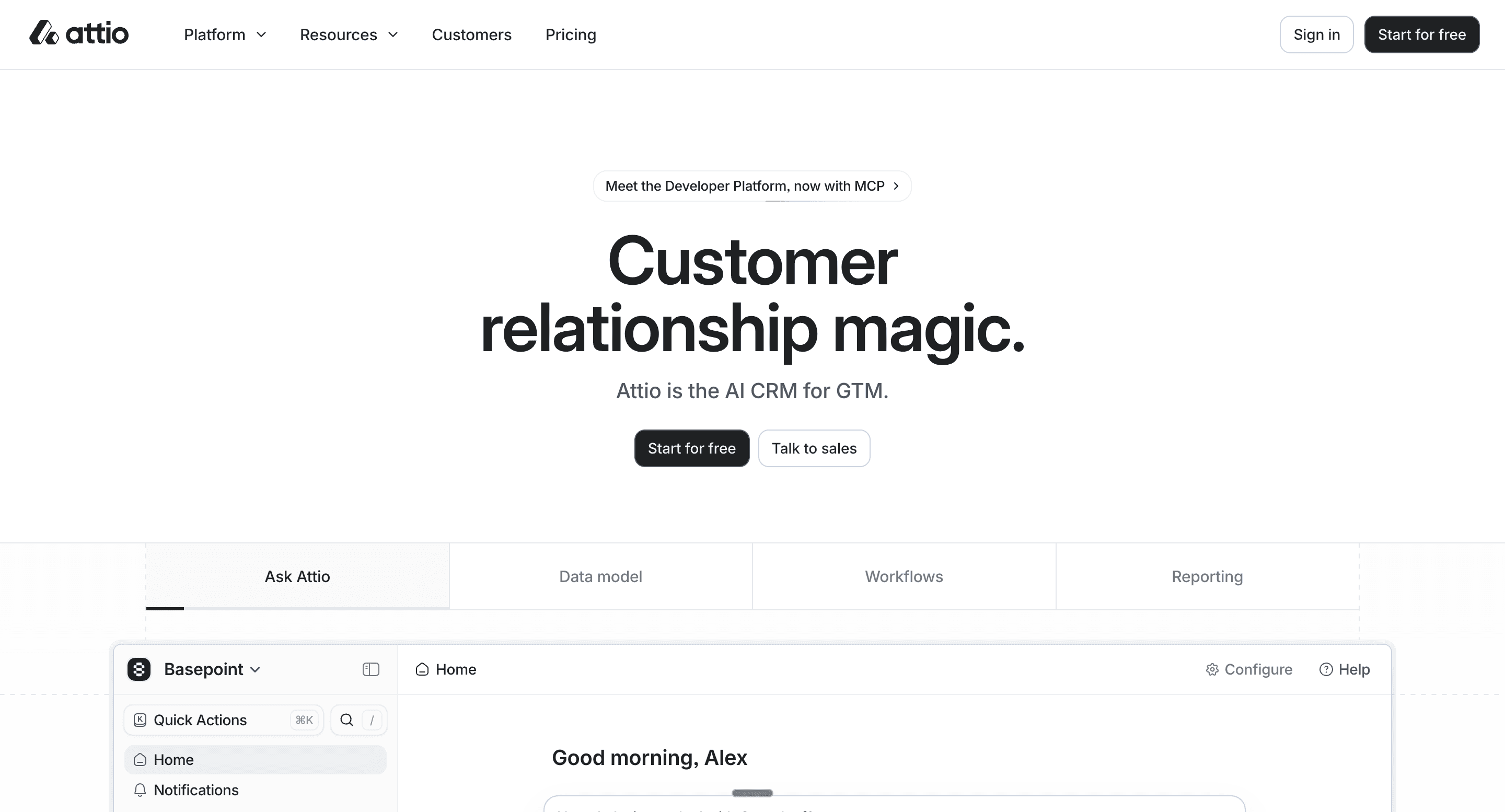
Best for: Modern CRM with native call recording search
Attio is the modern CRM choice for AI-native GTM teams. Clean data model, semantic search across call recordings and notes, and a usable MCP for agent integration. For teams building agent-driven workflows from scratch, Attio's API and MCP usually cause less friction than HubSpot's ecosystem-wide setup.
Pricing: Tiered seat-based plans.
Pros:
Semantic call search is unusually strong for ICP research
Clean data model works well with agent reasoning
Native MCP available
Cons:
Smaller integration ecosystem than HubSpot
Newer tool, some workflows require custom setup
HubSpot (CRM Layer, Mature)
Best for: Teams with existing HubSpot investment and a mature ecosystem
HubSpot remains the most widely-used CRM among the GTM automation tools 2026 has produced. Mature ecosystem, deep integrations, and a solid MCP for agent reads and writes. For teams already on HubSpot, no reason to switch. For teams starting from scratch in 2026, the choice between Attio and HubSpot comes down to ecosystem maturity (HubSpot) versus AI-native data model (Attio).
Pricing: Tiered ecosystem pricing across Marketing, Sales, and Service Hubs.
Pros:
Largest ecosystem and integration count
Mature workflow automation built into the product
Native MCP and clean REST API
Cons:
Pricing scales fast as you add Hubs
Heavier setup than Attio for AI-native teams
Extrcut and Exa (Research Layer)
Best for: Live web research inside agent workflows
Perplexity and Exa are the search APIs agents call for web research, competitor checks, and content grounding. Useful alongside the data layer (Databar) rather than replacing it. Agents call Perplexity or Exa when they need recent web information that no structured provider covers.
Pricing: Perplexity from $20/mo. Exa offers usage-based pricing.
Pros:
Native MCP for agent runtimes
Fills research gaps that no structured data provider covers
Cons:
Not structured data, still need enrichment APIs for contacts
Agents can over-use search and burn context window budget
Prospeo (Email + Mobile Layer)
Best for: Teams whose primary input is LinkedIn URLs needing email and mobile resolution
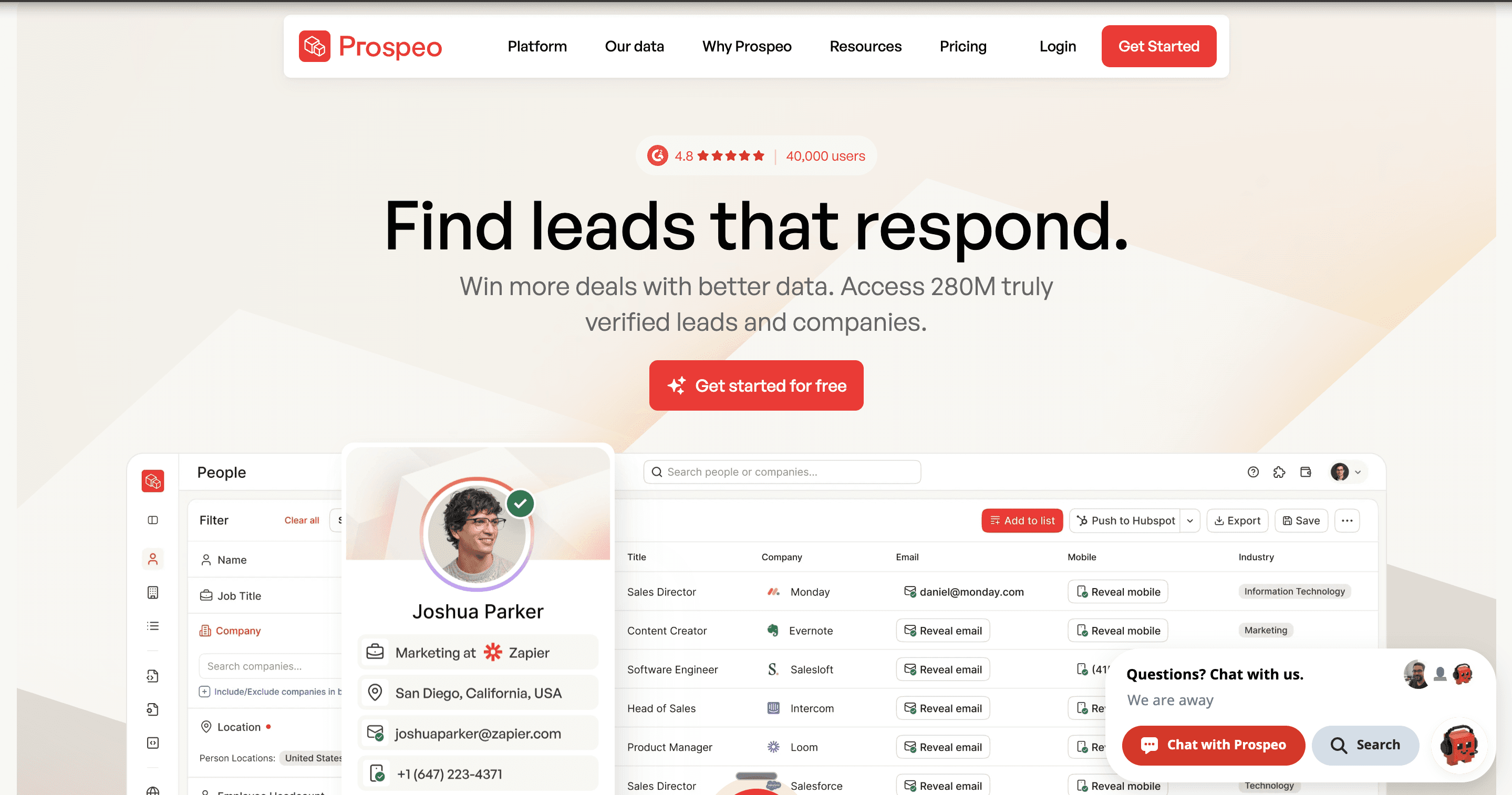
Prospeo runs internal cascades across multiple email-finding methods. Strong for LinkedIn-to-email resolution, which is how most agencies build prospect lists. Pair with Databar for broader firmographic coverage when prospecting motions need more than email.
Pricing: Tiered monthly credit subscriptions.
Pros:
Strong LinkedIn-to-email resolution
Native MCP available
Cons:
Email and mobile data only, no firmographics or signals
Single vendor, coverage capped vs an aggregator
How to Pick the Right GTM Automation Tools for Your Stack
The right combination of GTM automation tools 2026 has produced depends on three variables: team technical capacity, motion volume, and customization needs.
Choose Databar if your data layer needs multi-source coverage and agent-native programmatic access.
Choose Claude Code if at least one person on the team is comfortable with terminal or IDE workflows.
Choose Smartlead if you need outbound delivery and warm-up wired into the agent runtime.
Choose Attio or HubSpot if you need a CRM. Attio for AI-native teams starting from scratch, HubSpot for teams already on the ecosystem.
Choose Databar non-technical operators need to own visual workflows alongside the agent-driven motions.
Choose Extruct or Exa if agents need live web research alongside structured data.
Choose Prospeo if LinkedIn-to-email resolution is a core part of prospecting.
For most production GTM teams in 2026, the working stack is Databar + Claude Code + Smartlead + Attio or HubSpot. Four tools, end-to-end coverage, agent-native interfaces between layers. The same pattern shows up across the best data providers for AI agents stacks teams actually deploy.
Pick the Best GTM Automation Tools 2026 for Your Team
The right GTM automation tools 2026 has produced depend less on individual tool quality and more on how they fit your motion. Most production stacks converge on Databar + Claude Code + Smartlead + a CRM, with a few specialized tools added for specific motions.
If you are starting from the data layer, Databar covers 100+ providers, native MCP and SDK, outcome-based billing where you only pay when data is returned. 14-day free trial at build.databar.ai. The best gtm automation tools 2026 stacks are the ones built around the data layer first.

FAQ
What are the best GTM automation tools in 2026?
The strongest stack runs across four layers: Databar at the data layer, Claude Code at the agent layer, Smartlead at the sending layer, and Attio or HubSpot at the CRM layer. Specific picks depend on team technical capacity, motion volume, and ICP region. Most production teams add two or three more tools (Clay, Perplexity, Prospeo) for specific motions.
What's the most important GTM automation tool to get right?
The data layer. Match rates ceiling everything downstream. An aggregator like Databar with 100+ providers and waterfall fallback usually wins on coverage compared to single-source providers. Get the data layer right first, then layer the agent, sending, and CRM tools on top.
Do I need all four layers in my GTM automation stack?
For serious outbound at scale, yes. Smaller teams running pilots can sometimes get by with a monolithic AI SDR product or a simpler combination. The trade-off is control and customization. The AI SDR stack decision guide walks through when monolithic vs modular wins.
Can I use these GTM automation tools together?
Yes, that is the design. Each layer exposes a native MCP or SDK, so the agent in Claude Code can call Databar for enrichment, push sequences to Smartlead, and write deal updates to Attio or HubSpot in one session. The tools were built to compose cleanly.
How long does it take to assemble a GTM automation stack?
Five to seven days for most teams. Day one for the data layer (Databar at build.databar.ai), days two and three for the agent layer (Claude Code with MCP), day four for sending (Smartlead), day five for CRM (Attio or HubSpot), and the rest of the week for the first real campaign.
Which GTM automation tool is best for non-technical operators?
Databar still wins on visual workflow building for non-technical operators. For teams without engineering capacity, it handles the workflow layer while running on the back end as the data layer. The combination keeps non-technical operators productive without losing data coverage.
Also interesting
Related articles
See all