Your CRM should work for you, not the other way around. Yet most sales teams spend more time updating records than actually selling. They're copying data between tabs, manually logging calls, chasing down missing contact info, and wondering why their pipeline reports never quite match reality.
The right CRM automation tools fix this. They handle the repetitive stuff automatically so your team can focus on conversations that close deals. But with dozens of platforms claiming to automate everything, figuring out which ones actually deliver on their promises takes some digging.
We've tested the major players across sales automation, marketing automation, data enrichment, and workflow orchestration. This guide breaks down what each tool does well, where it falls short, and which teams should consider it.

What CRM Automation Actually Means
Before jumping into specific tools, it helps to understand what falls under the CRM automation umbrella. The term gets thrown around loosely, so let's be specific.
Sales automation covers things like automatic deal stage updates, lead assignment rules, follow-up reminders, and activity logging. When a rep sends an email or books a meeting, the CRM records it without anyone clicking "log activity."
Marketing automation handles email sequences, lead nurturing campaigns, list segmentation, and campaign tracking. A prospect downloads a whitepaper, and the system adds them to the right nurture sequence automatically.
Data enrichment automation fills in missing information on your contacts and companies. Someone submits a form with just an email address, and enrichment tools append their job title, company size, phone number, and other details without manual research.
Workflow automation connects different actions across your tech stack. A deal moves to "Closed Won" and triggers a welcome email from your marketing platform, creates an onboarding task in your project management tool, and updates your revenue dashboard.
Most teams need some combination of all four. The question is whether you get them from one platform or piece together specialized tools.

The 12 Best CRM Automation Tools
1. HubSpot
HubSpot built its reputation on making marketing automation accessible to small and mid-sized businesses. Over the years, it expanded into a full CRM platform covering sales, service, and operations.
The workflow builder is genuinely intuitive. You can create complex multi-step automations without touching code, and the visual interface makes it easy to understand what triggers what. Lead scoring works well out of the box, and the integration between marketing and sales hubs means leads flow smoothly from nurture campaigns into sales pipelines.
Where HubSpot struggles is at scale. The pricing jumps significantly as your contact list grows, and some advanced automation features only appear in higher tiers. Teams with more than a few thousand contacts often find themselves paying enterprise prices for mid-market needs.
Best for: Growing companies that want marketing and sales in one system without heavy technical setup.
Pricing: Free tools available. Starter plans begin at $15 per user monthly. Professional and Enterprise tiers range from $800 to $3,600+ monthly depending on contacts and features.
2. Salesforce
Salesforce remains the default choice for enterprise sales teams, and for good reason. Its automation capabilities are essentially unlimited if you have the technical resources to build what you need.
Flow Builder handles most automation scenarios, from simple lead assignment rules to complex multi-object processes that span departments. Einstein AI adds predictive lead scoring, opportunity insights, and automated activity capture. The AppExchange marketplace offers thousands of add-ons for specialized automation needs.
The catch is complexity. Salesforce requires dedicated admin time to configure properly, and many teams never fully use the automation capabilities they're paying for. Implementation projects routinely run six figures, and ongoing customization costs add up.
Best for: Large organizations with dedicated Salesforce admins and complex sales processes that justify the investment.
Pricing: Essentials starts at $25 per user monthly. Professional runs $80 per user. Enterprise and Unlimited tiers range from $165 to $330+ per user monthly.
3. Pipedrive
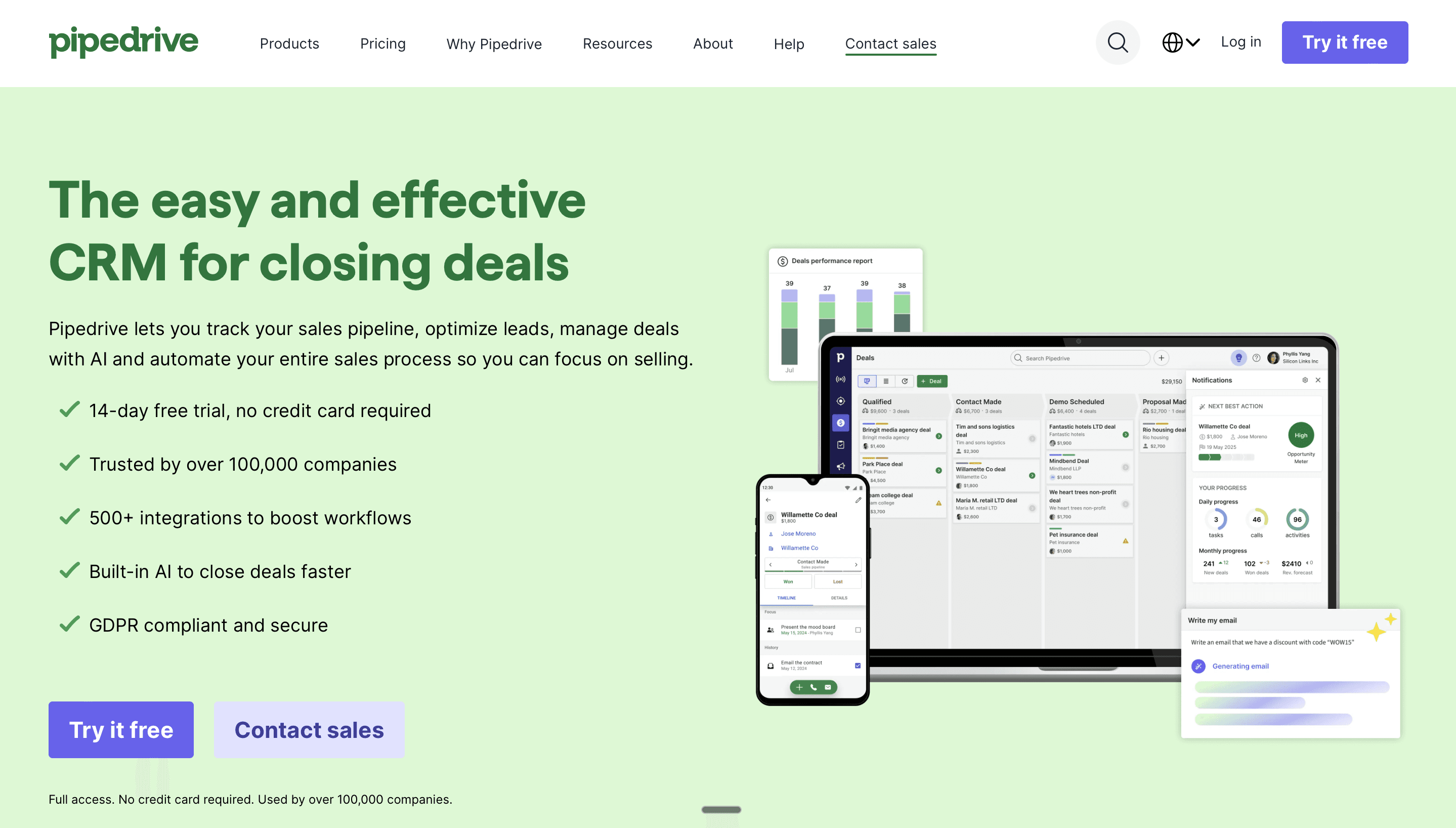
Pipedrive takes the opposite approach from Salesforce. Instead of trying to do everything, it focuses narrowly on pipeline management and does that exceptionally well.
The visual pipeline interface shows deals moving through stages at a glance. Automation features cover the essentials: creating activities when deals move, sending emails based on triggers, updating fields automatically, and assigning leads based on criteria. A recent AI assistant helps with email drafting and provides next-step suggestions.
Pipedrive won't replace your marketing automation platform or handle complex multi-department workflows. It's purely a sales CRM. But for teams that just need pipeline management without the overhead, this simplicity is actually an advantage.
Best for: Sales teams that want clean pipeline visibility and basic automation without wrestling with a complex platform.
Pricing: Essential plan starts at $14 per user monthly. Advanced runs $29. Professional is $49 and Enterprise hits $99 per user monthly.
4. ActiveCampaign
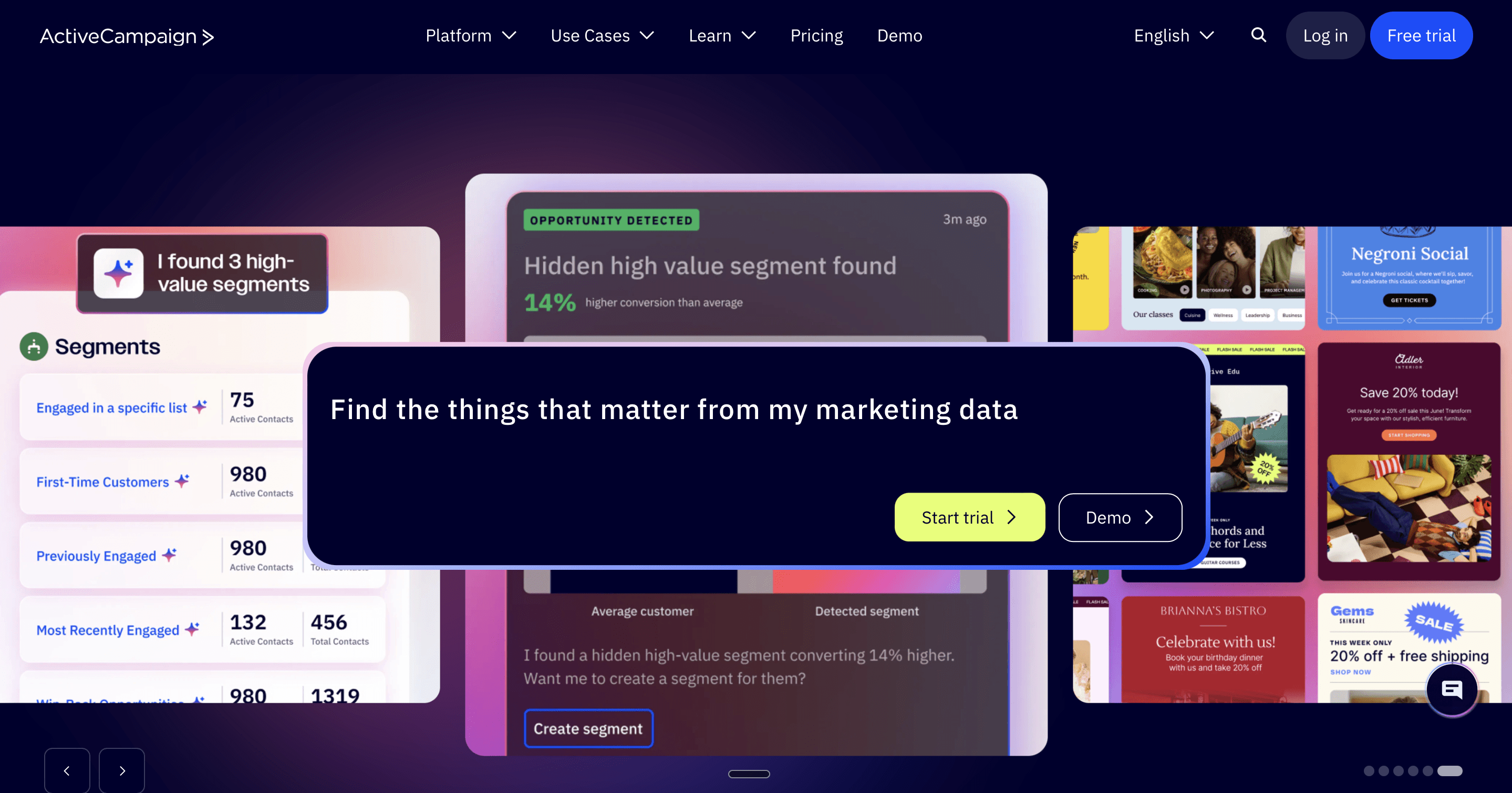
ActiveCampaign started as email marketing software and evolved into a serious marketing automation platform. Its CRM capabilities came later, which means marketing automation remains its strength while sales features feel like add-ons.
The automation builder offers over 900 templates and handles conditions, triggers, and actions with impressive flexibility. You can mix email, SMS, and site messaging in the same workflow. Dynamic content personalizes what each recipient sees based on their behavior and attributes.
The sales CRM works, but it's less sophisticated than dedicated sales platforms. If your priority is marketing automation with light sales tracking, ActiveCampaign delivers. If you need robust pipeline management, you might outgrow it.
Best for: Marketing-led organizations that need sophisticated email automation with basic sales pipeline functionality.
Pricing: Lite plans start at $29 monthly. Plus with CRM begins around $49. Professional runs $149 and Enterprise pricing varies.
5. Zoho CRM
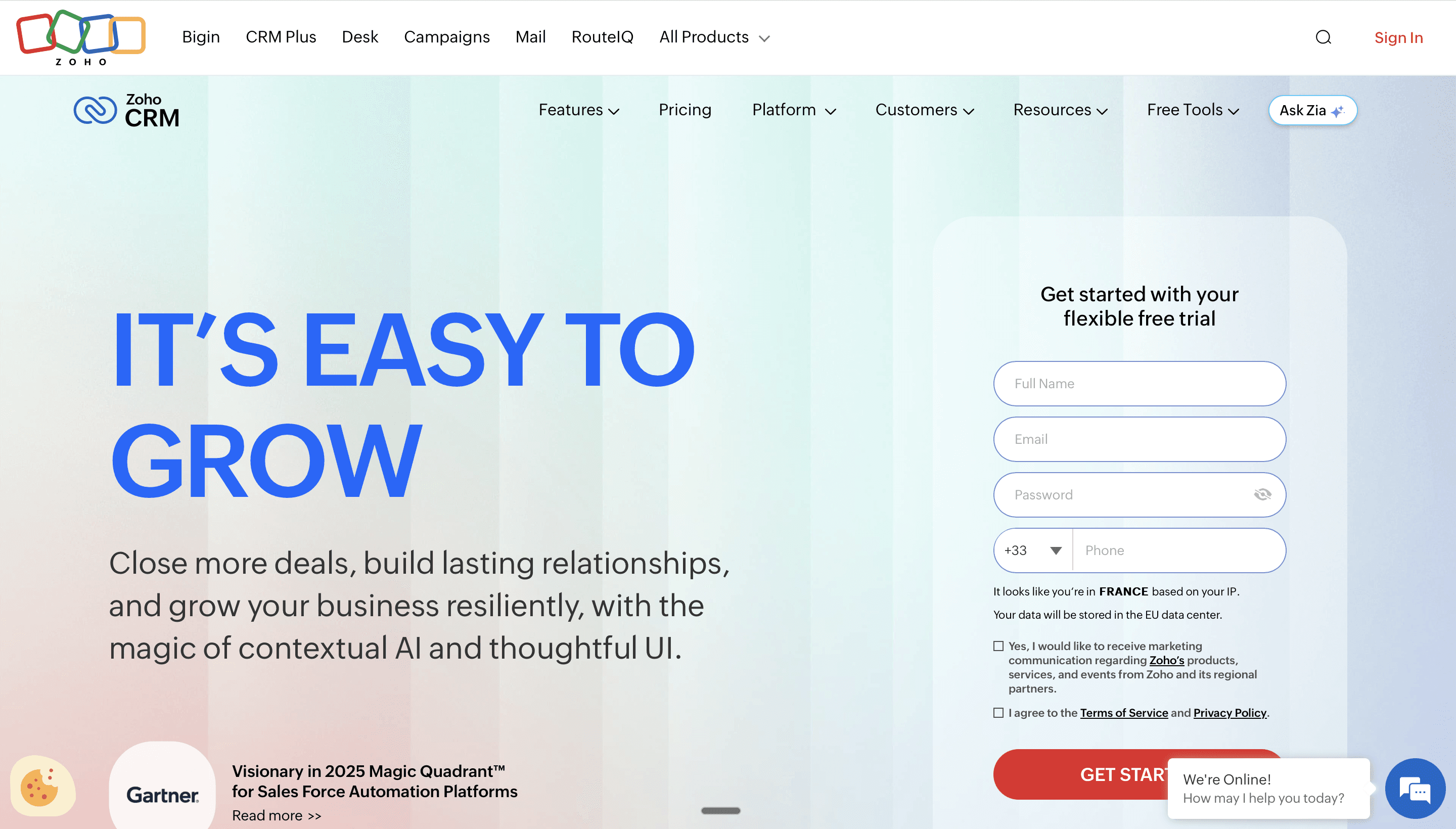
Zoho offers remarkable breadth for the price. The platform includes sales automation, marketing tools, customer service features, and analytics in packages that undercut most competitors significantly.
Zia, their AI assistant, handles lead scoring, predicts deal closures, detects anomalies in your data, and suggests tasks to automate. Workflow rules cover standard automation scenarios, and Blueprint lets you design guided sales processes that enforce specific steps.
The tradeoff is polish. Zoho's interface feels dated compared to HubSpot or Pipedrive, and some features require more clicks than they should. Integration options are solid but not as extensive as Salesforce's ecosystem.
Best for: Budget-conscious teams that need comprehensive CRM functionality without premium pricing.
Pricing: Free for up to three users. Standard runs $14 per user monthly. Professional is $23, Enterprise costs $40, and Ultimate reaches $52 per user monthly.
6. Freshsales (Freshworks CRM)
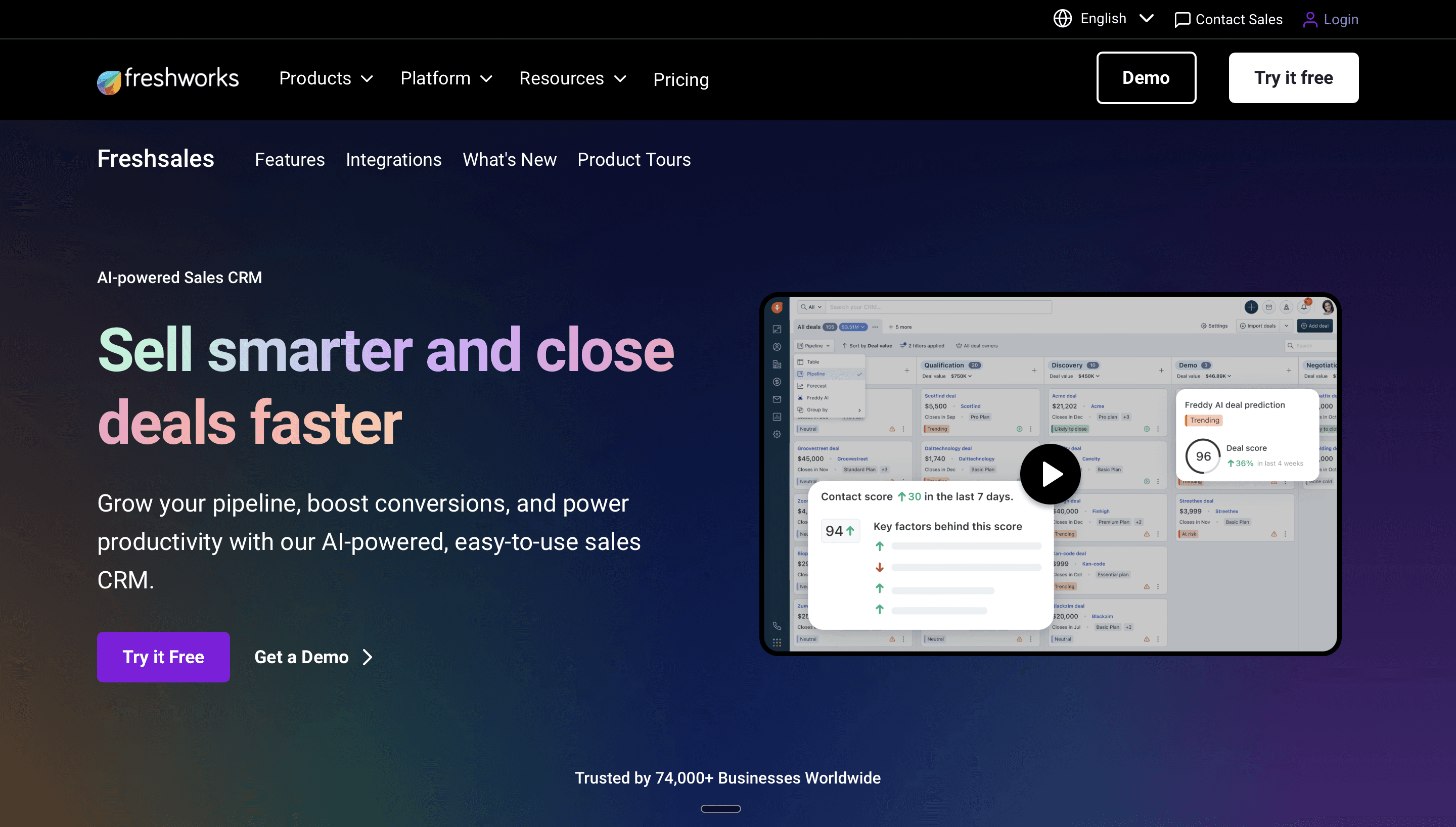
Freshsales positions itself as an AI-native CRM built for modern sales teams. Freddy AI provides lead scoring, deal insights, and forecasting predictions. The visual pipeline and activity timeline keep reps focused on the right priorities.
Automation covers contact lifecycle stages, lead assignment, deal progression, and follow-up sequences. Phone and email are built in, so activity logging happens automatically for communications within the platform.
The ecosystem matters here. Freshworks offers a full suite including marketing, support, and IT service management. If you're already using other Freshworks products or want to consolidate vendors, the integration is seamless.
Best for: Teams wanting AI-driven sales insights with clean native integrations across sales, marketing, and support.
Pricing: Growth plan starts free for up to three users. Pro runs $39 per user monthly and Enterprise costs $69 per user monthly.
7. EngageBay
EngageBay targets small businesses that want an all-in-one platform without the price tag of HubSpot or Salesforce. It combines CRM, marketing automation, and customer support in surprisingly affordable packages.
The visual automation builder handles email sequences, deal automations, and lead scoring. Ad-hoc workflows let you run one-time automations on bulk records, which is helpful for cleanup projects. Marketing features include landing pages, forms, and email campaigns.
The obvious trade-off is scale and sophistication. EngageBay works well for small teams with straightforward needs. Larger organizations or those with complex sales processes will hit limitations.
Best for: Small businesses and startups needing affordable marketing and sales automation in one package.
Pricing: Free for up to 15 users with basic features. Basic plan runs $12.99 per user monthly. Growth costs $29.99 and Pro reaches $49.99 per user monthly.
8. Monday Sales CRM
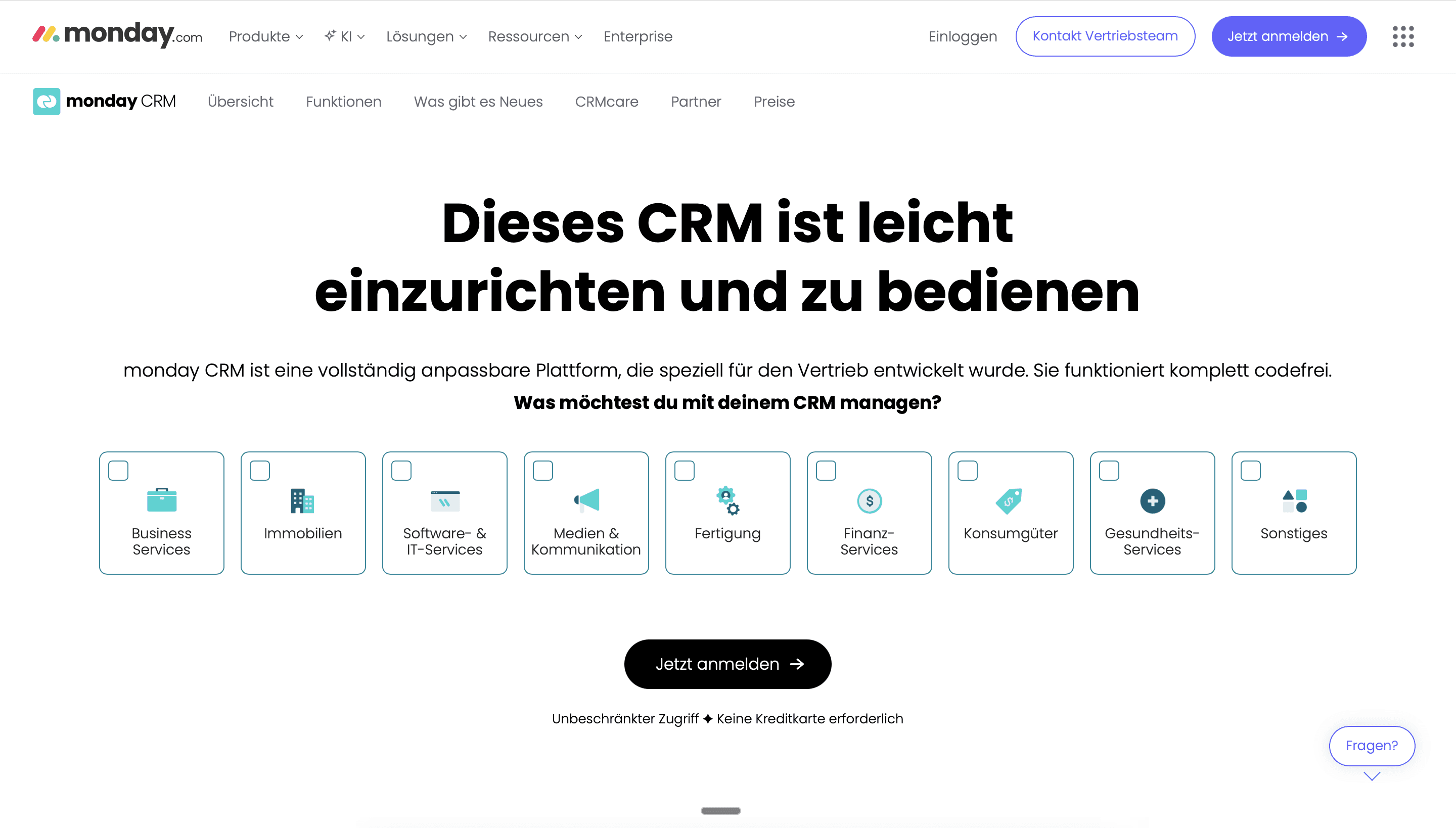
Monday.com built its reputation on flexible work management, and Monday Sales CRM applies that approach to pipeline management. The interface feels more like a customizable database than a traditional CRM, which gives teams unusual flexibility.
Automations can trigger based on practically any field change, date, or status update. Integration recipes connect Monday to your email, calendar, and other tools with minimal setup. The visual board format makes pipeline stages easy to customize.
The flexibility cuts both ways. Monday requires more initial setup than pre-configured CRMs, and the lack of sales-specific features like built-in calling or robust forecasting means you'll need additional tools.
Best for: Teams already using Monday for project management who want CRM capabilities in the same interface.
Pricing: Basic CRM starts at $12 per seat monthly. Standard runs $17 and Pro costs $28 per seat monthly. Enterprise pricing is custom.
9. Close
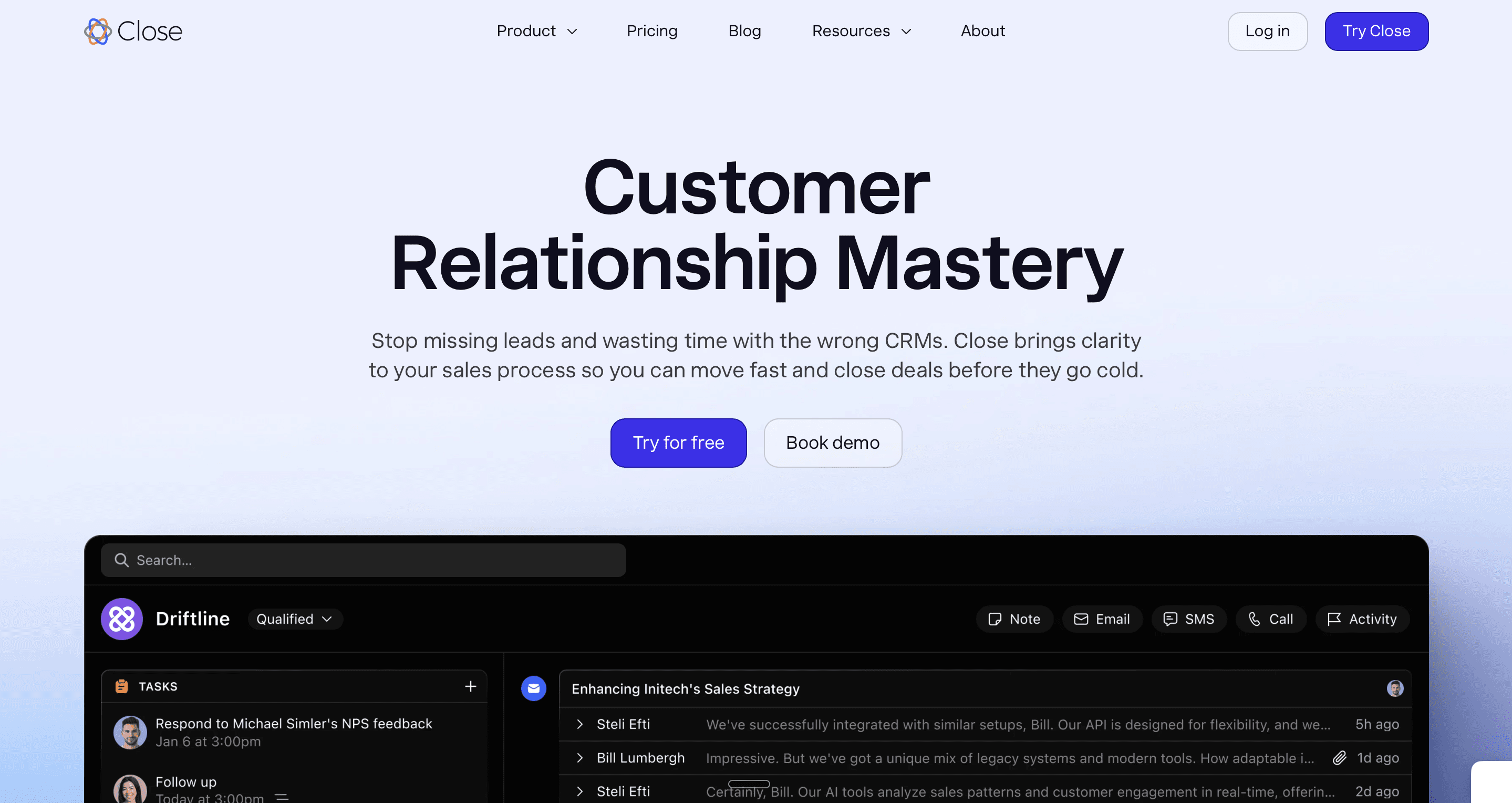
Close built its CRM around the idea that reps should spend time talking to prospects, not logging activities. Calling, emailing, and SMS happen inside the platform with automatic activity capture. Sequences automate multi-step outreach without switching tools.
The Power Dialer moves through call lists efficiently. Predictive dialing handles high-volume calling scenarios. Email tracking shows when messages open and links click. Everything logs automatically to the contact record.
Close works best for inside sales teams making lots of calls and sending lots of emails. Field sales teams or those with longer, relationship-driven sales cycles may find other platforms more suitable.
Best for: Inside sales teams running high-volume phone and email outreach who want activity logging handled automatically.
Pricing: Startup plan runs $49 per user monthly. Professional costs $99 and Enterprise reaches $139 per user monthly.
10. Copper
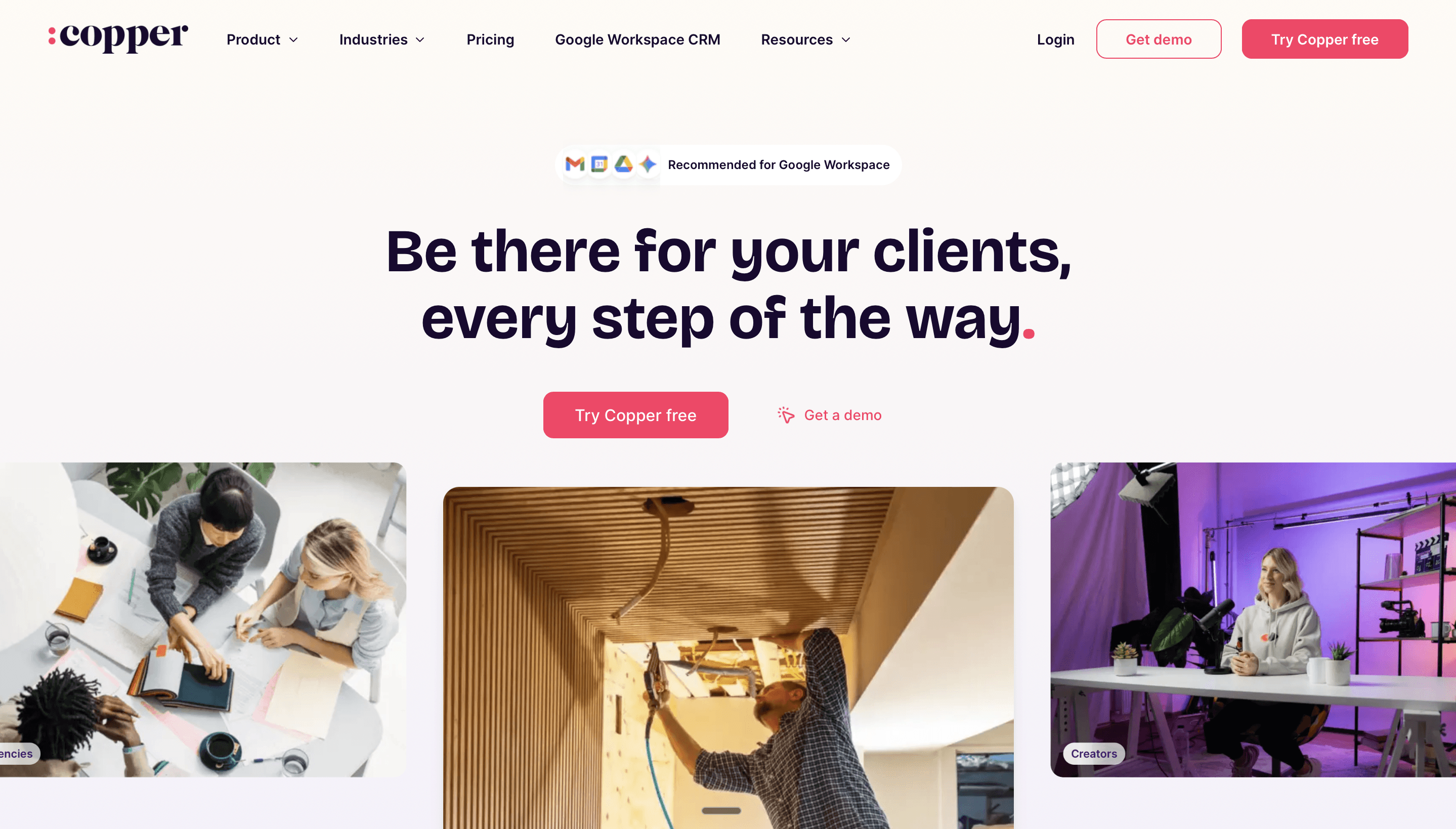
Copper built its CRM specifically for Google Workspace users. It lives inside Gmail and Google Calendar, surfacing contact information and deal history right where you're already working.
The automation capabilities focus on eliminating data entry. Emails sync automatically. Calendar events log without manual input. Suggested contacts and companies populate based on your communication history. Workflow automations handle lead assignment, deal progression, and follow-up reminders.
If your team lives in Google Workspace, Copper's integration is genuinely seamless. If you use Outlook or other email platforms, you'll want to look elsewhere.
Best for: Google Workspace users who want CRM capabilities embedded directly in Gmail and Calendar.
Pricing: Basic runs $25 per user monthly. Professional costs $59 and Business reaches $119 per user monthly.
11. Keap (formerly Infusionsoft)
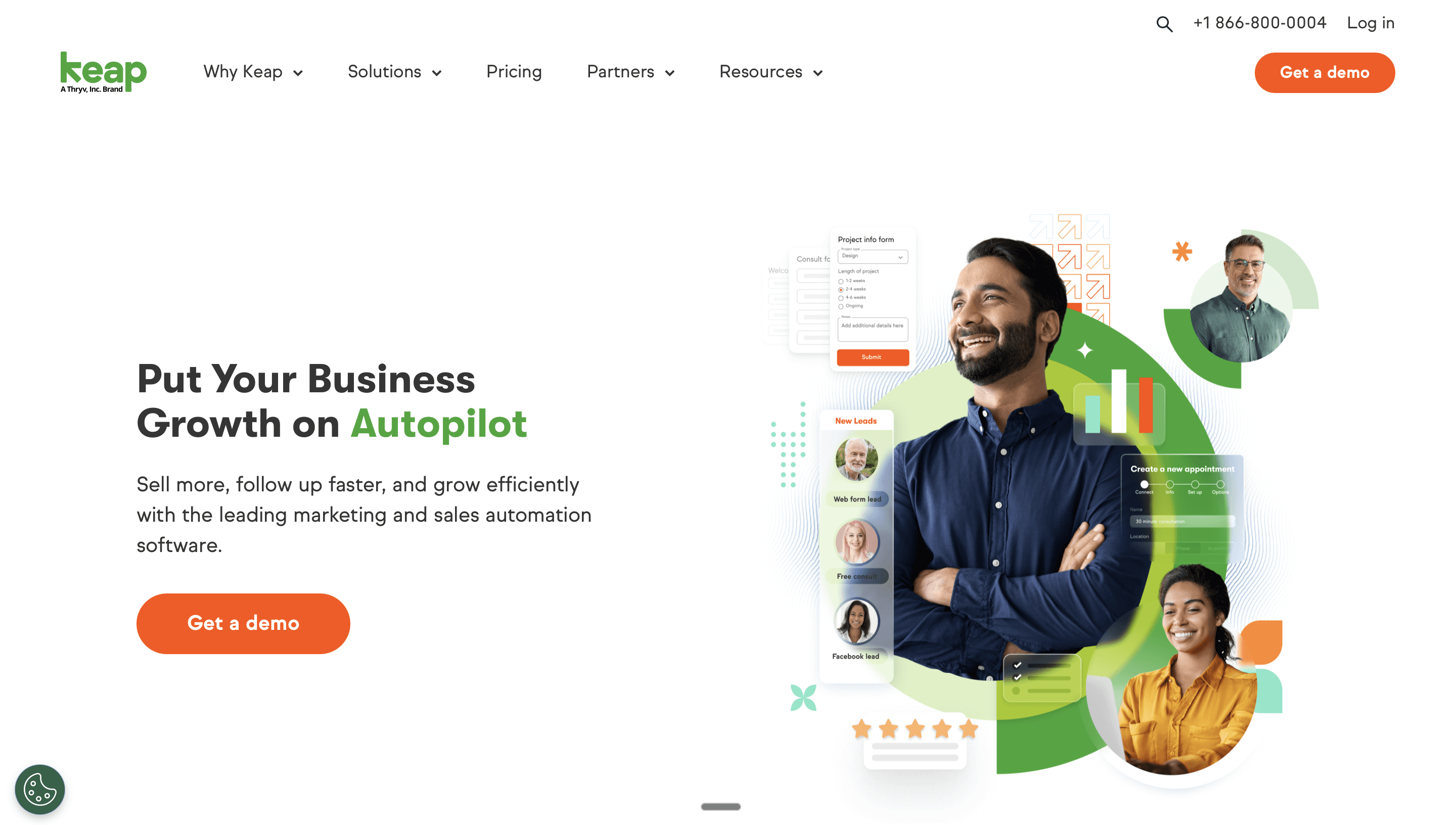
Keap combines CRM with advanced marketing automation for small businesses. It's particularly strong for service businesses, coaches, consultants, and others selling primarily to individuals rather than companies.
The campaign builder handles sophisticated multi-branch sequences based on contact behavior. E-commerce features support payments and invoicing directly in the platform. Appointment scheduling integrates with the CRM so follow-up automations trigger based on meeting outcomes.
The learning curve is steeper than simpler tools, and pricing runs higher than basic CRMs. But for service businesses needing marketing automation and payment processing alongside contact management, Keap handles the full workflow.
Best for: Service-based small businesses needing marketing automation, CRM, and payment processing in one system.
Pricing: Starts around $129 monthly for 1,500 contacts and two users. Pricing scales with contacts and users.
12. Nutshell
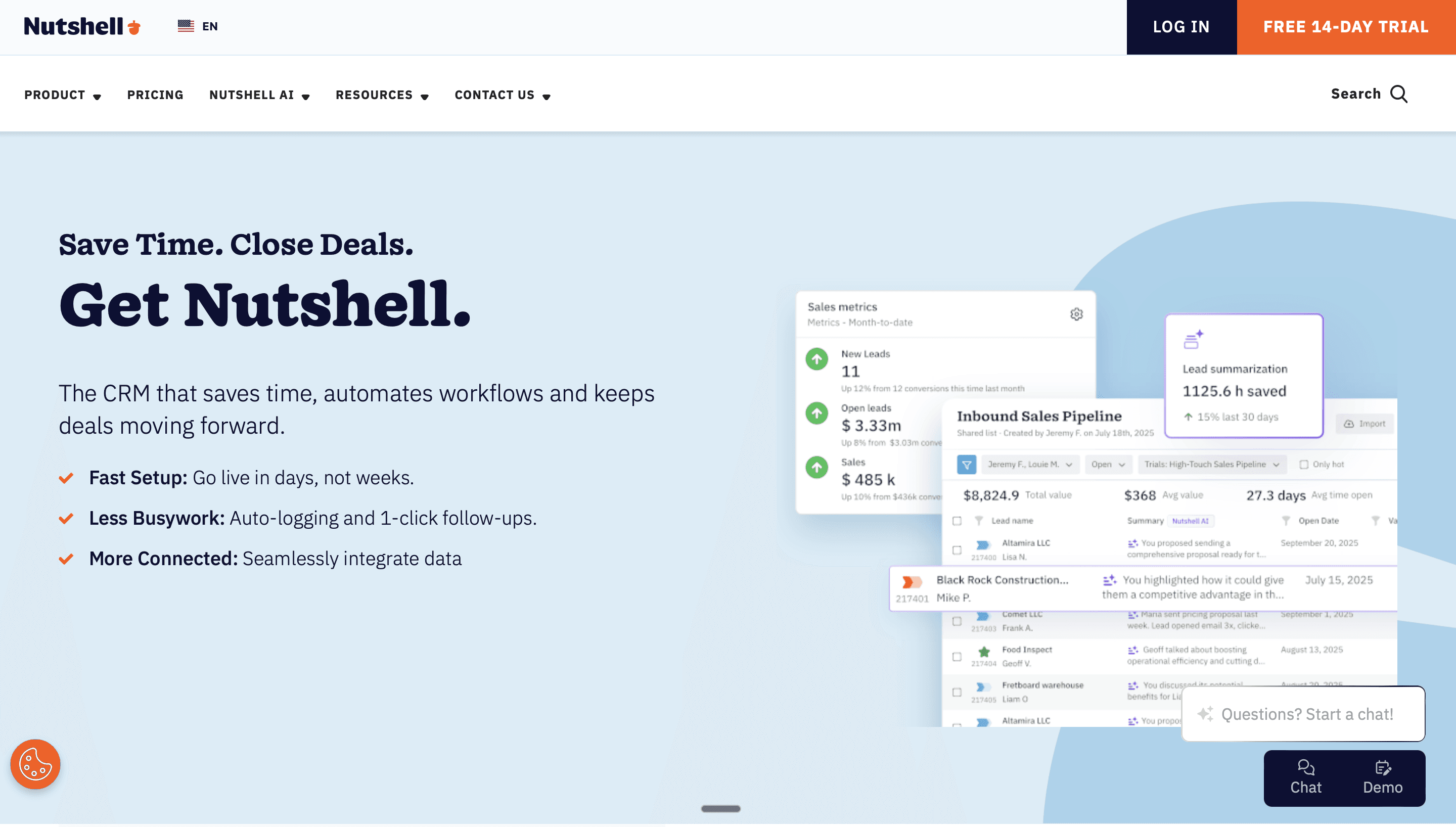
Nutshell blends CRM with email marketing in a package designed for small teams. Pipeline management is straightforward, and the built-in email campaigns mean you don't need a separate marketing platform for basic nurturing.
Automation features cover lead distribution, recurring tasks, deal stage triggers, and email sequences. The Sales Automation Suite handles routine admin so reps focus on selling. Reporting provides visibility into pipeline health and team performance.
Nutshell won't compete with enterprise platforms on customization or scale. But for small sales teams that want pipeline management and basic email marketing without juggling multiple tools, it's a solid choice.
Best for: Small sales teams needing CRM and email marketing in one affordable, easy-to-use platform.
Pricing: Foundation starts at $13 per user monthly. Pro runs $42 and includes Sales Automation. Power+ costs $59 and Enterprise hits $79 per user monthly.

The Data Enrichment Gap
Here's something most CRM automation tools miss entirely: keeping your data complete and accurate.
Your automation only works if the underlying data is reliable. Lead scoring fails when half your contacts are missing job titles. Personalized sequences fall flat when you don't have the information needed to personalize. Routing rules break when company size fields sit empty.
Traditional CRMs don't solve this. They manage data you already have. They don't fill in the gaps.
This is where CRM enrichment tools become essential. Platforms like Databar connect to your CRM and automatically enrich records with missing information, including job titles, company revenue, direct phone numbers, tech stack data, and dozens of other data points.
What makes waterfall enrichment particularly valuable is coverage. Instead of relying on a single data provider (and accepting their gaps), waterfall systems check multiple sources sequentially until they find what you need. A platform like Databar checks 160+ data providers, which typically pushes match rates from 50-60% with single providers to 80-90% with waterfall approaches.
The automation possibilities multiply when your data is actually complete. Lead scoring becomes accurate because you have the firmographic data to score against. Personalization works because you know enough about each prospect to personalize. Routing rules function because the fields they depend on are populated.
If your CRM automation isn't delivering the results you expected, incomplete data is often the culprit. Solving the data enrichment problem often produces bigger returns than adding more automation features to workflows running on bad data.
Choosing the Right Tool for Your Team
The best CRM automation tool depends on your specific situation. Here's a framework for narrowing options:
If you're starting from scratch and want one platform for marketing and sales, HubSpot or EngageBay offer the easiest path. HubSpot provides more power and polish at higher prices. EngageBay delivers surprising capability for budget-conscious teams.
If you're a sales-focused team that doesn't need marketing automation, Pipedrive or Close might be better fits. Pipedrive excels at pipeline visualization. Close shines for phone-heavy inside sales.
If you're enterprise with complex processes and dedicated admins, Salesforce remains the default for good reason. Nothing else matches its customization depth.
If you're Google-first, Copper's native integration is hard to beat. Everything happens where your team already works.
If marketing automation is the priority and sales features are secondary, ActiveCampaign offers serious power. Just know the CRM functionality is less robust.
If budget is tight, Zoho delivers remarkable breadth for the price. The interface isn't flashy, but the functionality is there.
Regardless of which CRM you choose, consider how data enrichment fits into your stack. The best waterfall enrichment tools work alongside any CRM, filling gaps that native platforms can't address.
Implementation Tips
A few lessons from watching teams implement CRM automation:
Start with one workflow. Don't try to automate everything at once. Pick your biggest time sink, automate that, and expand once it's working reliably.
Clean your data first. Automation amplifies whatever it touches. If your data has duplicates, outdated information, or empty fields, your automations will create larger messes faster. Invest in data quality before building complex workflows.
Map your process before automating it. Automation shouldn't just speed up a broken process. Document how things should work, identify waste, and simplify before you automate.
Train your team. The most sophisticated CRM automation fails if your team doesn't use it. Budget time for proper training and get buy-in from the people who'll live in the system daily.
Measure what matters. Track whether automation actually saves time and improves outcomes, not just whether it runs. A workflow that executes perfectly but doesn't move the needle is just expensive noise.
The right CRM automation tools remove friction from your sales process without creating new complexity. They should save your team time, keep data accurate, and let reps focus on selling instead of administrative work. Match the tool's strengths to your actual needs, and you'll see returns quickly.
FAQ
What's the difference between CRM automation and marketing automation?
CRM automation typically focuses on sales workflows: deal stage updates, activity logging, lead assignment, and follow-up reminders. Marketing automation handles email campaigns, lead nurturing, list segmentation, and content personalization. Many platforms now combine both, but the focus areas differ.
Can small businesses benefit from CRM automation?
Absolutely. Small teams often benefit more than large ones because they have less capacity for manual data entry and administrative work. Tools like Pipedrive, Nutshell, and EngageBay offer meaningful automation at accessible price points.
How important is integration with other tools?
Very. Your CRM needs to connect with your email platform, calendar, calling tools, and other software in your stack. Native integrations work most smoothly, but platforms like Zapier can bridge gaps. Check integration options before committing to any platform.
What should I automate first?
Start with your biggest time wasters. For most teams, that's activity logging, lead assignment, and follow-up reminders. These are high-frequency tasks that eat hours weekly. Automate the obvious stuff first, then tackle more complex workflows.
How do I keep my CRM data accurate for automation?
Data enrichment tools address this directly. Platforms that connect to multiple data providers and run enrichment automatically keep records current without manual research. Look for tools offering waterfall enrichment, which checks multiple sources to maximize match rates.
Related articles
See all