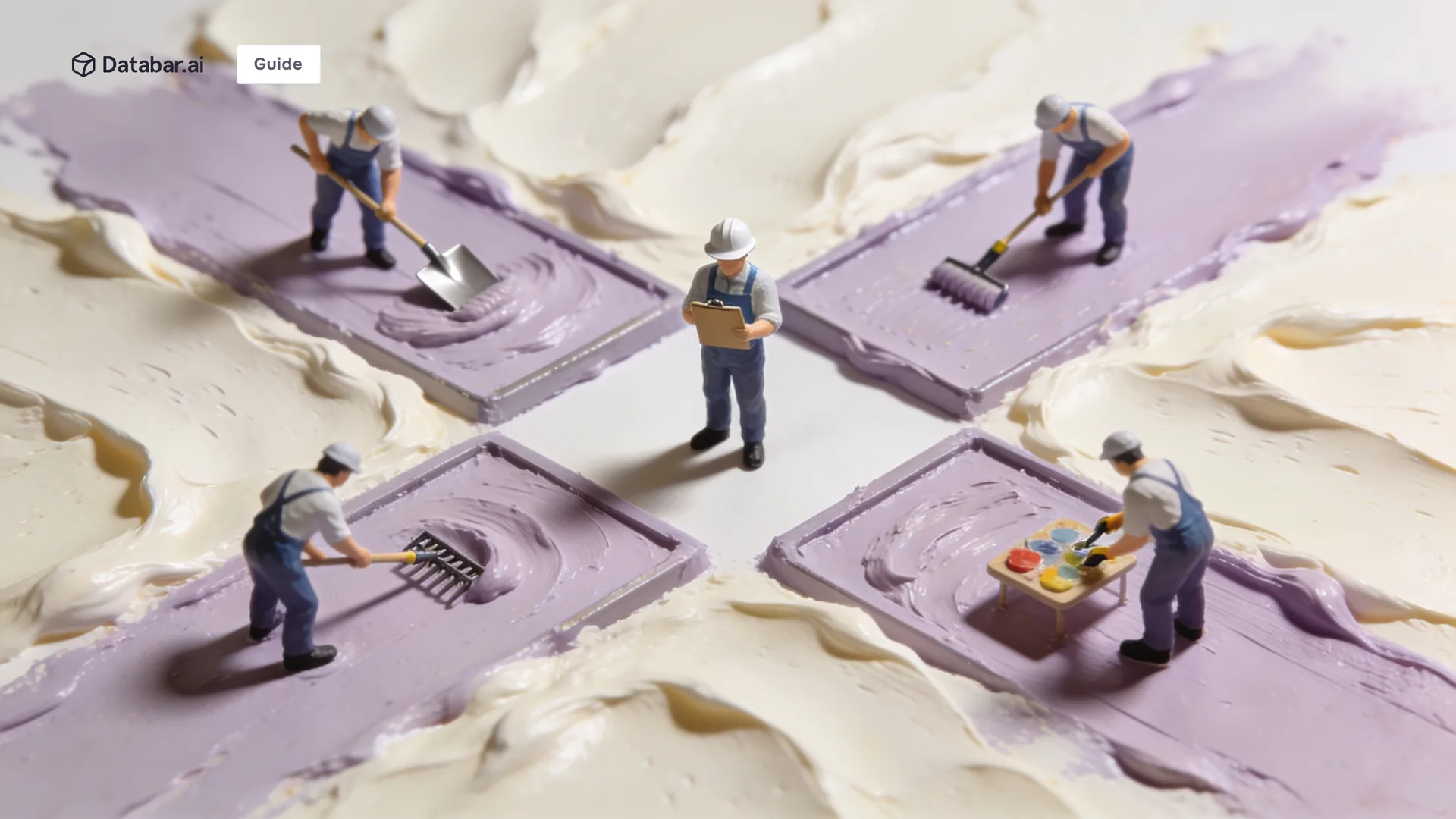
Claude Code sub-agents for GTM are isolated agents that the main Claude Code session can spawn for focused work, then collect results back. Each sub-agent has its own context window. They run in parallel. They handle work that would either pollute the main thread or take too long if done sequentially. The honest read in 2026 is that sub-agents are the most powerful and the most overused Claude Code primitive. Used well, they enable parallelism and context isolation. Used poorly, they add latency, cost, and confusion. The Claude Code sub-agents for GTM patterns below are the ones we have seen actually pay for themselves in production.
This is the production view. What sub-agents actually are, when to use them, when to skip them, and how to brief them so the work comes back useful.
What Claude Code Sub-Agents for GTM Actually Are
A sub-agent is a separate Claude instance the main session spawns for a focused task. The sub-agent gets its own context window, runs to completion (or until it hits a tool budget), and returns a single message back to the main session.
Sub-agents are not chat threads. They are not background processes that run forever. They are short-lived instances that do one job and exit. The main session is the orchestrator. The sub-agents are the workers.
Sub-agents have access to tools. A research sub-agent can use WebSearch and WebFetch. A code-review sub-agent can use Read and Grep. A general-purpose sub-agent can use most tools. The tool list is configurable per sub-agent type.

Why Claude Code Sub-Agents for GTM Matter in 2026
Three structural reasons sub-agents earn their place in GTM workflows.
Parallelism. The main session is sequential. Spawning three sub-agents in parallel for three independent research tasks finishes in roughly the time of one. For research-heavy GTM work like ICP analysis, account research, and competitive intelligence, the parallelism compounds.
Context isolation. The main session's context window is a shared resource. A long research task fills it with intermediate output the user does not need. A sub-agent does the work in its own context, returns a summary, and the main session stays focused. The same pattern shows up across the agentic GTM stack 5-layer framework.
Specialization. Different work needs different tool access and instructions. A code review needs Read and Grep. A web research task needs WebSearch and WebFetch. Sub-agents let each task get the right tools without the main session needing them all.
The Five GTM Workflows Where Claude Code Sub-Agents for GTM Earn Their Place
Five concrete patterns where sub-agents pay off in production GTM work.
Parallel account research. Spawn one sub-agent per account to research firmographics, news, and signals. Three to ten accounts in parallel finish in the time of one.
Competitive intelligence sweeps. Spawn sub-agents to research each competitor in parallel. Each sub-agent reads the competitor's site, recent news, and product changes. Results aggregate cleanly.
Long-running research without context bloat. A sub-agent that reads 20 web pages and returns a 200-word summary keeps the main session usable.
Code review or content review. A specialized sub-agent reviews a diff or a draft against a clear rubric, returns a structured review, and exits.
Multi-agent orchestration for complex flows. A research sub-agent feeds an enrichment sub-agent feeds a scoring sub-agent. The main session orchestrates. Each sub-agent does its specialty.
When to Skip Claude Code Sub-Agents for GTM
Three patterns where sub-agents are the wrong choice.
Trivial work. Spawning a sub-agent to read one file or run one search is overhead. The sub-agent setup costs more time than the work itself. Use direct tool calls in the main session.
Sequential tasks with shared state. If each step of a workflow needs to see the output of the previous step in detail, sub-agents add coordination overhead. Run sequential work in the main session.
Open-ended research that needs your judgment. Sub-agents return one message. If the main session would need to ask three follow-up questions to make sense of the output, the sub-agent saved nothing. Do the research interactively in the main session.

How to Brief Claude Code Sub-Agents for GTM Well
Sub-agents start fresh with no context from the main session. The brief has to stand alone.
Explain the goal. What you are trying to accomplish and why. Not just the immediate task, but the broader purpose. The sub-agent makes judgment calls based on the why.
Give context. What you have already learned, what you have ruled out, what the surrounding problem is. The sub-agent should not relearn what the main session already knows.
Specify the output shape. Word count, structure, format. "Report under 200 words with bullet-point findings" beats "do research."
Hand over what to use. Lookups: hand over the exact command. Investigations: hand over the question. Prescribed steps become dead weight when the premise is wrong.
Terse command-style prompts produce shallow, generic work. Brief the sub-agent like a smart colleague who just walked into the room and has 20 minutes to help.
The Reference Patterns for Claude Code Sub-Agents for GTM
Three concrete sub-agent patterns from production GTM workflows.
Parallel research pattern. The main session has a list of 10 accounts to research before a pipeline review. It spawns 10 research sub-agents in parallel, each briefed with one account. Each sub-agent reads enrichment data, scans news, and returns a 150-word brief. The main session aggregates the briefs into the review prep.
Specialist review pattern. The main session has drafted three blog articles. It spawns one editorial sub-agent per article with the brand voice rubric and asks for a structured review. Each sub-agent returns a list of issues. The main session applies the fixes.
Long-fetch pattern. The main session needs to understand a competitor's full product. It spawns one general-purpose sub-agent with the competitor URL and a brief asking for a structured product overview. The sub-agent does the fetching. The main session gets back a summary.

Comparison Table: Claude Code Sub-Agents for GTM vs Alternative Approaches
Approach | Best for | Strength | Weakness |
|---|---|---|---|
Direct tool calls in main session | Trivial work, single-step lookups | Fast, low overhead | No parallelism, pollutes context |
Skills (SKILL.md folders) | Repeated workflows | Compounds, deterministic | Sequential by default |
Sub-agents for parallel work | Independent tasks at scale | Parallelism, context isolation | Setup overhead, briefing cost |
Custom Python multi-agent loops | Complex multi-step orchestration | Full control, predictable | Build effort, maintenance |
Most production GTM workflows use a mix. Skills handle the repeated stuff. Sub-agents handle the parallel and specialized stuff. Direct tool calls handle the rest.
Where Claude Code Sub-Agents for GTM Break
Three honest failure modes any team using sub-agents will hit.
Bad briefs produce bad work. A sub-agent given "do research" returns a generic summary. A sub-agent given a specific question with context returns useful output. The briefing quality is the single biggest factor in sub-agent value.
Over-spawning adds latency. Each sub-agent has setup time. Spawning 20 sub-agents for trivial tasks is slower than doing the work directly. Reserve sub-agents for work that benefits from parallelism or context isolation.
Bad data layer underneath. Many GTM sub-agents call enrichment. Single-source data caps match rates around 50%, which makes the sub-agent output unreliable regardless of how clean the briefing is. Multi-source aggregators (Databar across 100+ providers) lift match rates closer to 85% in waterfall mode. The same pattern shows up across the best data providers for AI agents stacks teams build for production.

The Data Layer Decides Whether Claude Code Sub-Agents for GTM Actually Work
Sub-agents are tools. The data they call is what makes them reliable.
A research sub-agent that calls a single-source enrichment provider gets incomplete data on roughly half the prospects. The summary the sub-agent returns reflects the incomplete data. The main session aggregates several incomplete summaries and produces a flawed pipeline review. The sub-agent is fine. The data layer is the problem.
Multi-source aggregators that route across 100+ providers in waterfall mode lift match rates closer to 85%. Latency matters too. Sub-agents that wait 30 seconds per enrichment call burn the parallelism advantage. Parallel waterfall calls with caching keep enrichment under 5 seconds, which is what makes sub-agent-driven workflows feasible.
Implementation Path for Claude Code Sub-Agents for GTM
The fastest production path is two weeks: identify three workflows, brief the sub-agents, run shadow mode, scale.
Week 1. Pick three workflows where parallelism or context isolation pays off. Account research, competitive sweeps, long-fetch tasks. Write the briefs.
Week 2. Run the sub-agent workflows in shadow mode against the main-session approach. Compare quality and time. Cut over once the sub-agent version beats the baseline.
The whole thing fits in a small skill folder if you are running Claude Code. The best Claude Code skills for GTM library covers the broader pattern.
Use Claude Code Sub-Agents for GTM Where Parallelism and Isolation Pay Off
Claude Code sub-agents for GTM are powerful when used for parallel and context-isolated work. The data layer underneath is what makes the sub-agent output reliable. The brief quality is what makes the sub-agent useful.
Databar covers the data layer for Claude Code sub-agents end to end. 100+ providers, native MCP and SDK, sub-5-second waterfall enrichment, outcome-based billing where you only pay when data is returned. 14-day free trial at build.databar.ai.
FAQ
What are Claude Code sub-agents for GTM?
Claude Code sub-agents for GTM are isolated agents the main Claude Code session can spawn for focused work, then collect results back. Each sub-agent has its own context window and runs to completion. The main session orchestrates, the sub-agents are the workers.
When should I use Claude Code sub-agents for GTM?
Five patterns. Parallel account research, competitive intelligence sweeps, long-running research without context bloat, code or content review, and multi-agent orchestration for complex flows. The common thread is parallelism or context isolation. Reserve sub-agents for work that benefits from one of those.
When should I skip sub-agents in Claude Code?
Three patterns to skip. Trivial work where the sub-agent setup costs more than the work itself. Sequential tasks with shared state where coordination overhead dominates. Open-ended research that needs your judgment to make sense of partial outputs. Do these directly in the main session.
How do I brief a Claude Code sub-agent well?
Explain the goal and the why. Give context the sub-agent does not have. Specify the output shape (word count, format, structure). Hand over exact commands for lookups, hand over the question for investigations. Brief the sub-agent like a smart colleague who just walked into the room.
How are sub-agents different from skills in Claude Code?
Skills are reusable workflow folders the main session loads automatically. Sub-agents are isolated agents the main session spawns for focused work. Skills compound across runs. Sub-agents handle parallel or context-isolated tasks within a run. Most teams use both.
Do sub-agents need their own data layer?
They share the data layer with the main session. The constraint is the same. Multi-source enrichment matters because single-source data caps match rates around 50%. Multi-source aggregators (Databar across 100+ providers) lift match rates closer to 85% in waterfall mode. The data layer is what makes sub-agent output reliable.
How many Claude Code sub-agents for GTM should I spawn at once?
Three to ten in parallel is the common range for research work. More than that adds coordination overhead and rate-limit risk. Fewer than three usually means the work was not parallel enough to justify sub-agents. Calibrate to the workload.
Also interesting
Related articles
See all