
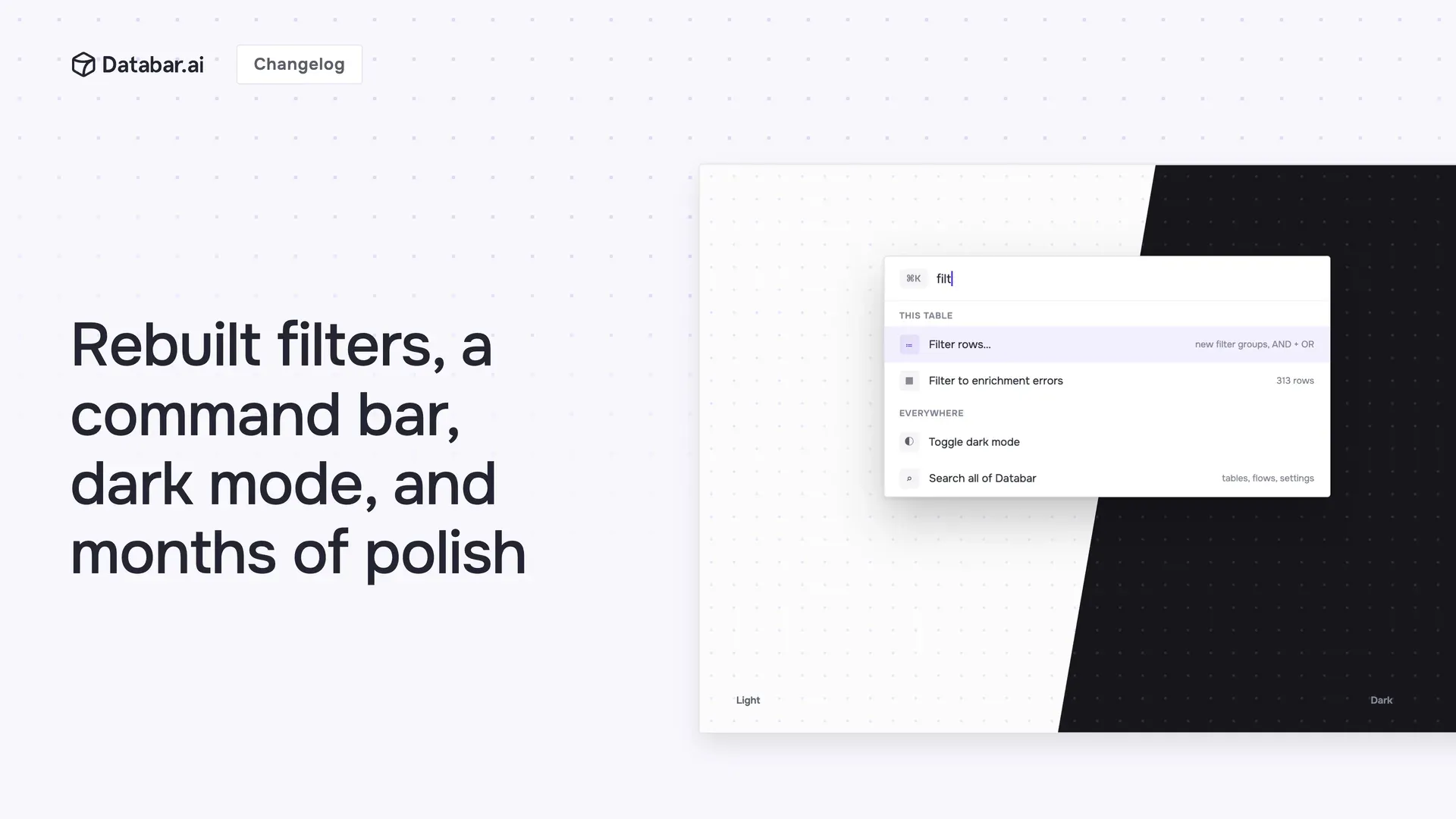
The last few months brought a full visual refresh and a long list of workflow improvements. The highlights:
Filters, completely rebuilt
Filtering got a ground-up revamp, not a tune-up.
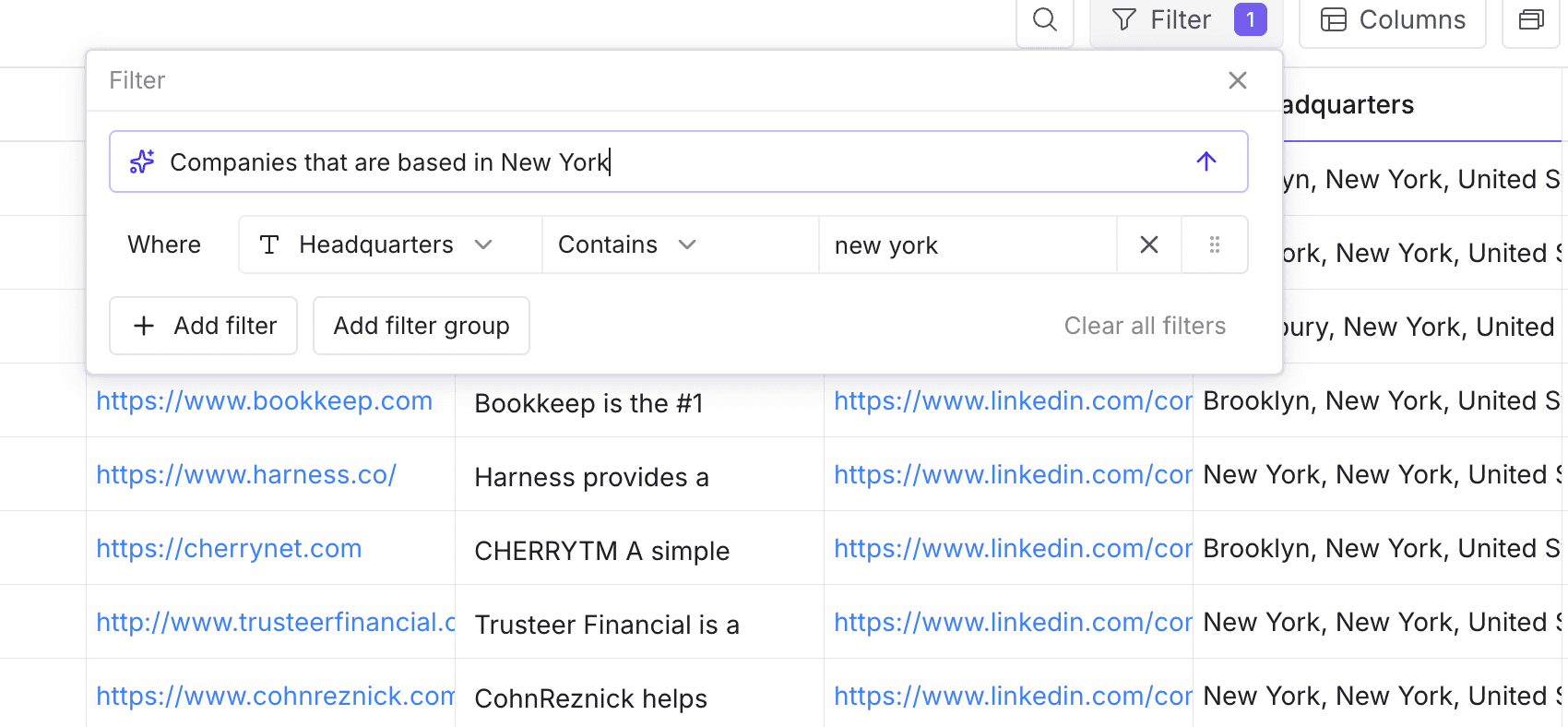
A much simpler UI. The filter panel was redesigned from scratch, so building even a complex filter feels straightforward instead of fiddly.
Filter groups, with AND + OR. Combine conditions into groups and mix AND with OR logic. "In the US AND (raised a round OR hiring engineers)" is now one filter.
Filter on anything. JSON columns, AI columns, and row status (success, error, no data, inputs missing) are all filterable now.
Command bar
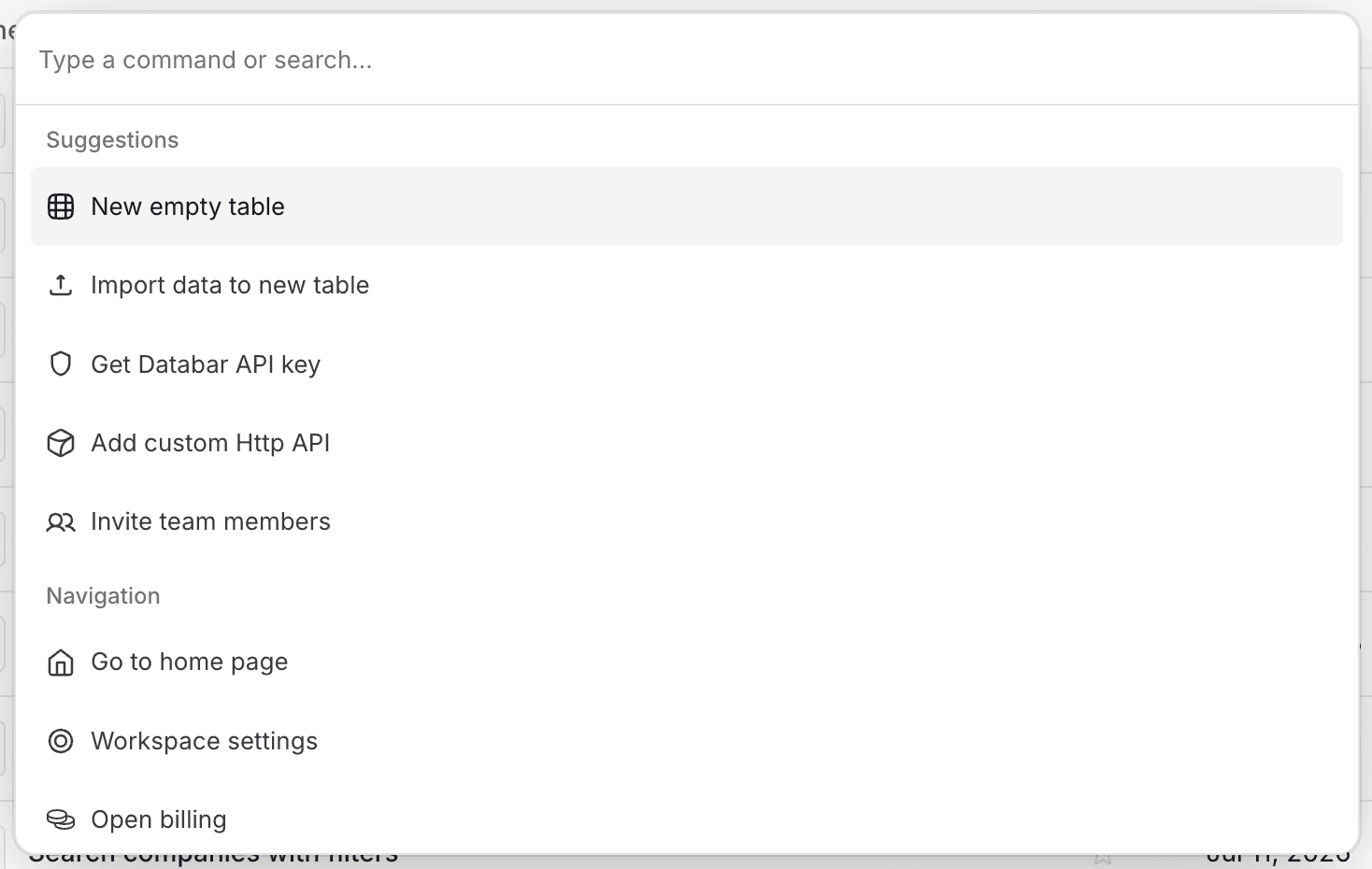
Hit Cmd+K on Mac or Ctrl+K on Windows and it works the way you'd hope if you've used Linear, Notion, or Raycast: contextual actions for the table you're in, and typing searches across all of Databar. It's the fastest way to navigate, search, and act without touching the mouse. Cmd+F now opens table search, too.
Live tables
Data streaming in through webhooks, the API, or MCP appears in your table in real time. No refresh, no reload. Watch rows land the moment they arrive.
Dark mode
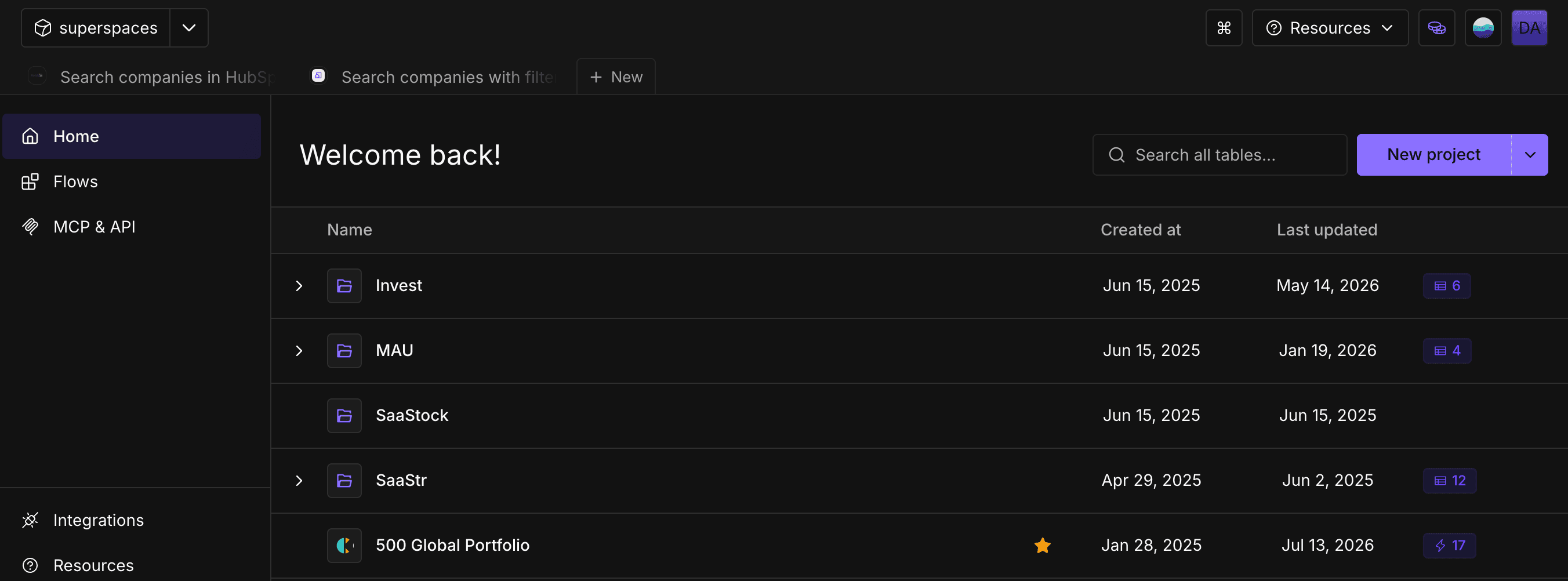
Flip it on in your user menu.
A cleaner Databar, everywhere
The home page got a full redesign and table settings moved into a clean new sidebar. Beyond that, we've redesigned site-wide, so everything is cleaner, more consistent, and easier to read, wherever you are in the app.
Managing integrations is much easier
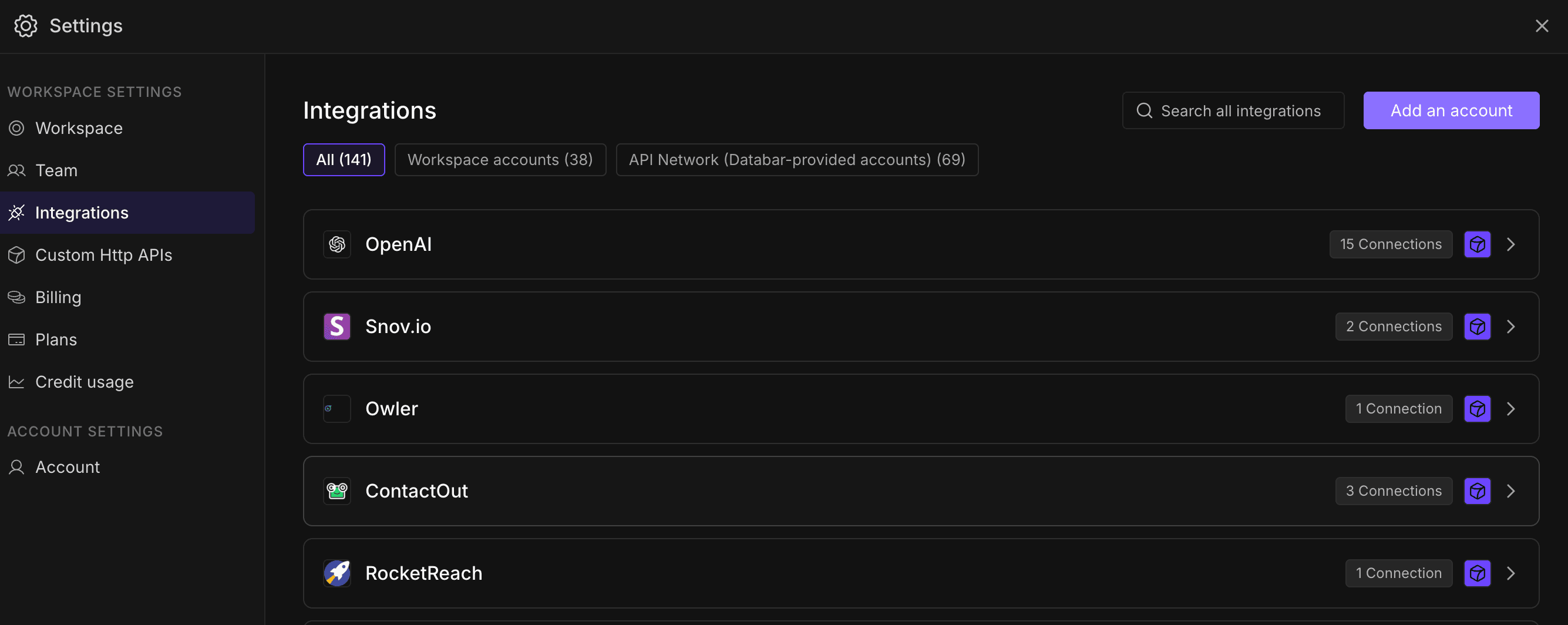
Integrations in settings got an overhaul. It's now much easier to manage your integrations, API keys, and Databar credentials: find the source you need, connect it, and manage it all in one place, instead of hunting through settings. The public Explore pages got the same treatment, redesigned into a proper integrations catalog with detail pages and search filters.
Quality of life improvements
Preview before setup. Hover over any enrichment and a popup shows you its details, so you know exactly what it does before you set it up.
Re-fill a dataset from history. Re-run a source with the exact parameters you used last time.
Give tables descriptions.
Organize tables into folders.
Delete columns in bulk.
Bigger CSV uploads (fields up to 10 MB).
Columns now set their own type automatically: JSON responses become JSON columns, text becomes text.
The AI Researcher returns cleaner, standardized fields, so its output is easier to map and rely on.
🐛 Plus a long list of UI fixes across tables, filtering, and settings.
About Databar
Databar replaces your go-to-market data stack with one platform. Search companies, people, and jobs, monitor the web for signals, and enrich it all with 160+ data sources and waterfalls. Wire everything into reusable automations that run on a schedule, on your tables and CRM data, or by an AI agent. App, API, MCP server, SDK, and CLI included on every plan.
Related articles
See all



