
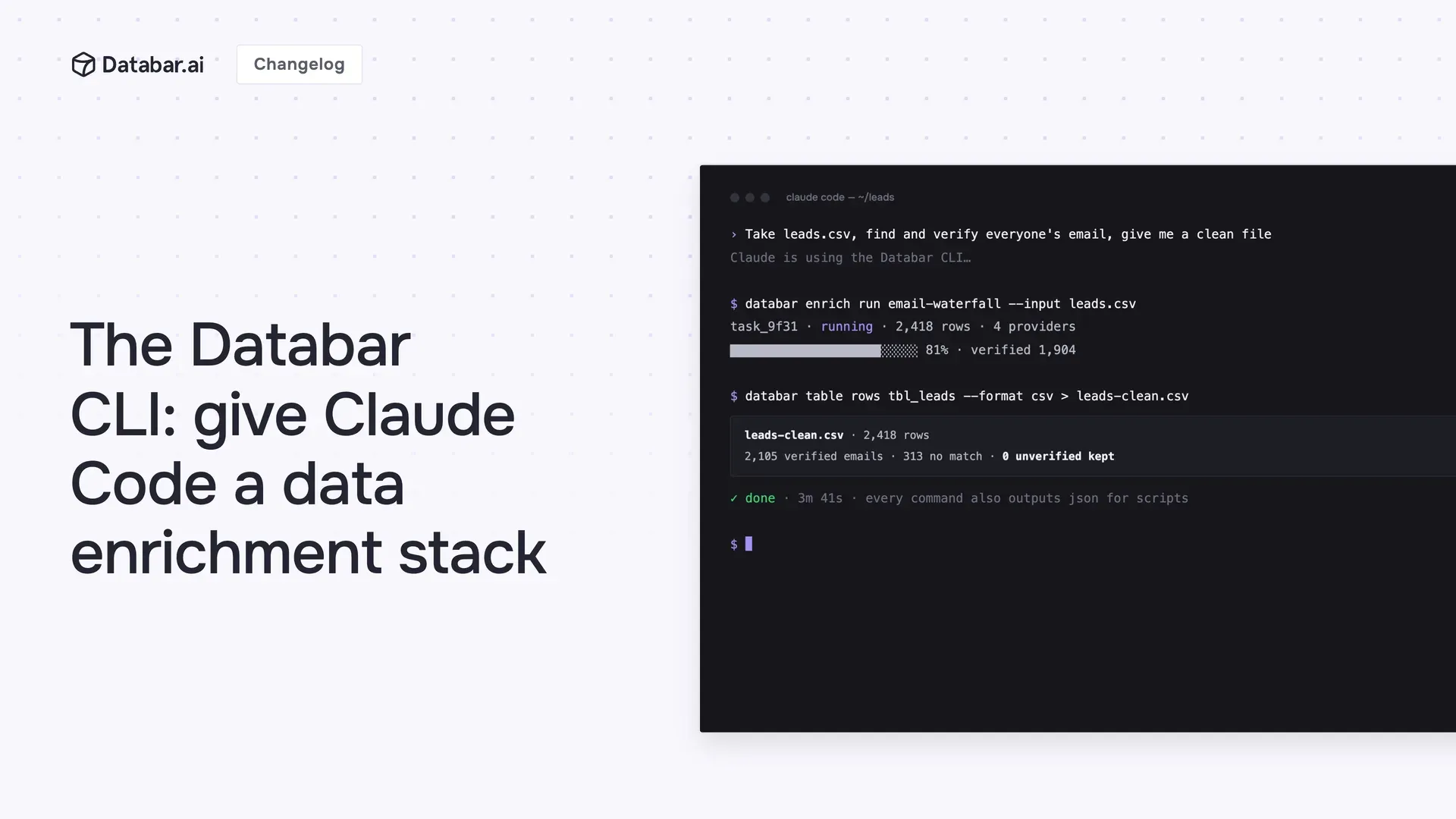
Claude Code changed how people work in the terminal. It writes your scripts, cleans your files, automates your busywork. But the moment a task needs real data (find emails, enrich a CSV of companies, check who's hiring), it hits a wall. It has the intelligence but not the data.
The new Databar CLI removes that wall.
Install it, run databar login, and every data source in Databar becomes something Claude Code can use. Tell it "enrich this CSV with company data and verified emails" and it will figure out the enrichments to use, run them, and hand you back the finished file. You describe the outcome; the agent does the data work with real providers behind it.
It teaches the agent itself
Run databar agent-guide and the CLI prints a complete guide to everything Databar can do and how to do it, written for agents. Claude Code reads it, learns the whole surface (enrichments, waterfalls, tables, tasks), and starts working. No setup, no config, no tool definitions to write. If a coding agent can run shell commands, it can run Databar.
A few things that become one-prompt tasks:
"Take leads.csv, find and verify everyone's email, and give me back a clean file"
"Build a table of fintech companies in Germany and enrich it with headcount and funding"
"Re-run failed rows in my Databar table and export the results to HubSpot"
Your flows come along, too
Any flow you've built on the canvas (Flows) can be listed and run straight from the terminal. Build the pipeline once, visually, and it's now a shell command: run it yourself, cron it, or let Claude Code call it as a ready-made tool instead of improvising the steps.
Great for humans, too
It's a full CLI: browse and run enrichments and waterfalls, create and manage tables and rows, attach enrichments, and poll long-running tasks without leaving your shell. Every command outputs table, json, or csv, so it pipes cleanly into jq, scripts, and cron jobs. And databar onboard walks you through setup interactively.
About Databar
Databar replaces your go-to-market data stack with one platform. Search companies, people, and jobs, monitor the web for signals, and enrich it all with 160+ data sources and waterfalls. Wire everything into reusable automations that run on a schedule, on your tables and CRM data, or by an AI agent. App, API, MCP server, SDK, and CLI included on every plan.
Related articles
See all



