
Searching for effective Clay.com alternatives means understanding the unique approaches different platforms take to data enrichment and automation. While Clay.com has gained popularity for its table-based organization and flexible workflow system, your team might benefit from exploring other solutions that offer different implementation methods, specialized features, or more intuitive interfaces. This comprehensive guide examines the top data enrichment tools that can serve as viable Clay alternatives to help you identify which platform best aligns with your specific operational needs.
Our analysis focuses on implementation approaches, workflow creation methodologies, and specialized capabilities of each platform. We'll highlight which solutions excel for different team structures, technical skill levels, and automation objectives, allowing you to confidently select a data enrichment solution that provides the optimal match for your organization's requirements.

Top Clay.com Alternatives in 2025
Based on our analysis and the examples from our resource documents, here are the most effective Clay.com alternatives:
1. Databar.ai
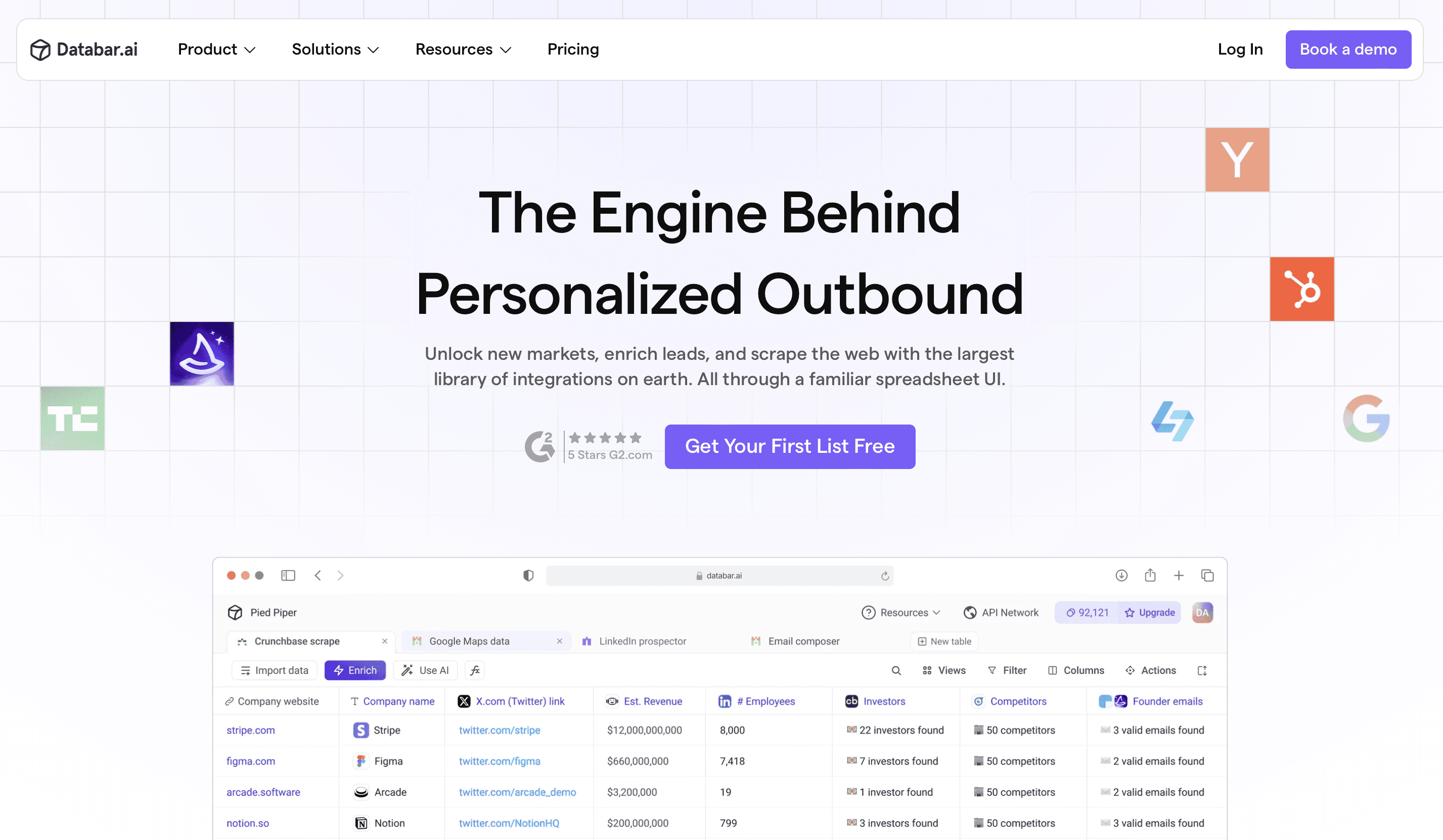
Databar.ai takes a streamlined approach to data workflows through its visual automation builder and pre-built templates. This differs from Clay.com's table-based methodology by emphasizing rapid implementation and accessibility for non-technical users.
Key Characteristics:
Visual workflow builder: Intuitive drag-and-drop interface for creating enrichment sequences
Access to 100+ data providers: Comprehensive data coverage through a unified platform
Template library: Extensive collection of pre-built workflows for common enrichment scenarios
Integration-first design: One-click connections to major CRMs and marketing platforms
Implementation speed: Get workflows operational within hours rather than days or weeks
For teams looking to implement enrichment workflows quickly without extensive configuration or training requirements, Databar.ai offers an approach that emphasizes accessibility and rapid deployment.
➤ Get started with Databar.ai for free today
2. Persana

Persana is an AI-powered lead research and enrichment tool that auto-generates insights about contacts and accounts, making it ideal for personalized outreach preparation.
Key Characteristics:
AI-driven insights: Automatically generates actionable intelligence about prospects
Multi-source enrichment: Pulls data from 75+ sources for comprehensive profiles
Personalization focus: Specifically designed to support customized outreach
Agent-based research: Uses AI to find and synthesize prospect information
Email composition assistance: Helps craft personalized messages based on research
Persana excels for teams focused on highly personalized outreach where deep prospect understanding is more important than complex workflow automation.
3. Waterfall
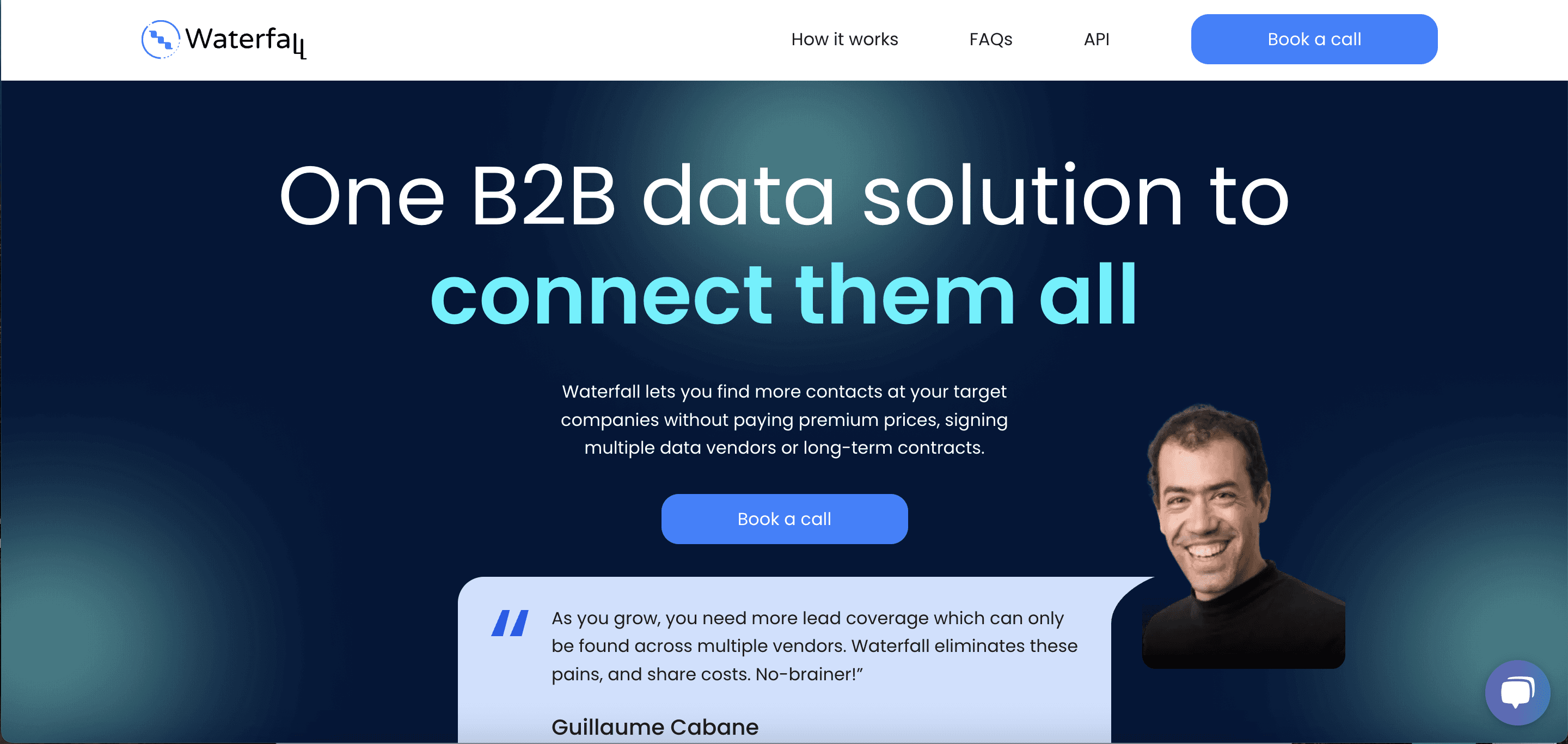
Waterfall focuses on automating outbound workflows by enriching data across tools and triggering next steps – providing a solid Clay alternative for data-driven go-to-market motions.
Key Characteristics:
End-to-end workflow automation: Coordinates processes across the entire outbound sequence
Trigger-based actions: Initiates next steps based on data conditions or events
Cross-platform enrichment: Enhances data across multiple tools in your stack
GTM process focus: Specifically designed for sales and marketing processes
Outbound optimization: Maximizes effectiveness of outreach campaigns
Organizations with complex outbound processes will appreciate Waterfall's focus on coordinating actions across multiple systems while enriching data throughout the workflow.
4. FullEnrich

Built specifically for contact and company enrichment at scale, FullEnrich can be plugged into your outbound workflow to auto-fill missing details and prepare leads.
Key Characteristics:
Contact-centric enrichment: Specialized in finding and verifying contact information
High volume processing: Optimized for handling large datasets efficiently
Deep integration capabilities: Connects with major outreach platforms
Verification emphasis: Ensures data accuracy for email and phone contacts
Simplicity focus: Streamlined for specific enrichment use cases
Teams primarily concerned with maximizing contact discovery and verification will find FullEnrich's specialized approach more direct than Clay's broader workflow platform.
5. Rows
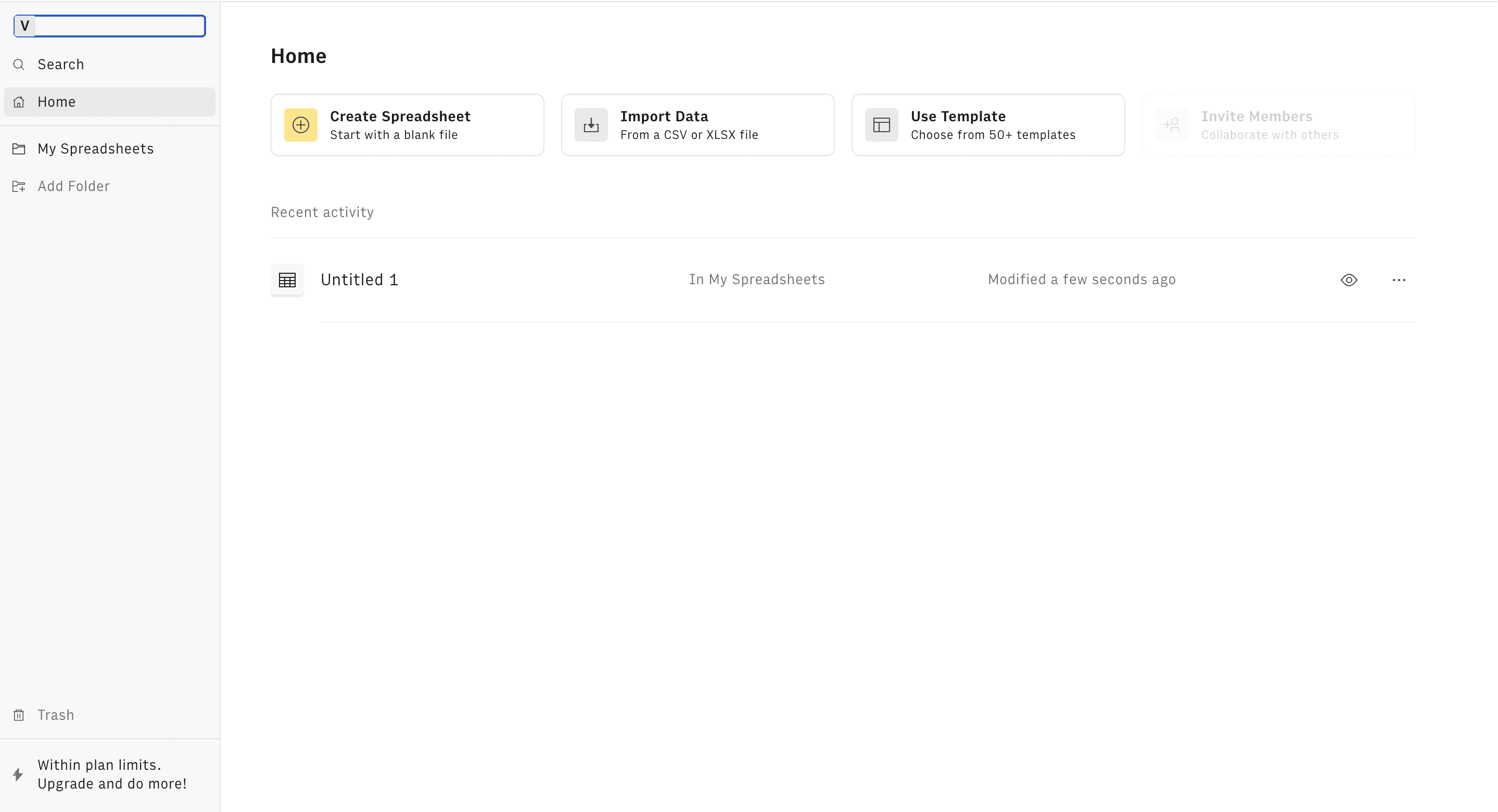
Rows offers a spreadsheet on steroids – connecting to APIs, automating enrichment, and visualizing data like Clay, but in a familiar spreadsheet environment.
Key Characteristics:
Spreadsheet interface: Familiar Excel-like experience
Integration cells: Connected data within spreadsheets
Visual outputs: Charts and dashboards
Collaborative editing: Team-based workflow building
Sharing options: Controlled distribution of results
Teams comfortable with spreadsheets who want enrichment capabilities within that familiar paradigm often find Rows provides a gentler learning curve than Clay.com's table system while still enabling effective workflows.
6. Baseloop
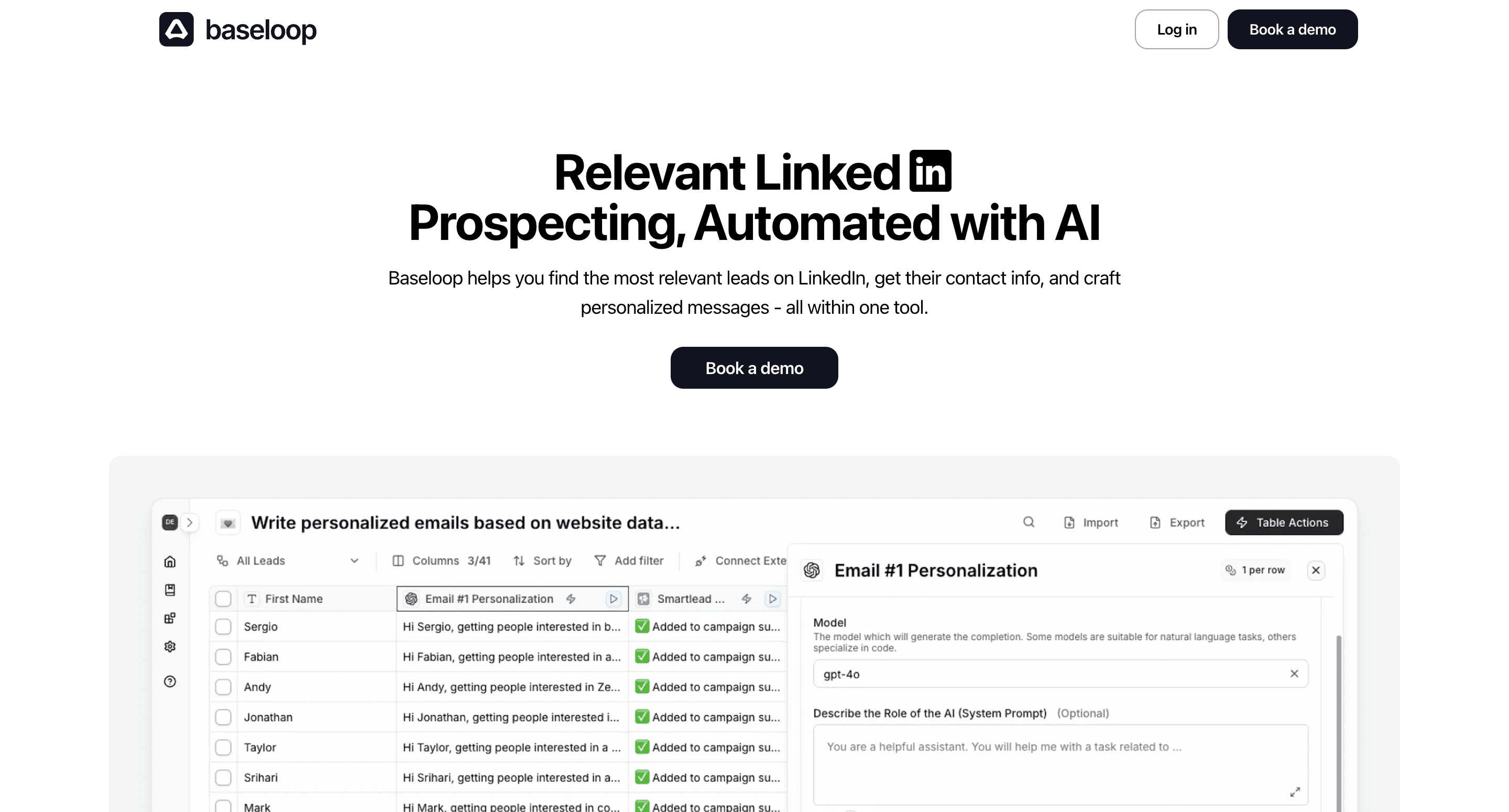
Baseloop is an AI-powered automation tool that extracts insights, enriches data, and builds outreach-ready contact lists – similar to Clay but more AI-native.
Key Characteristics:
AI-native platform: Built around artificial intelligence capabilities
Automated insight generation: Extracts meaningful patterns from data
Outreach preparation: Optimizes data for personalized communications
Intuitive workflow building: User-friendly automation creation
Learning capabilities: Improves performance based on results
Organizations wanting to leverage more AI capabilities in their enrichment processes may find Baseloop's machine learning approach offers advantages over Clay's more structured system.
7. Phantombuster
Phantombuster is best for scraping, enriching, and automating actions from web platforms like LinkedIn – capable of replicating some Clay workflows, especially for prospecting.
Key Characteristics:
Platform-specific automation: Specialized for social media and web scraping
Pre-built "phantoms": Ready-to-use automation modules
Scheduled execution: Automated running on defined schedules
Data extraction focus: Pulls information from websites and social platforms
Action automation: Can perform platform actions (like, comment, connect)
Teams focused specifically on social media data extraction and enrichment often find Phantombuster's specialized approach more effective for these specific workflows than Clay.com's generalized system.
➤ Discover the detailed comparison of Databar versus Phantombuster here
8. Airtable Automations
Airtable offers built-in workflow automation within its database platform, combining data storage and enrichment.
Key Characteristics:
Unified database-workflow environment: Combined storage and automation
Trigger-based design: Event-initiated workflows
Action library: Pre-built automation steps
Record-centric processing: Database-oriented operations
Visual builder: Straightforward automation creation
Organizations already using Airtable for data management may find its integrated automation capabilities provide a more unified environment than adding a separate platform like Clay.com.
Understanding Clay.com's Workflow Approach
Before exploring alternatives, let's establish a clear understanding of Clay.com's distinctive approach to data workflows:
Clay.com has developed a workflow-based enrichment platform with several characteristic elements:
Table-based structure: Organizes data in spreadsheet-like tables that connect to form workflows
Flexible workflow building: Allows custom data enrichment sequences and research flows
Research automation: Uses AI tools like Claygent for automated data extraction
Data provider connections: Accesses numerous third-party providers for enrichment operations
Credit-based consumption: Uses a credit system where different operations consume varying amounts
Customization emphasis: Prioritizes flexibility and customization over simplified implementations
Clay.com works particularly well for teams that have technical resources available and need highly tailored data workflows that can evolve with changing requirements.
When Different Workflow Approaches Might Better Fit Your Needs
Different organizations have unique requirements that might make alternative workflow methodologies worth exploring:
Different Implementation Preferences
Some teams may benefit from approaches that emphasize different implementation priorities:
Rapid deployment: Organizations needing immediate workflow implementation with minimal setup
No-training-required: Teams without bandwidth for extensive platform learning
Template-first design: Organizations preferring pre-built workflows over custom creation
Visual flow builders: Teams that think in visual flowcharts rather than table relationships
Function-specific workflows: Organizations focusing on specific enrichment use cases
Alternative Automation Methodologies
Different workflow philosophies might better align with certain team structures:
Guided automation: Teams preferring step-by-step guided processes
Rules-based systems: Organizations with clearly defined if-then enrichment logic
Integration-driven workflows: Teams whose processes center around existing platform connections
Event-triggered automation: Organizations needing workflows initiated by specific triggers
Hybrid human-AI approaches: Teams wanting controlled points of human intervention
Specialized Process Requirements
Different objectives benefit from platforms with varying workflow strengths:
CRM-centric processes: Organizations whose workflows primarily serve CRM enrichment
Marketing automation focus: Teams whose workflows support marketing segment building
List-building emphasis: Organizations primarily creating targeted outreach lists
Account intelligence depth: Companies needing comprehensive account research workflows
Contact verification priority: Teams focusing on email and phone validation sequences
Key Evaluation Criteria for Workflow-Based Enrichment Tools
When assessing different workflow platforms, focus on these five critical factors:
Workflow Creation Methodology
The fundamental approach to building data workflows varies significantly:
Visual builder vs. table-based design paradigms
Template availability and customization options
Workflow testing capabilities before full deployment
Logic complexity handling for advanced scenarios
Version control and workflow history management
Different platforms take vastly different approaches to workflow creation, affecting both initial implementation and ongoing maintenance.
Automation Capabilities
Workflow functionality depends heavily on automation capabilities:
Conditional logic complexity supported
Error handling sophistication and recovery options
Looping and iteration capabilities
Workflow branching possibilities
Parallel processing vs. sequential execution
The complexity of workflows you can build varies dramatically between platforms based on these automation fundamentals.
Integration Ecosystem
Your workflow tool must connect effectively with your data sources and destinations:
Native integration depth with major platforms
Authentication methods supported
Data transformation capabilities between systems
Bi-directional vs. one-way connections
API capabilities for custom integrations
Look beyond the mere presence of integrations to evaluate their depth and functional capabilities.
Implementation Requirements
Different platforms demand varying implementation investments:
Setup complexity and initial configuration
Learning curve for everyday users
Technical expertise required for effective use
Time-to-first-workflow expectations
Ongoing maintenance needs
The implementation effort required can range from hours to months depending on the platform's approach.
Operational Model
How workflows run affects their practical utility:
Execution models (real-time, scheduled, triggered)
Monitoring capabilities and visibility
Error notification systems
Performance optimization options
Resource consumption patterns
The operational characteristics determine how effectively workflows function in production environments.
Comparison: Clay.com and Alternative Workflow Approaches
This side-by-side comparison highlights how different platforms approach key workflow aspects:
Workflow Creation Methodology
Platform | Design Paradigm | Template Approach | Learning Curve | Configuration Depth | Collaboration Features |
Clay.com | Table-based relationships | Limited pre-built | Steep | Extensive | Basic sharing |
Databar.ai | Visual drag-and-drop | Extensive library | Gentle | Configurable | Team workspaces |
Phantombuster | Module-based | Pre-built phantoms | Moderate | Platform-specific | Basic sharing |
Rows | Spreadsheet-based | Template gallery | Very gentle | Moderate | Collaborative editing |
Different platforms take fundamentally different approaches to workflow creation, affecting how teams conceptualize and implement their processes.
Automation Capability Comparison
Platform | Conditional Logic | Error Handling | Looping Support | Branching | Execution Model |
Clay.com | Table-based conditionals | Basic retries | Through references | Limited | Sequential processing |
Databar.ai | Visual condition blocks | Recovery workflows | Iterator modules | Multi-path | Parallel capable |
Waterfall | Cross-tool conditions | Multi-level | Process loops | Path-based | Trigger-driven |
Baseloop | AI-enhanced | Adaptive | Smart iterations | Dynamic | Intelligent routing |
Automation capabilities vary dramatically between platforms, with different strengths in logic handling, error management, and execution models.
Different Solutions for Different Workflow Needs
The ideal workflow platform depends on your specific requirements and team structure:
For Teams Needing Rapid Implementation
Complementary Approaches: Databar.ai, Zapier, Phantombuster
Organizations needing to deploy workflows quickly without extensive configuration often benefit from platforms emphasizing pre-built templates and guided setup. Databar.ai provides rapid implementation for data enrichment specifically, while Zapier offers quick connection-based workflows. Phantombuster excels at platform-specific processes that can be implemented in minutes.
"We needed to get data enrichment workflows operational within days, not weeks. Databar.ai's visual builder and template library allowed us to implement our entire lead qualification process without specialized training or extensive configuration time." — Marketing Operations Director at a B2B SaaS company
For Organizations with Limited Technical Resources
Complementary Approaches: Databar.ai, Rows, Airtable Automations
If technical skills are limited within your team, these platforms offer different approaches to accessible workflow creation. Databar.ai provides intuitive visual builders specifically for data enrichment, while Rows offers a familiar spreadsheet paradigm. Airtable Automations combines database and workflow capabilities in an accessible interface.
For Companies with Complex Logic Requirements
Complementary Approaches: Make, Waterfall, n8n
Organizations with sophisticated workflow logic often benefit from platforms with advanced conditional capabilities. Make offers a visual canvas for complex logic flows, while Waterfall provides enterprise-grade logic handling across tools. n8n delivers robust conditional processing with customization options.
For Teams with Developer Resources
Complementary Approaches: Clearbit, n8n, Custom API Implementation
Different developer-oriented approaches suit teams with technical resources. Clearbit provides API-driven enrichment for code-based implementation, while n8n offers an open-source foundation for customization. Some organizations may even prefer building entirely custom workflow implementations using direct API connections.
Making a Smooth Workflow Platform Transition
Switching workflow platforms requires careful planning. Follow these steps for a smooth transition:
1. Document Your Current Workflows
Before making any changes:
Map your existing workflow processes
Document integration touchpoints
Identify critical automated steps
Note manual intervention points
Quantify performance metrics
This documentation ensures you maintain critical functionality during transition.
2. Define Your Workflow Requirements
Clearly establish what your workflows need:
Prioritize must-have steps versus nice-to-haves
Document specific data transformations
Identify trigger events and conditions
Establish performance requirements
Consider error handling needs
Clear requirements help you evaluate alternatives against your specific needs rather than generic feature lists.
3. Evaluate Options with Pilot Workflows
Test potential platforms with real scenarios:
Implement a representative workflow on each platform
Compare implementation time and difficulty
Test with your actual data sources
Evaluate integration quality with your specific systems
Measure performance and reliability
Real-world testing reveals differences that feature comparisons might miss.
4. Implement in Phases
Roll out your chosen solution gradually:
Start with non-critical workflows
Create documentation for your specific processes
Establish best practices before broader implementation
Run parallel systems during transition
Gradually migrate additional workflows
Phased implementation minimizes disruption and allows for refinement.
5. Optimize Your Workflow Environment
Once implemented:
Provide comprehensive training for all users
Create internal documentation for common operations
Establish regular review cycles for workflow efficiency
Monitor performance metrics
Continuously refine processes
Ongoing optimization ensures you realize the full potential of your automation investment.
Future Trends in Workflow-Based Enrichment
The workflow automation landscape continues to evolve. Here are key trends shaping the future:
AI-enhanced workflow building: Machine learning suggesting workflow improvements
No-code to low-code evolution: Increasing capability without increasing complexity
Hybrid human-in-the-loop models: Combining automation with human judgment
Governance-aware automation: Workflows with built-in compliance considerations
Cross-platform workflow portability: Reducing platform lock-in through standards
As these trends accelerate, platforms that combine ease-of-use with increasing sophistication will continue to gain adoption.

Conclusion: Finding Your Optimal Workflow Solution
The workflow-based data enrichment landscape offers diverse platforms with different approaches to automation, implementation, and operation. While Clay.com provides powerful table-based workflows for teams with technical resources and customization needs, exploring alternatives can help you find a solution that particularly aligns with your implementation timeline, technical capabilities, or specific workflow requirements.
For teams seeking intuitive visual workflow builders with rapid implementation, Databar.ai offers an accessible approach with pre-built templates and comprehensive data provider access. Organizations with development resources might find Clearbit's API-driven model valuable, while teams preferring spreadsheet-like environments could benefit from Rows' familiar paradigm.
The key to selecting the right workflow platform isn't finding a universally "best" solution, but rather identifying which approach best aligns with your team structure, implementation timeline, and operational requirements. By focusing on the criteria outlined in this guide, you can confidently select a workflow-based enrichment solution that optimally matches your organization's specific needs.
About Databar.ai
Databar.ai is a self-serve data enrichment and workflow automation platform designed for sales and marketing professionals in agencies and growth-focused companies. Our platform enables users to access data from 100+ providers, create visual enrichment workflows without coding, and automate personalized outreach—all through an intuitive interface that can be implemented within hours.
Our visual workflow builder and template library make implementation quick and straightforward, while our comprehensive data provider connections ensure access to the information you need. With flexible consumption models and accessible pricing, teams of all technical skill levels can build effective enrichment processes without extensive configuration or training. The result? Faster implementation, increased team adoption, and more immediate ROI on your workflow automation investment.
Recent articles
See all