Your CRM contains thousands of leads, but your sales team treats most of them the same. A Series B SaaS company with 200 employees gets the same outreach sequence as a bootstrapped startup with three people. An enterprise buyer researching pricing pages for the third time this week sits in the same queue as someone who downloaded one ebook six months ago.
This is the CRM segmentation problem. Without intelligent grouping, every lead becomes equally important, which really means no lead gets the attention it deserves.
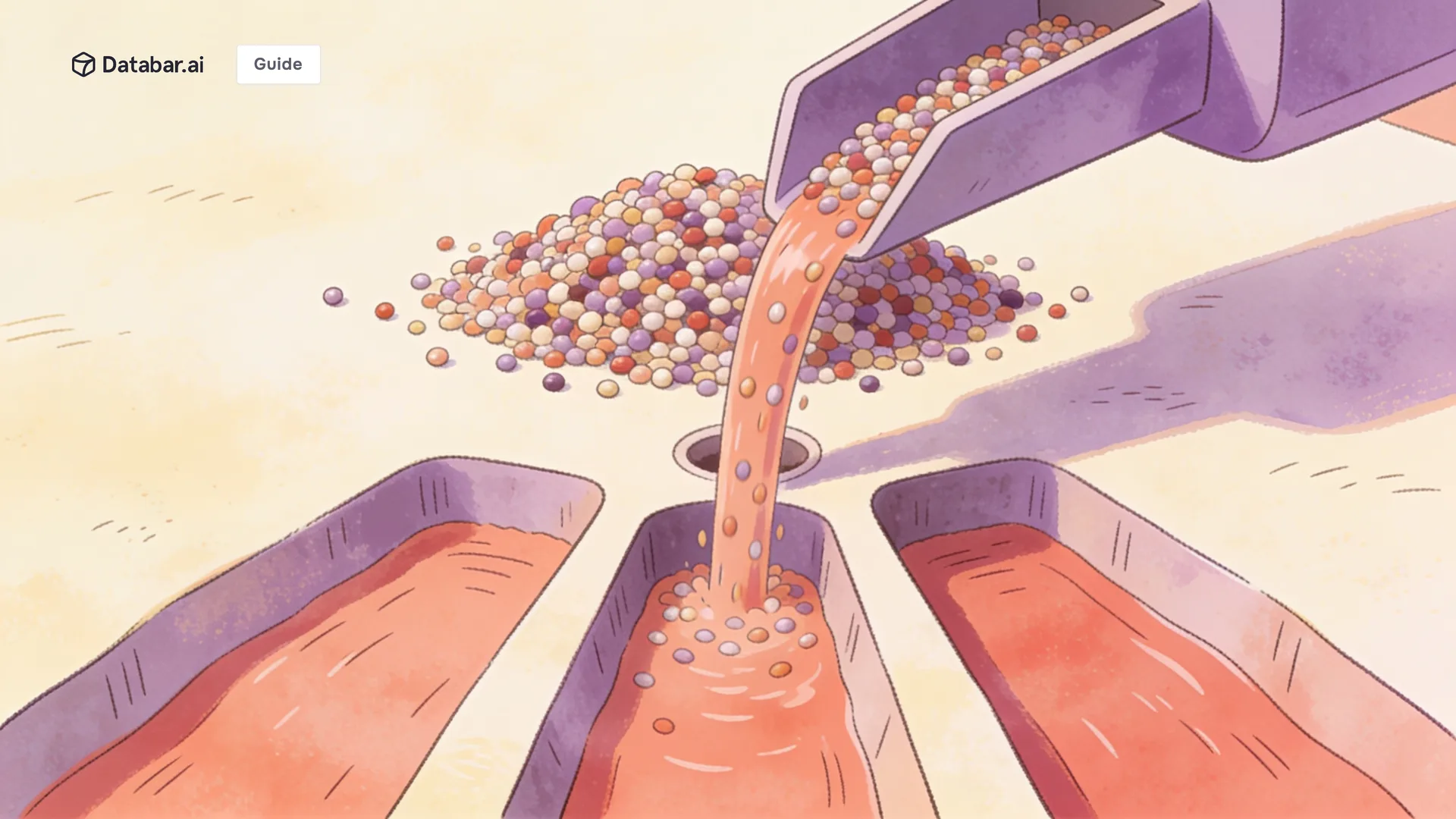
The solution isn't more manual tagging or weekly list reviews. It's building dynamic segmentation that updates automatically as leads engage, enrich, and move through your funnel. When someone visits your pricing page, their segment changes. When their company announces funding, their priority shifts. When they stop opening emails for 60 days, they move into re-engagement.
This guide covers how to segment CRM leads effectively using automation, from choosing the right criteria to building workflows that keep segments current without manual intervention.

Why Manual Segmentation Fails at Scale
Most teams start with manual segmentation because it seems simpler. Someone exports a list, applies filters, uploads results, and calls it done. The problem surfaces two weeks later when half those segments are already wrong.
People change jobs. Companies raise funding. Engagement patterns shift. A lead you tagged as "low priority" just visited your pricing page five times this week, but nobody noticed because the tag never updated.
Manual approaches also create inconsistency. One rep tags leads by company size. Another uses industry. A third invents their own categories. Six months later, your CRM contains 47 different segment labels that overlap and confuse everyone.
How CRM improves customer segmentation starts with automation. When segments update based on real data rather than human memory, they stay accurate. When rules are defined once and applied consistently, your entire team works from the same playbook.

The Four Segmentation Models That Actually Work
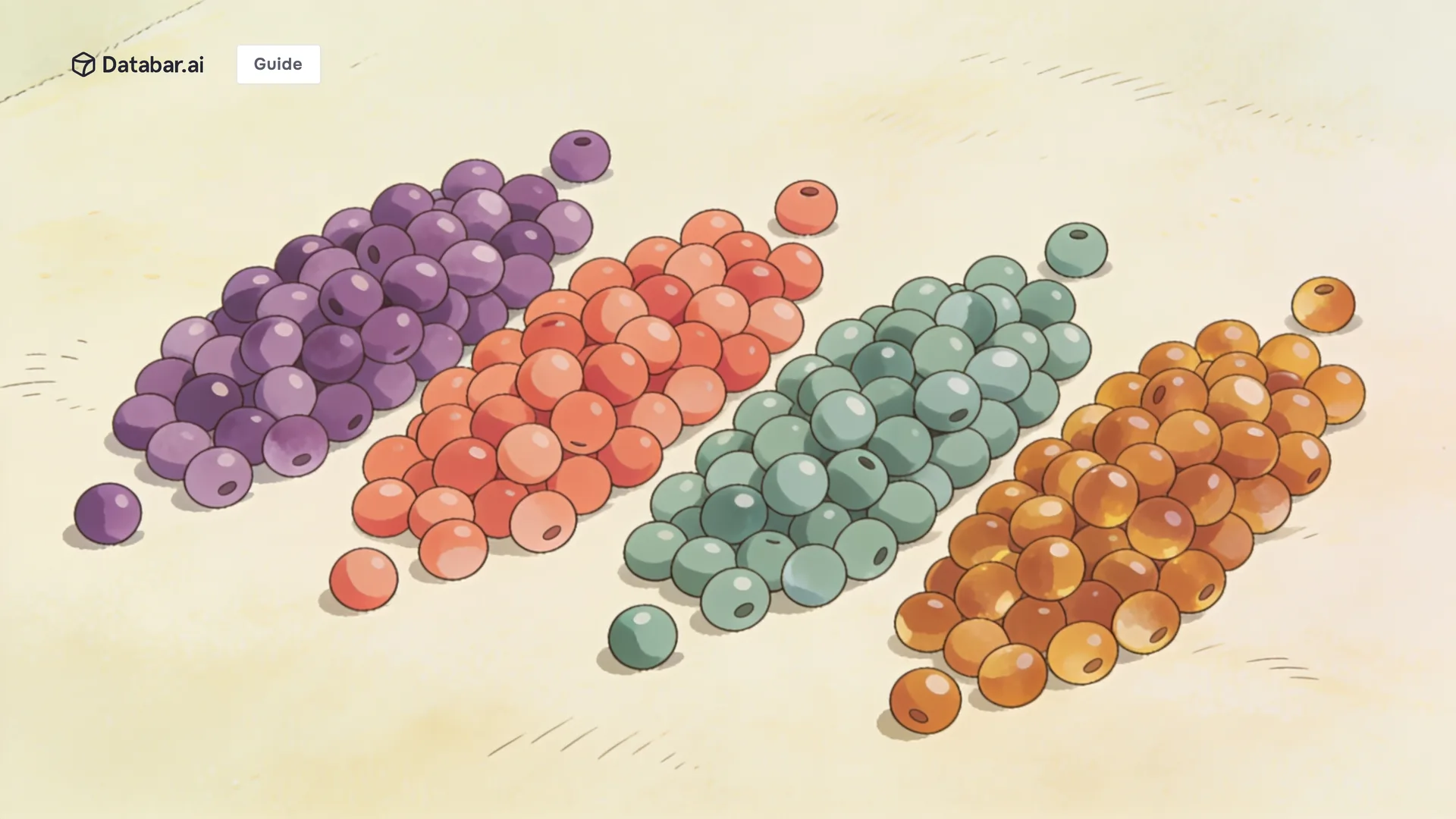
Different segmentation approaches serve different purposes. The most effective CRM strategies combine multiple models rather than relying on just one.
Firmographic Segmentation
This groups leads by company characteristics: industry, employee count, revenue, location, funding stage. Firmographic data changes slowly, making it reliable for broad categorization.
The practical application looks like assigning account tiers. Enterprise companies with 500+ employees might warrant dedicated account executives. Mid market accounts between 50 and 500 employees route to a different team. SMBs get self-serve resources and automated nurture.
Firmographic segmentation works best when you sell to meaningfully different company types. If your product serves both Fortune 500 enterprises and ten-person startups, these groups need completely different messaging, pricing conversations, and sales motions.
Behavioral Segmentation
This groups leads by what they actually do: pages visited, emails opened, content downloaded, features used. Behavioral data changes constantly, making it essential for understanding where someone sits in their buying journey right now.
A lead who visited your homepage once last quarter is fundamentally different from someone who read three case studies, watched a demo video, and checked pricing twice this week. Static firmographic data can't capture that difference. Behavioral segmentation can.
The challenge is that behavioral data requires tracking infrastructure. You need website analytics connected to your CRM, email engagement flowing back to contact records, and product usage data syncing for existing customers. The payoff is segments that reflect actual buying intent rather than demographic guesses.
Lifecycle Segmentation
This groups leads by their relationship stage: new subscriber, marketing qualified, sales qualified, opportunity, customer, churned. Lifecycle stages create clear handoff points between teams and trigger stage-appropriate messaging.
The key insight is that lifecycle segments should be mutually exclusive. A contact is either an MQL or an SQL, not both simultaneously. This clarity prevents the common problem where marketing keeps nurturing leads that sales already owns, or sales ignores leads that haven't been properly qualified.
Lifecycle segmentation connects directly to your lead scoring model. When a lead crosses your MQL threshold, their segment changes automatically. When an opportunity closes, they transition to customer. The segment follows the score.
Intent Based Segmentation
This groups leads by signals that indicate buying readiness: pricing page visits, competitor research, demo requests, contract downloads. Intent segments identify who needs attention right now versus who can wait.
Intent segmentation requires the richest data but delivers the highest impact. A segment of leads showing active buying signals should route to sales immediately. A segment of leads researching your category, but not you specifically, might trigger competitive positioning content.
The sophistication comes from layering intent signals. Someone visiting pricing once could be casual browsing. Someone visiting pricing three times after viewing case studies and checking your integrations page is probably evaluating seriously.

How to Implement Market Segmentation in Your CRM System
Building automated segmentation follows a specific sequence. Jumping straight to complex segments without the foundation leads to frustration and maintenance headaches.
Step 1: Audit Your Current Data
Before building segments, understand what data you actually have. Export a sample of your CRM contacts and assess field completeness. How many have accurate company names? Industry classifications? Employee counts? Engagement history?
Gaps in data create gaps in segmentation. If only 30% of your contacts have industry information, an industry-based segment will miss 70% of your database. Either fill the gaps through enrichment or choose segmentation criteria based on fields with better coverage.
This is where data enrichment becomes essential. Enrichment tools can automatically fill firmographic data, technographic information, and company signals that your forms never captured. A platform like Databar connects to 160+ data providers, automatically enriching CRM records with the complete profile data that makes precise segmentation possible.
Step 2: Define Clear Segment Criteria
Write down the exact rules for each segment. Not "high value prospects" but "companies with 100+ employees in SaaS, financial services, or healthcare industries that have engaged with content in the past 30 days."
Specificity matters because someone else needs to implement these rules in your CRM. Vague criteria become vague segments. Clear criteria become automated workflows that anyone can audit and maintain.
Start with three to five segments maximum. You can always add complexity later. Beginning with 15 segments creates confusion before you've validated that any of them actually improve conversion rates.
Step 3: Build Smart Lists with Automation
Modern CRMs support dynamic lists that automatically update as contacts meet or leave criteria. HubSpot calls them active lists. Salesforce uses dynamic reports. The principle is the same: define the rules once, and the segment maintains itself.
For HubSpot: Create an active list with enrollment criteria. Set multiple conditions using AND/OR logic. Contacts automatically enter when they match and exit when they no longer qualify.
For Salesforce: Build a report with the appropriate filters, then create a campaign or list view that references the report. Use Process Builder or Flow for more complex multi-criteria segments.
For Pipedrive: Use filters to create views, then save those views as segments. Combine with workflow automation to trigger actions when contacts enter specific segments.
The automation eliminates the maintenance burden. You're not re-running exports every week. The segments stay current in real time.
Step 4: Connect Segments to Actions
Segments without actions are just labels. The value comes from triggering different workflows based on segment membership.
High intent segments should notify sales reps immediately. This could be a Slack message, a task assignment, or a priority flag in the CRM. Speed matters when someone shows buying signals.
Nurture segments should enter automated email sequences. Design each sequence for that segment's specific characteristics and needs. An enterprise prospect gets different content than an SMB. Someone researching competitors gets positioning focused messaging.
At risk segments should trigger re-engagement campaigns. If someone hasn't engaged in 60 days, automatically send a check in email. If they've been an opportunity for 90 days without movement, alert the account owner.

CRM Segmenting Strategies for Different Customer Groups
The segments you build should reflect how your business actually operates.
For Product Led Growth
Segment users by product engagement and expansion potential. Free users hitting usage limits belong in an upgrade segment. Users inviting team members signal expansion opportunity. Users whose activity dropped 50% might churn without intervention.
For Sales Led Enterprise
Segment accounts by deal size potential, buying stage, and relationship depth. A Fortune 500 account with active opportunity gets different treatment than a mid market account with no current deal. Track how many contacts you have within each account to identify relationship risk.
For Agency and Service Businesses
Segment clients by engagement health, contract renewal timing, and expansion signals. Clients approaching renewal in 90 days need proactive outreach. Clients whose engagement dropped might have satisfaction issues to address.
Using CRM for Product User Segmentation
For companies with product data flowing into their CRM, user behavior becomes a powerful segmentation dimension.
Product qualified leads, or PQLs, represent users whose product behavior indicates sales readiness. The exact definition varies by product. For a collaboration tool, it might be teams that added 10+ users. For analytics software, users who created 5+ dashboards.
The implementation requires connecting product analytics to your CRM. Tools like Segment or Amplitude can push events and user properties to CRM records. Once connected, you can segment by any tracked product behavior.
Activation segments identify users who haven't completed onboarding. These need product education.
Power user segments identify your most engaged accounts. These make candidates for case studies and referrals.
Expansion segments identify accounts approaching plan limits. These warrant upgrade conversations.
Making Segments Dynamic Instead of Static
The difference between good and great CRM segmentation is whether segments reflect current reality or historical snapshots.
Dynamic segmentation means contacts move between segments automatically as their data changes. When a lead's company raises funding, they move into your funded company segment. When engagement drops, they enter your re-engagement segment. No manual intervention required.
The technical implementation involves trigger-based workflows rather than batch processing. Instead of running segment updates weekly, configure your CRM to evaluate segment membership whenever relevant fields change.
For enrichment-dependent segments, this means keeping data fresh. Industry research suggests B2B contact data decays at roughly 20% per quarter. A segment based on company size stops being accurate if you enriched that data two years ago.
Tools like Databar can automate ongoing enrichment using waterfall enrichment, refreshing firmographic and signal data on schedules you define. The enrichment flows back to your CRM, where dynamic segments automatically adjust to the updated information.
Measuring Segmentation Success
Segments should improve business outcomes, not just organize your database. Track metrics that connect segmentation to revenue.
Conversion rate by segment shows which groups become customers. If your "high fit" segment converts at the same rate as "low fit," the criteria need adjustment.
Sales cycle length by segment reveals efficiency gains. Properly segmented leads should close faster because they receive relevant messaging and appropriate attention.
Email engagement by segment validates whether messaging resonates with each group. Segments that consistently underperform might need different content.
Revenue contribution by segment identifies your most valuable groups. This data informs where you invest in acquisition and which segments deserve premium treatment.
Review segments quarterly. Market conditions change. Your product evolves. The segments that mattered last year might not reflect today's priorities.
Building Segmentation That Scales
Effective CRM segmentation isn't a one-time project. It's an ongoing system that evolves with your business and stays accurate through automation.
Start with the data foundation: audit what you have, enrich what's missing, and establish processes to keep information current. Define segments based on criteria that predict conversion and customer value. Build automation that maintains segments in real time. Then measure, iterate, and expand based on results.
Teams that get this right treat their CRM as a dynamic system rather than a static database. Leads move between segments as they engage and progress. Sales knows exactly who needs attention. Marketing delivers relevant content automatically. That's the difference between a CRM and a revenue engine.
Start enriching and segmenting your prospects today with Databar.ai!
FAQ
How do I segment CRM leads effectively without enterprise software?
Start with native CRM features. Most CRMs including HubSpot, Salesforce, and Pipedrive support dynamic lists and workflow automation. Define clear criteria, build smart lists with enrollment rules, and connect segments to automated actions.
How does CRM improve customer segmentation over spreadsheets?
CRMs update segments automatically based on real-time data changes. Spreadsheets require manual exports and re-uploads that become outdated immediately. CRMs also maintain consistency, connect segments to automation, and preserve history of membership changes.
What's the difference between static and dynamic segmentation?
Static segments are fixed lists requiring manual updates. Dynamic segments automatically adjust membership as contacts meet or leave criteria. Dynamic segmentation is essential for scaling because it maintains accuracy without ongoing maintenance.
How many segments should I start with?
Begin with three to five clearly defined segments. Validate that these improve conversion rates before adding complexity. Too many segments create confusion. Expand gradually based on demonstrated value.
How to create direct mail campaigns using CRM segment data?
Export your segment including physical addresses. Many CRMs integrate directly with direct mail services like Lob or Postie. Ensure address data is accurate before triggering physical mail campaigns.
Related articles
See all