A company adding 50 employees in a quarter tells you something. A company that's grown headcount 40% year-over-year while competitors stayed flat tells you a lot more. That kind of sustained growth usually means funding runway, product-market fit, and critically for sales teams - budget to spend on new solutions.
Headcount growth has become one of the most requested signals in B2B prospecting for good reason. Companies scaling their teams are companies investing in growth. They're hiring for roles that didn't exist six months ago, building out departments that need tools, and making decisions faster than companies in maintenance mode.
The challenge is getting this data reliably. Employee counts fluctuate constantly, sources disagree with each other, and historical tracking requires infrastructure most sales teams don't have time to build. This guide covers the best tools for tracking year-over-year employee growth and how to use this signal effectively in your prospecting.

Why Headcount Growth Matters for Sales
Before getting into tools, it's worth understanding why this signal carries so much weight.
Growing companies have budget. A company that grew from 100 to 150 employees in the past year has been spending money, on salaries, on tools, on office space. They're not in cost-cutting mode. The conversations you have with these prospects are fundamentally different from conversations with companies that just laid off 20% of staff.
Growth creates pain points. Scaling from 50 to 200 employees breaks processes that worked fine at a smaller size. Manual workflows that one person handled now need automation. Spreadsheets that tracked 10 accounts now need a real CRM. Growing teams generate the exact problems that B2B solutions solve.
Hiring patterns reveal priorities. A company adding 10 SDRs signals they're investing in outbound. A company hiring its first VP of Data suggests they're getting serious about analytics. The specific roles being filled tell you where budget is flowing and what problems are top of mind.
It's a leading indicator. Unlike revenue data (which is often private and lagging), headcount changes are visible in near-real-time through LinkedIn profiles. You can spot a growth trajectory before it shows up in any financial disclosure.

The Data Challenge: Why Headcount Numbers Vary
Ask three different data providers for a company's employee count and you'll often get three different answers. This isn't necessarily a sign that someone is wrong, it reflects genuine complexity in what "headcount" even means.
Definition differences matter. Does the count include contractors? Part-time employees? People on leave? Employees who haven't updated their LinkedIn yet? International subsidiaries? Each provider makes different choices here, leading to legitimately different numbers.
Update frequency varies. LinkedIn's count changes gradually as employees update their profiles. Crunchbase might only refresh when a company raises funding. Some providers do monthly updates; others update continuously. A company that just had a growth spurt will show different numbers across sources until everything syncs.
Coverage has gaps. Not every employee has a LinkedIn profile. Not every company has a Crunchbase listing. Data providers have different coverage by geography, industry, and company size. What looks like a discrepancy might actually be a coverage difference.
The practical implication: use headcount data directionally rather than precisely. A company showing 40% YoY growth across multiple sources is almost certainly growing fast, even if the exact number differs by 20%. Triangulating across sources gives you the most reliable picture.
Top Tools for Tracking Headcount Growth
Here's a breakdown of the best options for tracking company employee growth data, organized by use case.
Crustdata
Crustdata has become a go-to for teams that need granular headcount data at scale. Their dataset covers over 200 fields per company, including headcount broken down by department and geography, with growth tracked quarter-over-quarter, month-over-month, and year-over-year.
What sets them apart:
Time-series data: Not just current headcount, but historical trends going back years
Departmental breakdowns: See which functions are growing (Engineering up 50%, Sales flat)
Growth rate calculations: Pre-computed QoQ and YoY percentages so you don't have to calculate them yourself
API-first design: Built for integration into workflows rather than manual lookups
The pricing is enterprise-focused with flat-rate licensing, which works well for high-volume use cases but may be overkill for smaller teams. Best for: companies building headcount signals into automated prospecting workflows or investors doing systematic due diligence.
> Start using Crustdata inside Databar.ai today! >
Coresignal
Coresignal offers historical headcount data going back nine years, which makes them particularly useful for trend analysis. Their API lets you query companies by URL and get back growth percentages and headcount changes over time.
Key capabilities:
Nine years of historical employee data
Growth percentage calculations built in
Filtering by location, industry, and firmographic data
Data available in JSON and CSV formats
They position themselves as useful for VC/PE due diligence, benchmarking, and discovering high-growth companies. The depth of historical data is the main differentiator, if you need to see how a company grew over multiple years rather than just recent quarters, Coresignal has that coverage.
LinkedIn Sales Navigator
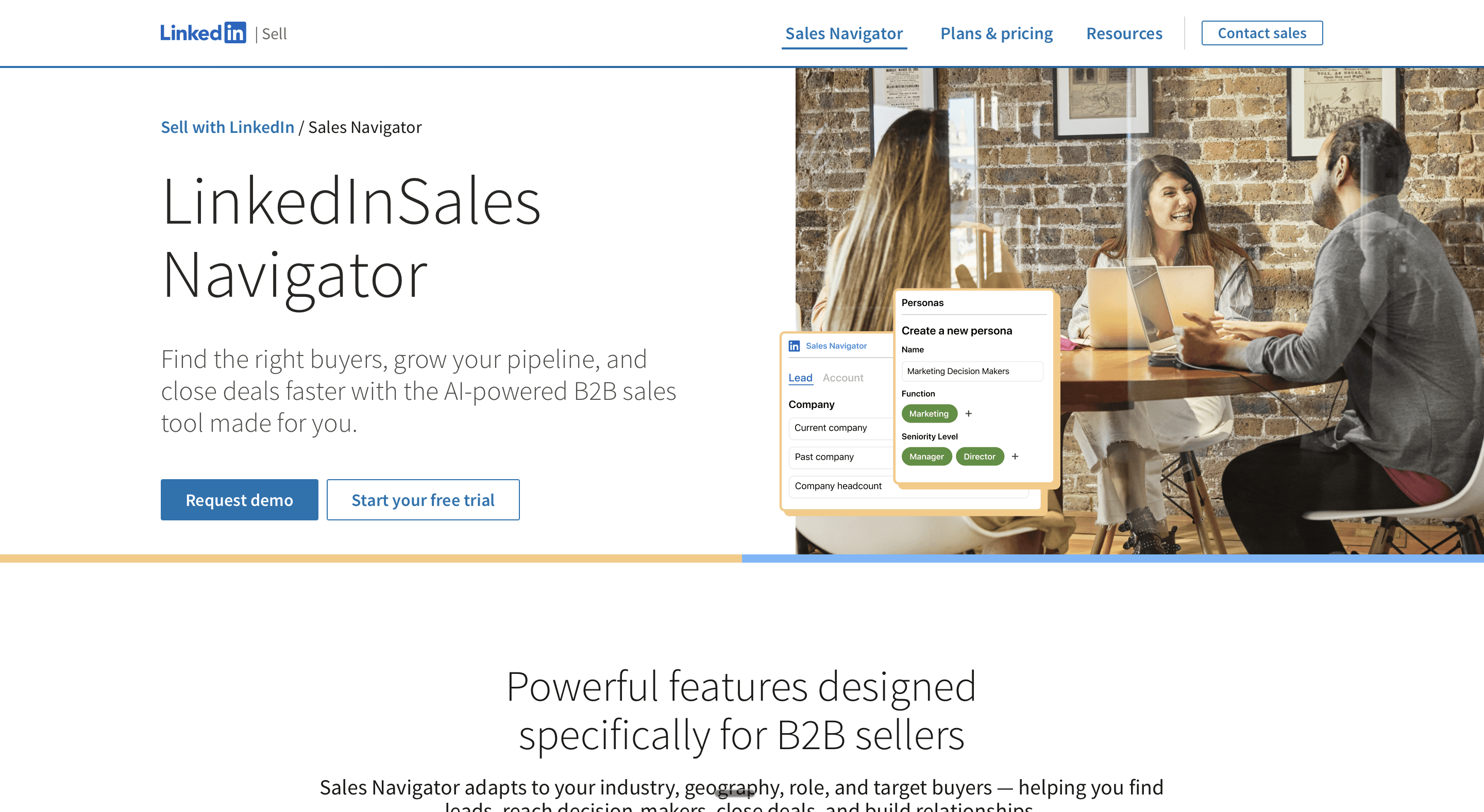
Sales Navigator remains the most widely used source for headcount insights, partly because the data comes straight from the source, employee LinkedIn profiles. The platform shows headcount growth trends over 6 months, 1 year, and 2 years, plus distribution by function.
What you get:
Employee distribution by department (Engineering, Sales, Marketing, etc.)
Headcount growth trends over multiple time periods
New hires count trending over time
Job openings segmented by seniority and function
The limitation is that you're working within LinkedIn's interface, there's no direct API for pulling this data into your own systems without third-party scrapers. But for manual prospecting and account research, it's often the first place to check.
Captain Data
Captain Data offers a Sales Navigator Company Headcount Extractor that pulls employee distribution and tracks growth over 3, 6, and 12 months. It's automation-focused, designed to run at scale across many companies rather than one-off lookups.
Useful features:
Scheduled and repeated automation for ongoing monitoring
Combines with their other automations (employee extraction, contact finding)
Direct CRM integration to push enriched data to HubSpot, Salesforce, etc.
Best for: teams that want to automate headcount tracking as part of larger prospecting workflows and already use Captain Data for other LinkedIn automations.
Aura
Aura takes a triangulation approach, cross-referencing multiple data sources to arrive at what they consider the most accurate headcount figure. They acknowledge that no single source is perfectly accurate and try to reconcile discrepancies.
Their methodology:
Pull from multiple sources including LinkedIn, company filings, and third-party providers
Compare numbers and investigate discrepancies
Look for corroborating evidence (press releases announcing hiring milestones, etc.)
Monthly refresh cycle
This approach makes sense for use cases where accuracy matters more than speed, due diligence, competitive intelligence, market sizing.
Building a Headcount Growth Signal Into Your Prospecting
Having access to headcount data is one thing. Using it effectively is another. Here's how to actually incorporate employee growth signals into outbound workflows.
Defining Your Growth Threshold
Not all growth is equal for prospecting purposes. A 5% YoY increase is basically flat. A 100% YoY increase might mean a company is in hypergrowth mode with chaotic internal processes - could be good or bad depending on what you're selling.
Most teams find sweet spots somewhere in between. Common thresholds:
20-50% YoY growth: Solid expansion, likely investing in new tools and processes
50-100% YoY growth: Aggressive scaling, probably has budget but also probably has chaos
100%+ YoY growth: Hypergrowth territory, might be too distracted to buy, or might desperately need solutions
The right threshold depends on your product. Infrastructure tools might sell well into hypergrowth chaos. Optimization tools might sell better into the 20-50% range where companies have time to think strategically.
Combining With Other Signals
Headcount growth alone is a decent signal. Combined with other signals, it becomes much stronger.
Growth + Funding: A company that raised Series B six months ago and has grown 40% since is executing on their growth plan. They have money and they're spending it.
Growth + Specific Hiring: Overall headcount up 30%, but sales headcount up 80%? They're investing heavily in go-to-market. If you sell sales tools, that's a strong signal.
Growth + Tech Stack Changes: Growing company that just adopted a new CRM? They're rebuilding infrastructure, probably receptive to adjacent solutions that integrate with their new stack.
Growth + Leadership Changes: New VP of Engineering at a growing company? They were probably hired to scale the team further. New leader + growth trajectory = someone with budget and mandate to make changes.
Platforms like Databar let you pull multiple signals (headcount from Crustdata, funding from Crunchbase or Owler, tech stack from BuiltWith) through a single interface and combine them in your enrichment workflows. Rather than managing separate subscriptions to each provider, you query 90+ sources through one platform.

Timing Your Outreach
Headcount data can inform not just who you contact but when.
Immediate triggers: Company just crossed a headcount threshold (50 employees, 100 employees, 500 employees) that typically triggers tool purchases in your category. The crossing itself is the outreach hook.
Trend-based timing: Company has shown 3+ quarters of consistent growth. They're not a one-time spike; they're on a trajectory. Good time to talk about scaling infrastructure.
Comparison-based timing: Company is growing faster than their named competitors. Competitive messaging angle: "You're outpacing [Competitor] by 40% in headcount growth - we've helped similar companies maintain that lead."
Crafting the Message
The outreach shouldn't just mention growth, it should connect growth to the problem you solve.
Weak: "I noticed your company is growing quickly."
Stronger: "Saw you've added 30 people to the sales team this year. Usually that kind of scaling breaks whatever process was working for a 10-person team. We help companies like [Similar Customer] rebuild their outbound motion for the next stage."
The best messages reference specific growth patterns and tie them to specific pain points. This requires actually looking at the departmental breakdown, not just the top-line number.
Monitoring Growth Over Time
Point-in-time headcount data is useful. Ongoing monitoring is more useful.
Setting Up Alerts
Most dedicated headcount tools support alerting when companies cross thresholds or show significant changes:
Company in your target list grows by 20%+ QoQ → triggers outreach sequence
Company on your customer list shows negative growth → triggers customer success check-in
Competitor shows hiring spike in specific function → triggers competitive intel review
This turns headcount data from something you check occasionally into an ongoing signal stream that surfaces opportunities automatically.
Tracking Your TAM
For market sizing and territory planning, periodic snapshots of headcount across your target market reveal trends:
Which segments are growing fastest?
Where is growth concentrated geographically?
What's the overall trajectory of your addressable market?
Quarterly reviews of aggregate headcount trends can inform where to focus prospecting resources.

Limitations and Caveats
Headcount growth is a useful signal, but it's not perfect.
Growth isn't always healthy. A company might be growing headcount while losing money faster than they can raise. Growth funded by unsustainable burn eventually stops, sometimes abruptly.
Data lags reality. LinkedIn updates aren't instantaneous. A company that just did layoffs might still show growth for weeks until profiles update. Recent changes are the least reliable.
Quality varies by market. LinkedIn penetration differs by geography and industry. Tech companies in the US have great coverage. Manufacturing companies in emerging markets, less so.
Headcount doesn't equal budget. A company might be hiring aggressively in one area while cutting in another. Overall growth doesn't guarantee budget in the department you're selling to.
Use headcount as one signal among several, not as the only qualification criterion. The best prospecting combines multiple data points to build a complete picture.
FAQ
What is year-over-year headcount growth?
Year-over-year (YoY) headcount growth measures the percentage change in a company's employee count compared to the same point one year ago. If a company had 100 employees in January 2024 and has 140 employees in January 2025, their YoY headcount growth is 40%. This metric smooths out seasonal fluctuations and shows sustained trends rather than short-term spikes.
Why is headcount growth a valuable sales signal?
Companies growing their teams typically have funding, are investing in infrastructure, and face scaling challenges that create demand for B2B solutions. Growing companies have budget (they're spending on salaries), have pain points (processes break at scale), and signal priorities through their hiring patterns (hiring SDRs = investing in outbound). It's also a leading indicator visible before financial results.
How accurate is LinkedIn headcount data?
LinkedIn headcount data is directionally accurate for most companies with professional workforces, but shouldn't be treated as precise. Counts depend on employees maintaining updated profiles, don't always include contractors or international employees, and lag behind actual changes. Use it for segmentation and trend identification, but validate before high-stakes decisions.
What's a good headcount growth threshold for prospecting?
Most teams target 20-50% YoY growth as a sweet spot, enough to indicate meaningful expansion and budget, but not so extreme that the company is in chaos. The right threshold depends on your product: infrastructure tools might sell into hypergrowth (100%+), while optimization tools work better with companies growing 20-50% who have time for strategic decisions.
How do I combine headcount growth with other signals?
Headcount growth becomes more powerful when combined with funding data (growth + recent raise = executing on plan), specific hiring patterns (overall up 30%, sales up 80% = GTM investment), tech stack changes (rebuilding infrastructure), and leadership changes (new leader + growth = mandate for change). Enrichment platforms let you pull multiple signals together.
Related articles
See all