Finding the right companies to target shouldn't require a team of researchers spending weeks on manual lookups. That's the promise of company search APIs: programmatic access to databases containing millions of business profiles, filterable by industry, size, technology stack, funding status, and dozens of other criteria.
The challenge is that these APIs vary wildly in what they actually deliver. Some excel at startup and venture-backed company data. Others focus on enterprise firmographics. A few specialize in technographic signals or real-time web intelligence. And pricing models range from generous free tiers to enterprise contracts that require budget approval from the CFO.

This guide breaks down the best company search APIs available, comparing their data coverage, filtering capabilities, pricing structures, and ideal use cases. Whether you're building a prospecting tool, powering a CRM enrichment workflow, or conducting market research, there's an API here that fits.
What Makes a Good Company Search API?
Before diving into specific providers, it helps to understand what separates useful company data APIs from underwhelming ones.
Database size matters, but not as much as you'd think. A provider claiming 300 million company records sounds impressive until you realize 200 million of those are single-person LLCs with no useful data attached. Quality and coverage depth often matter more than raw numbers.
Filtering capabilities define usefulness. The ability to search by industry, employee count, and location is table stakes. More valuable are filters like technology stack, recent funding, hiring velocity, or web traffic growth. These let you find companies matching specific ideal customer profiles rather than broad demographics.

Data freshness varies dramatically. Some APIs refresh monthly. Others update continuously from live web sources. For fast-moving use cases like identifying companies that just raised funding or hired a new CTO, freshness can make or break your workflow.
Pricing models differ significantly. Credit-based systems charge per API call or record returned. Subscription models offer unlimited queries within rate limits. Understanding how you'll actually use the API helps you avoid overpaying or running out of credits mid-project.
10 Best Company Search APIs Compared
1. Databar
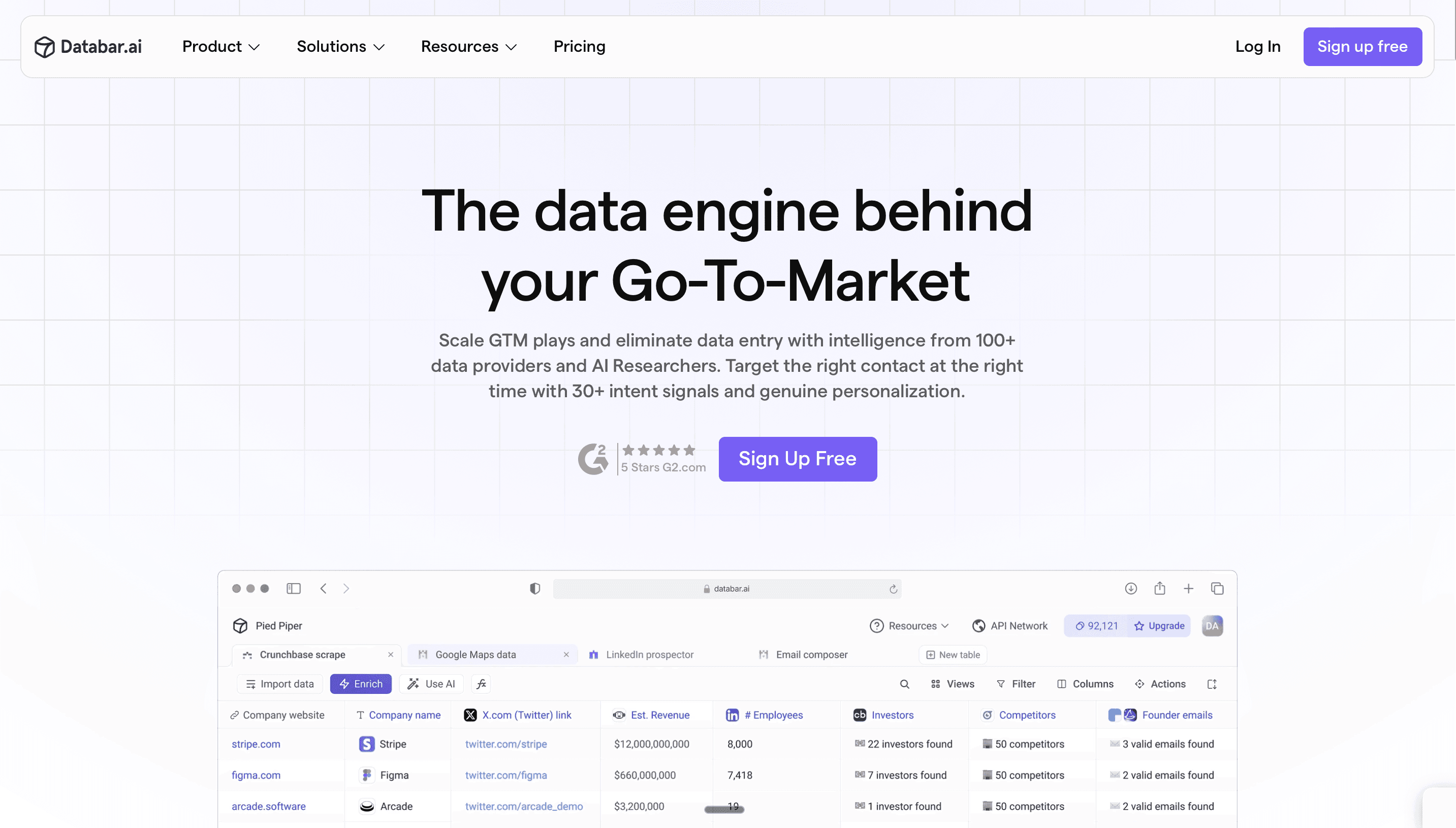
Best for: Accessing 160+ data sources through a single unified API
We built Databar because we got tired of the same problem every data team faces: no single provider has complete coverage. You need Crunchbase for funding data, People Data Labs for contact info, BuiltWith for technographics, and half a dozen others for specialized signals. Managing all those integrations, normalizing the data, and dealing with different pricing models is a nightmare.
What it does:
Databar provides unified access to 160+ data providers through one interface. Instead of building separate integrations with People Data Labs, Diffbot, Crunchbase, and others, you query them all through Databar and get normalized, deduplicated results.
The company search functionality lets you filter across multiple sources simultaneously. Looking for SaaS companies with 50-200 employees that use Salesforce and recently raised Series A funding? Databar queries the relevant providers and returns combined results without you needing to understand each source's API quirks.
Why it works:
Waterfall enrichment automatically queries multiple providers when one doesn't have the data you need. If Provider A returns company name but no employee count, Databar automatically tries Provider B for the missing field. This dramatically improves coverage compared to single-source approaches.
The consumption-based pricing keeps costs predictable since you're not paying for seats.
Get started with Databar to see how multi-source company search compares to single-provider APIs.
2. People Data Labs
Best for: Developer-first company search at scale
People Data Labs (PDL) built its reputation on person data, but their company search API has become equally valuable for teams building data products. The database includes over 70 million company profiles with firmographic, technographic, and employment data.
Core capabilities:
The Company Search API lets you query the entire dataset using Elasticsearch DSL syntax. This gives technical teams powerful filtering options: boolean logic, nested queries, range filters, and fuzzy matching. You can find companies matching complex criteria that simpler APIs can't express.
The Company Enrichment API works in the other direction. Input a company name, domain, or LinkedIn URL and get back a complete profile with standardized fields. Matching strictness is configurable, letting you balance between coverage and precision.
What stands out:
Documentation quality is exceptional. PDL clearly targets developers, and it shows in the comprehensive API reference, SDKs in multiple languages, and detailed tutorials. If your team is building custom integrations, PDL makes the technical work easier.
Monthly data refreshes keep records reasonably current, though not real-time. The credit-based pricing starts at $98/month for 350 enrichments on the Pro plan, scaling to enterprise agreements for high-volume needs.
Where it fits:
PDL works best for technical teams building products that need company data as infrastructure. If you want a turnkey prospecting tool with a UI, look elsewhere. But if you're building custom workflows or embedding company search into your own product, PDL's API design makes integration straightforward.
> Start using PDL inside Databar.ai today! >
3. Crunchbase
Best for: Startup and venture-backed company intelligence
Crunchbase has become the default source for startup ecosystem data. If you need information on funding rounds, investors, acquisitions, or IPO activity, their API delivers what others can't match.
What the API provides:
The Search API lets you query organizations by hundreds of criteria: funding status, last funding date, total funding raised, number of employees, categories, location, and more. For venture-focused use cases, Crunchbase's filters on funding round type, investor participation, and acquisition history are uniquely valuable.
The Entity API returns detailed profiles including funding history, leadership team, competitors, and related news. The depth on funding and investors exceeds what general firmographic providers offer.
Data coverage:
Crunchbase shines for tech startups and venture-backed companies. Coverage on bootstrapped SMBs, local businesses, or traditional industries is thinner. If your ICP is SaaS startups that raised Series A in the last 18 months, Crunchbase is perfect. If you're targeting manufacturing companies or law firms, you'll find gaps.
Pricing:
The Pro plan starts at $49/month for individual users but doesn't include API access. API access requires Business ($199/month) or Enterprise plans with custom pricing. Full API access for production use cases typically requires enterprise contracts negotiated through sales.
4. Diffbot
Best for: Real-time web intelligence and knowledge graph queries
Diffbot approaches company data differently than traditional database providers. Instead of maintaining a static database, Diffbot continuously crawls the web and structures what it finds into a knowledge graph containing over 2 billion entities.
How it works:
The Knowledge Graph API lets you search across organizations, people, products, articles, and events. Queries use Diffbot Query Language (DQL) to filter by any combination of attributes. Because the data comes from live web crawling, you can find information that hasn't made it into traditional databases yet.
The Enhance API enriches existing records with additional details from the knowledge graph. Input a company domain and get back structured data extracted from their website, news mentions, social profiles, and other public sources.
Unique strengths:
Data freshness is Diffbot's main advantage. While competitors refresh monthly, Diffbot's continuous crawling means you can find companies that launched last week or news that broke yesterday. For time-sensitive use cases like competitive intelligence or market research, this matters.
The knowledge graph structure also enables relationship queries that other APIs can't handle. Find all companies that a particular investor has funded. Identify competitors mentioned alongside a target company in news coverage. These graph-based queries unlock analysis that simple search can't match.
Pricing:
Diffbot uses a credit-based system. The Startup plan at $299/month includes credits for both extraction and knowledge graph queries. Exporting a single company record costs 25 credits, so high-volume use cases require enterprise agreements.
> Access Diffbot’s API inside Databar now! >
5. ZoomInfo
Best for: Enterprise sales intelligence with deep US coverage
ZoomInfo has built the largest B2B contact and company database in North America. The API provides access to this data for teams building custom workflows or integrating ZoomInfo intelligence into their own products.
API capabilities:
The Company Search API returns matches based on filters including industry, employee count, revenue, technologies used, news events, and intent signals. ZoomInfo's corporate hierarchy data is particularly strong, mapping parent companies, subsidiaries, and branch locations.
The Enrich API takes company identifiers (name, domain, D-U-N-S number) and returns complete profiles with firmographic, technographic, and financial data. Intent signals indicate which companies are actively researching topics relevant to your product.
What sets it apart:
Data depth on US enterprises is unmatched. ZoomInfo invests over $250 million annually in data acquisition and verification. For Fortune 1000 accounts, you'll find org charts, department structures, and contact details that competitors miss.
The integration ecosystem is also extensive. Native connectors to Salesforce, HubSpot, Marketo, and other platforms mean you can operationalize the API data without custom development.
Pricing reality:
ZoomInfo API access requires enterprise contracts, typically starting around $15,000/year and scaling based on usage and features. API pricing for prospecting starts around $50,000/year according to sales rep reports. This puts ZoomInfo out of reach for startups and small teams, but enterprises with budget find the coverage worth the investment.
6. Apollo.io
Best for: Combined company search and sales engagement
Apollo bundles a company and contact database with sales engagement tools, making it an all-in-one option for teams that want data and execution in the same platform.
Search functionality:
The company search covers over 65 million organizations with filters for industry, size, technologies, job postings, and funding. Apollo's strength is the combination with contact data; you can find companies matching your ICP and immediately get decision-maker contact information.
The API provides programmatic access to the same data, with endpoints for company search, enrichment, and contact lookup. Integration with the native sequencing tools means you can automate from search to outreach without leaving the platform.
Credit considerations:
Apollo's free tier includes limited monthly credits. Paid plans provide more credits, but the credit system can be confusing. Different actions consume different credit amounts, and credits don't roll over between months. Understanding your likely usage before committing to a plan prevents surprises.
Pricing:
Free tier with 100 credits/month. Basic plan at $49/user/month (annual) with 5,000 credits/year. Professional at $79/user/month with 10,000 credits/year. API access is available across paid tiers.
For teams evaluating options in this space, our Apollo.io alternatives guide covers similar platforms.
7. Coresignal
Best for: Fresh, multi-source company records with flexible querying
Coresignal focuses on data freshness and source diversity. Their company dataset aggregates information from public web sources with daily updates, giving you more current data than providers relying on periodic batch refreshes.
Data structure:
The company search returns over 300 data points per profile, including firmographics, workforce metrics, funding information, online presence indicators, and review aggregations. This breadth lets you filter on signals that other APIs don't expose.
Elasticsearch DSL support enables complex queries with boolean logic, nested filters, and range conditions. Technical teams comfortable with Elasticsearch can build sophisticated search criteria that simpler APIs can't express.
Freshness advantage:
Daily updates from public web sources mean Coresignal often surfaces changes before competitors. Company relocations, website updates, employee count changes, and other signals appear faster. For use cases where timing matters, this freshness creates competitive advantage.
Pricing:
Credit-based pricing starting at $49/month with free credits to test. Higher tiers provide volume discounts. The credit model charges for successful queries rather than attempts, keeping costs predictable.
8. FullContact
Best for: Identity resolution across company and person data
FullContact takes a different approach, focusing on connecting identifiers across people and companies to build unified profiles. The company API is part of a broader identity resolution platform.
Core capability:
Input a company identifier (domain, name, or social profile) and FullContact returns firmographic data along with connections to related entities. The identity graph links companies to their employees, executives, and associated individuals.
The Company Enrichment API returns attributes including industry, size, location, social profiles, and technology indicators. What distinguishes FullContact is the ability to resolve across partial or conflicting identifiers to find the right match.
Use cases:
FullContact excels when you have messy data that needs normalization. Duplicate company records with slight name variations? FullContact's matching logic resolves them. Need to connect a person to their current employer? The identity graph handles that relationship.
Pricing:
Free tier with 100 enrichments. Pro plans start at $99/month with usage-based pricing beyond included credits. Enterprise agreements available for high-volume needs.
9. D&B (Dun & Bradstreet)
Best for: Risk assessment and financial due diligence
Dun & Bradstreet has provided business data for over 180 years, and the D-U-N-S Number they assign has become a global standard for business identification. Their API serves different purposes than typical prospecting tools.
What it provides:
The D&B API returns financial health indicators, credit risk scores, payment history, corporate hierarchy data, and compliance information. This isn't data for sales prospecting; it's data for risk assessment, supplier verification, and financial due diligence.
Company search includes 330+ million business records globally, with particularly strong coverage of corporate structures including parent-subsidiary relationships and branch locations.
When to use it:
If you need to verify a business is legitimate before extending credit or signing a contract, D&B is the standard. For enterprise sales teams doing account research on large organizations, the corporate hierarchy data helps map complex buying structures.
Pricing:
D&B products are enterprise-priced with custom quotes based on usage and data access requirements. Expect annual contracts in the tens of thousands for meaningful API access.
10. Owler
Best for: Competitive intelligence and company news
Owler combines firmographic data with competitive intelligence, tracking company announcements, funding events, and news mentions in a unified platform.
Search capabilities:
The company search API returns profiles including industry, size, revenue estimates, and funding data. What makes Owler distinctive is the competitive landscape data: who a company competes with, how they position themselves, and what news coverage they're generating.
The news and announcements feed surfaces company developments that other APIs miss. Product launches, executive moves, partnership announcements, and other signals appear in the API response.
Practical applications:
Sales teams use Owler to find conversation hooks. Knowing a prospect just announced a new product line or hired a new VP creates relevant outreach opportunities. Competitive intelligence teams track competitor announcements to inform strategy.
Pricing:
Owler offers free access to basic company profiles. Pro plans with enhanced data and API access require subscription. Enterprise API access requires custom contracts.
> Explore Owler inside Databar.ai here! >
Choosing the Right Company Search API
The "best" API depends entirely on what you're trying to accomplish.
For general-purpose prospecting: Apollo or Databar provide the broadest utility. You can search, filter, and get contact data without needing multiple tools.
For startup and VC intelligence: Crunchbase has no equal for funding, investor, and acquisition data. If your ICP is venture-backed companies, start here.
For developer teams building products: People Data Labs offers the best documentation, SDKs, and API design for custom integrations.
For real-time web intelligence: Diffbot's continuous crawling surfaces information faster than static databases refresh.
For enterprise sales: ZoomInfo's depth on large US companies justifies the premium pricing for teams with budget.
For maximum coverage across sources: Databar's multi-provider approach ensures you're not limited by any single database's gaps.
Building Effective Company Search Workflows
Having API access is only the first step. How you structure your workflows determines whether you get value from the data.
Start with clear ICP criteria. Before querying any API, document exactly what makes a company a good fit. Industry, size, geography, technology stack, growth signals: the more specific your criteria, the more useful your search results.
Layer multiple data sources. Single-source searches miss companies that don't appear in that particular database. Using waterfall enrichment approaches that query multiple providers sequentially typically improves coverage by 20-30%.
Validate before outreach. API data degrades over time. Companies relocate, employees change jobs, and contact information goes stale. Building verification steps into your workflow prevents wasted outreach on outdated records.
Monitor for changes. The most valuable company search workflows don't just find companies once; they continuously monitor for signals indicating a company has become a better fit. New funding, leadership changes, technology adoptions, and hiring sprees all represent outreach opportunities.
Getting Started
The right company search API depends on your specific use case, technical resources, and budget. For teams building custom integrations, People Data Labs offers excellent developer experience. For startup intelligence, Crunchbase remains the standard. For broad coverage without managing multiple providers, Databar's unified approach simplifies the complexity.
Whatever you choose, start with a focused test. Pick 100 companies you know well and run them through the API. Compare the returned data against what you know to be true. This validation step reveals accuracy and coverage realities that marketing claims don't capture.
For teams looking to improve their CRM enrichment workflows, company search APIs form the foundation. Clean, complete company data powers everything from lead scoring to territory assignment to personalized outreach.

FAQ
What's the difference between company search and company enrichment APIs?
Search APIs let you query a database to find companies matching specific criteria. Enrichment APIs take a company you already know about (via name, domain, or other identifier) and return additional data points. Many providers offer both.
Do I need technical resources to use these APIs?
Most of these APIs require some development work to integrate. Platforms like Databar offer no-code options that let non-technical users build workflows without writing code. For providers like People Data Labs or Diffbot, expect to involve engineering.
How accurate is company search API data?
Accuracy varies by provider and data type. Basic firmographic data (name, location, industry) tends to be reliable. Dynamic data like employee count, revenue, and technology stack has more variance. Testing with companies you know helps assess accuracy for your specific use case.
Can I use these APIs for GDPR-compliant prospecting?
Most providers source from public business information, which has different privacy considerations than personal data. However, company data often includes individual names and contact details. Review each provider's compliance documentation and consult legal counsel for your specific use case.
Can I combine multiple company search APIs?
Yes, and this often produces better results than relying on any single source. Platforms like Databar handle multi-provider orchestration automatically. You can also build custom workflows that query multiple APIs and merge results.
Related articles
See all