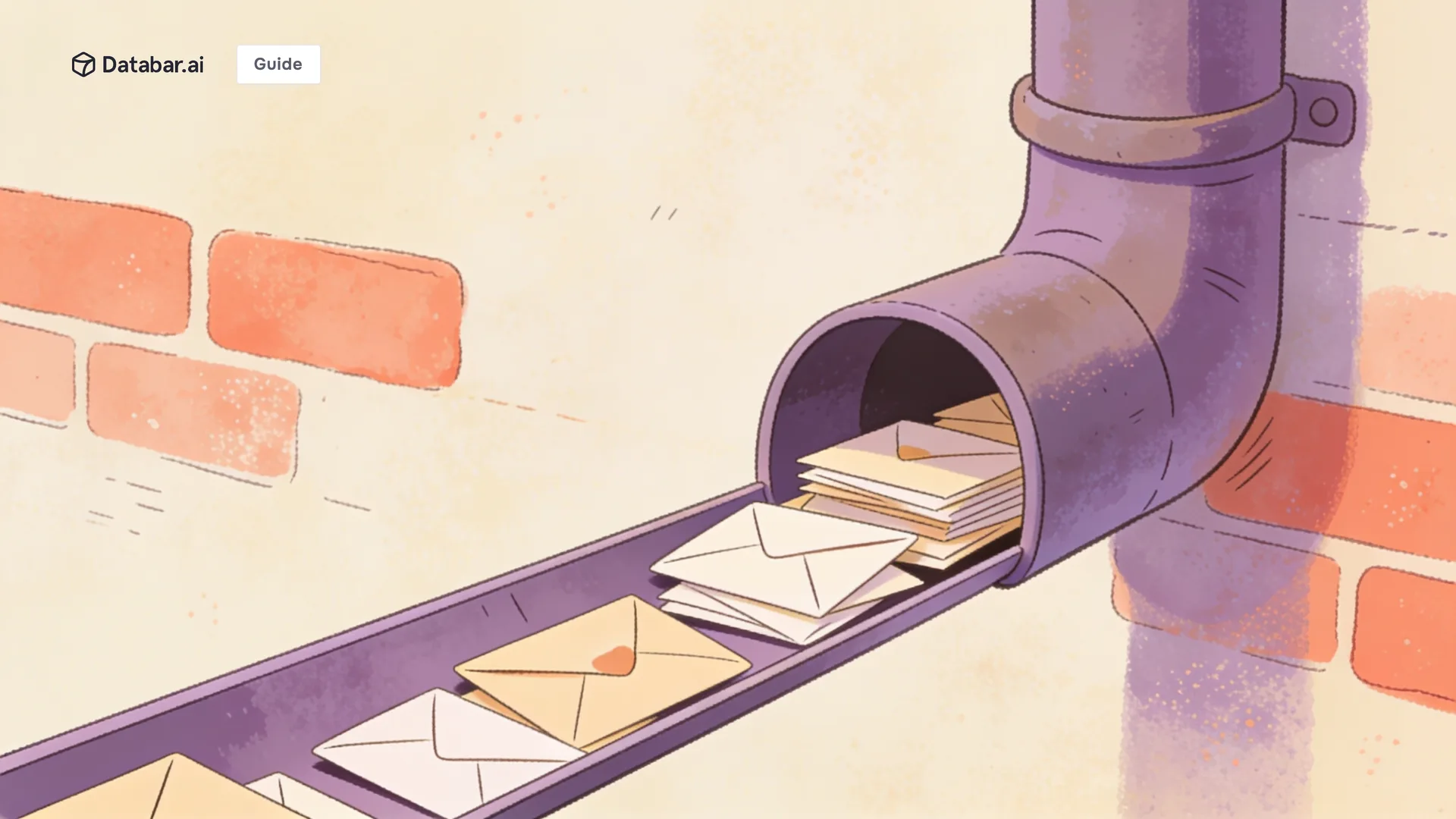
You sent 1,000 emails last week. Your open rate says 45%. Sounds decent. But what your dashboard doesn't show is that 160 of those emails never reached an inbox. They went straight to spam. Another 200 landed in the promotions tab where nobody checks. Your actual human-read rate is closer to 25%. And the 6 replies you got? Two were "unsubscribe." Your emails aren't bad. They're invisible.
Deliverability is the most overlooked variable in cold outreach. Teams obsess over subject lines and copy but ignore the infrastructure that determines whether anyone sees the email at all. Global inbox placement rates average 84%, meaning roughly one in six legitimate emails never reaches the inbox. For cold outreach teams sending from newer domains, the numbers are worse.

The Bottom Line
1 in 6 cold emails never reaches the inbox. Spam filters, authentication failures, and sender reputation issues silently kill campaigns.
Deliverability is determined before you write a single word. Domain setup, authentication, warm-up, and data quality matter more than copy.
Bad data is the #1 deliverability killer for outreach teams. Bounced emails damage sender reputation, which hurts deliverability for every future email.
Fixing deliverability is a one-time infrastructure investment that compounds every campaign you send afterward.
The Deliverability Stack: What Determines Whether Your Email Lands
Layer 1: Domain Authentication (The Foundation)
If your domain isn't properly authenticated, inbox providers flag your emails before evaluating the content. Three records must be configured:
SPF (Sender Policy Framework): Tells inbox providers which servers are authorized to send email from your domain.
DKIM (DomainKeys Identified Mail): Adds a cryptographic signature to your emails proving they haven't been tampered with.
DMARC (Domain-based Message Authentication): Tells inbox providers what to do with emails that fail SPF or DKIM checks (quarantine or reject).
Check all three at your domain's DNS settings. If any are missing, fix them before sending a single cold email. Most deliverability problems start here.
Layer 2: Sending Infrastructure
Your sending setup directly impacts where emails land:
Factor | Good Practice | What Goes Wrong |
|---|---|---|
Sending domain | Use a separate domain for cold outreach (e.g., outreach.yourcompany.com) | Sending cold emails from your primary domain risks your entire company's reputation |
Inbox warm-up | Gradually increase sending volume over 2 to 4 weeks | Sending 500 emails from a brand new inbox gets flagged immediately |
Volume consistency | Send similar volumes daily (20 to 50 per inbox) | 500 on Monday, 0 on Tuesday, 1000 on Friday triggers spam filters |
Multiple inboxes | Distribute volume across 3 to 5 inboxes | Blasting from one inbox maxes out reputation quickly |
Layer 3: Data Quality (The Multiplier)
This is where most cold outreach teams fail. Bad data causes bounces. Bounces damage sender reputation. Damaged reputation means future emails (even to valid addresses) go to spam. It's a vicious cycle.
The three data quality issues that kill deliverability:
Invalid emails (hard bounces): Every hard bounce is a direct hit to your sender reputation. Keep bounce rates below 2%. Above 5% and inbox providers start throttling or blocking your sending domain.
Outdated contacts (soft bounces): Mailboxes that are full, auto-responders from people who left the company, catch-all domains that accept everything then silently discard. These generate soft bounces that accumulate reputation damage over time.
Wrong-person emails: Emails to the wrong person get ignored, deleted, or marked as spam. Each of these negative engagement signals tells inbox providers your emails aren't wanted.
The fix: Verify every email address before it enters your outbound sequence. Databar includes multiple email verification providers in its enrichment waterfall. You can verify deliverability as part of the enrichment workflow rather than as a separate step. With 100+ data providers, waterfall enrichment also returns more valid emails in the first place, reducing the percentage of unverifiable addresses in your list.
Layer 4: Content and Engagement Signals
Spam filters in 2026 go far beyond keyword scanning. They measure:
Reply rate: Emails that get replies signal legitimacy. Emails that get ignored signal spam.
Delete-without-reading rate: If recipients consistently delete your emails immediately, future emails get downranked.
Spam complaint rate: Even a 0.1% complaint rate (1 in 1,000) can trigger filtering. Keep it below 0.05%.
Link patterns: Too many links, URL shorteners, or tracking pixels raise flags.
Good data quality feeds good engagement signals. When emails reach verified contacts at relevant companies with personalized context, reply rates go up and complaint rates go down. The data layer and the content layer are connected.

The Deliverability Checklist for Cold Outreach Teams
Before Your First Campaign
Set up a separate sending domain for cold outreach
Configure SPF, DKIM, and DMARC on the sending domain
Warm up each inbox for 2 to 4 weeks before sending cold emails
Set up 3 to 5 sending inboxes to distribute volume
Before Every Campaign
Verify every email address in your list (remove invalid and catch-all addresses)
Re-enrich any contacts older than 30 days to catch job changes and email updates
Check bounce rate from previous campaigns. If above 3%, stop and clean your list.
Review spam complaint rate. If above 0.05%, reduce volume and tighten targeting.
During the Campaign
Send 20 to 50 emails per inbox per day. Don't exceed this.
Monitor bounce rate daily. Pause immediately if it spikes above 3%.
Track deliverability (inbox vs. spam placement) using a tool like MailReach or GlockApps.
Maintain consistent daily volume. Don't skip days or spike volume.
How Data Quality Directly Impacts Deliverability
Data Quality Metric | Deliverability Impact | How to Fix |
|---|---|---|
Bounce rate above 5% | Domain gets flagged, emails routed to spam | Verify all emails before sending. Re-enrich stale lists monthly. |
30%+ wrong job titles | Recipients ignore/delete emails, negative engagement signals | Re-enrich contact titles quarterly. B2B titles change 30-35%/year. |
Generic/catch-all emails | Lower open and reply rates, spam risk | Use enrichment that returns personal work emails, not generic info@ addresses. |
No personalization data | Generic emails get lower engagement, more spam complaints | Enrich with company context and triggers for relevant personalization. |
The connection is direct: better data produces better deliverability. A list with 98% verified emails, current titles, and personalization hooks will dramatically outperform a scraped list with 80% accuracy on every deliverability metric.
FAQ
Why are my cold emails going to spam?
Most common causes: missing domain authentication (SPF, DKIM, DMARC), sending from a new domain without warm-up, high bounce rates from unverified email addresses, and low engagement signals from generic content. Fix infrastructure first, then data quality, then content.
What's a safe cold email volume per inbox per day?
20 to 50 emails per inbox per day. Distribute volume across 3 to 5 inboxes. Never send more than 50 from a single inbox. Maintain consistent daily volume without skipping days or spiking.
How do I reduce email bounce rates?
Verify every email address before sending. Use an enrichment provider with built-in verification. Re-enrich your contact list monthly to catch the 30% annual data decay. Keep bounce rates below 2%. Databar includes email verification in its waterfall enrichment, so contacts are verified as part of the enrichment process.
Should I use a separate domain for cold outreach?
Yes. Always. Send cold emails from a subdomain (outreach.company.com) or a separate domain, never from your primary domain. If your cold outreach domain gets flagged, your company's transactional and internal email remains unaffected.
How long does it take to warm up a new email inbox?
2 to 4 weeks. Start with 5 to 10 emails per day. Increase by 5 to 10 per day each week. Use a warm-up tool that sends and receives emails automatically to build engagement signals. Don't start cold outreach until warm-up is complete.
What's the relationship between data quality and deliverability?
Direct. Bounced emails damage sender reputation. Damaged reputation means future emails go to spam. Wrong-person emails get ignored, creating negative engagement signals. Clean, verified data produces fewer bounces, more replies, and better inbox placement for every future campaign.
Also Interesting
Related articles
See all