According to HubSpot Research, 40% of salespeople say that prospecting is the most challenging part of their job, while Salesforce reports that sales reps spend only 34% of their time actually selling. The rest goes to administrative tasks, including data management. For sales and marketing professionals, simplifying data workflows creates significant time savings and improves productivity.
We're pleased to announce our new integration with Salesforge.ai that enables seamless data flow between both platforms. This powerful integration serves two critical functions: it allows you to export your enriched contact lists from Databar.ai directly into Salesforge.ai for immediate outreach, and it enables the import of your existing Salesforge.ai contacts into Databar.ai for further enrichment.
The new Salesforge.ai connector in Databar.ai gives GTM teams, marketers, and analysts the ability to build targeted prospect lists, enrich them with valuable data points, and push them directly to Salesforge.ai for outreach campaigns.
Data Import and Export Options
With the new Salesforge.ai connector, you can:
Export Enriched Data: Send your enriched prospect lists directly from Databar.ai to Salesforge.ai for immediate outreach
Push Segmented Audiences: Export precisely targeted contact segments to specific Salesforge.ai campaigns
Import Workspace Contacts: Pull existing contacts from your Salesforge.ai workspace into Databar.ai
Access Complete Contact Details: Work with names, emails, company information, and more
Automate Data Workflows: Set up recurring exports and imports to keep both platforms in sync
"We built Databar.ai to remove barriers between users and valuable data. This integration with Salesforge.ai creates a seamless workflow where our users can build enriched prospect lists and immediately put them to work in their outreach campaigns," says David Abaev, Founder & CEO at Databar.ai.
Exporting Data from Databar.ai into Salesforge.ai
Once you've enriched your contact data in Databar.ai, sending it directly to Salesforge.ai is simple and efficient:
With your table of contacts ready in Databar.ai, click the share button in the top right corner

Select "Export to Salesforge.ai" from the integration options
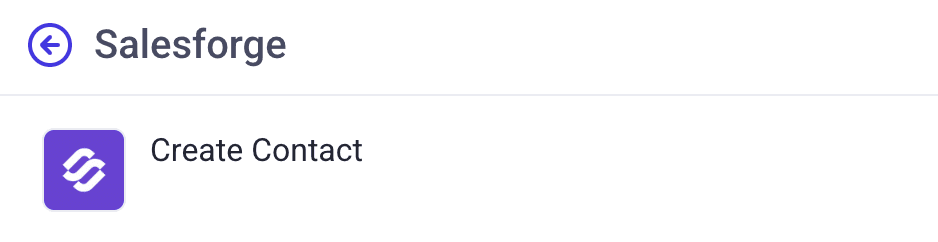
Authenticate by entering your Salesforge.ai API key when prompted
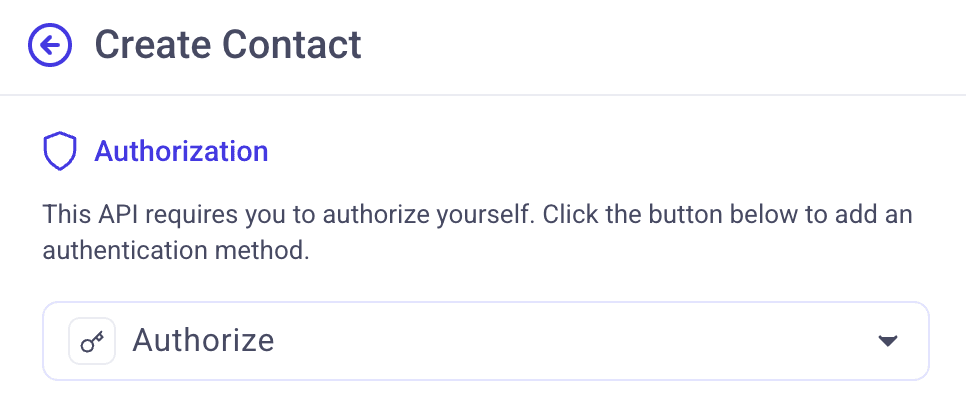
Map your Databar.ai columns to the corresponding Salesforge.ai fields (first name, last name, email, company, etc.)
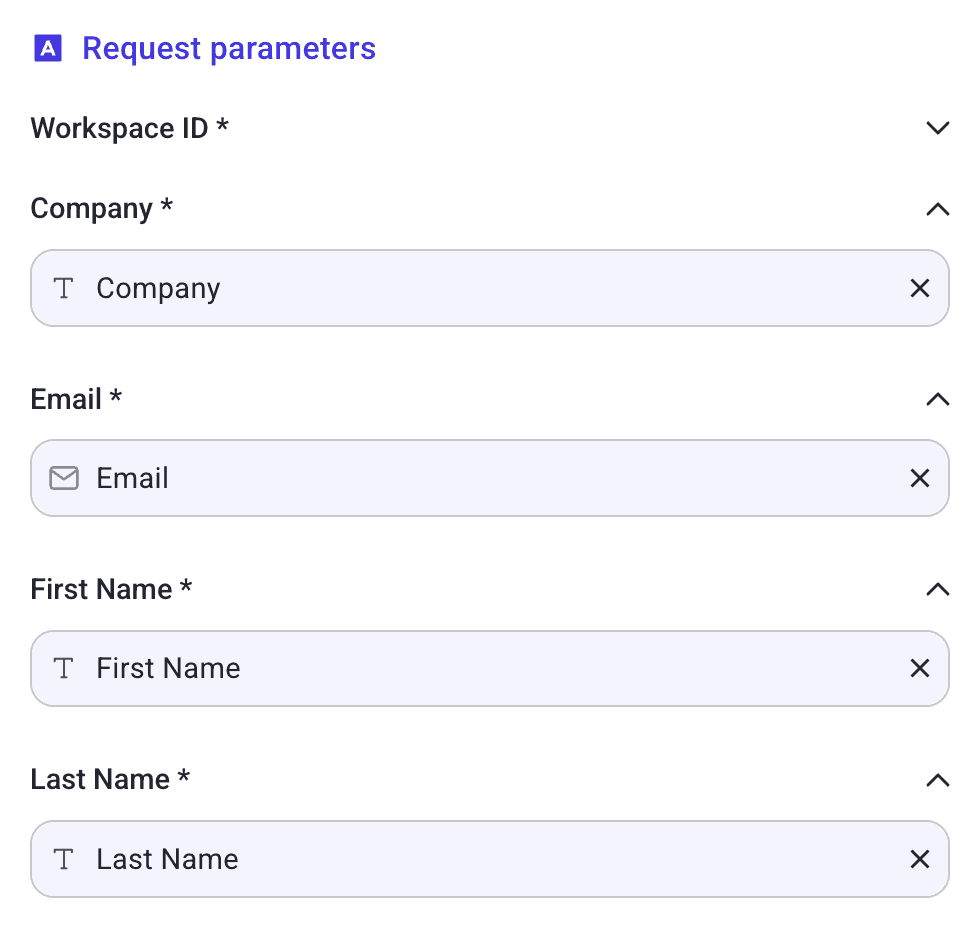
Install the exporter by clicking the button

Click "Export" to push your data directly into your Salesforge.ai workspace
This seamless export functionality eliminates the need for manual CSV downloads and uploads, creating a frictionless workflow between your data enrichment processes and your sales outreach platform.
How to Import Salesforge.ai Contacts
The import process is straightforward:
Go to the Databar.ai catalog and select the Salesforge.ai connector
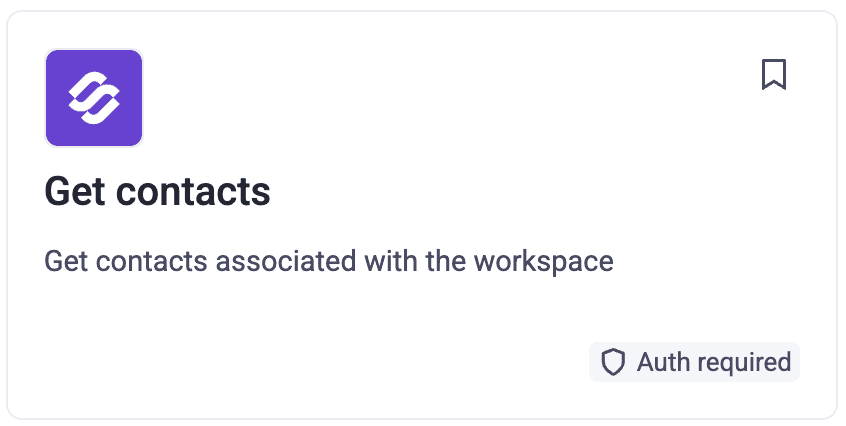
Click on the "Get contacts" endpoint
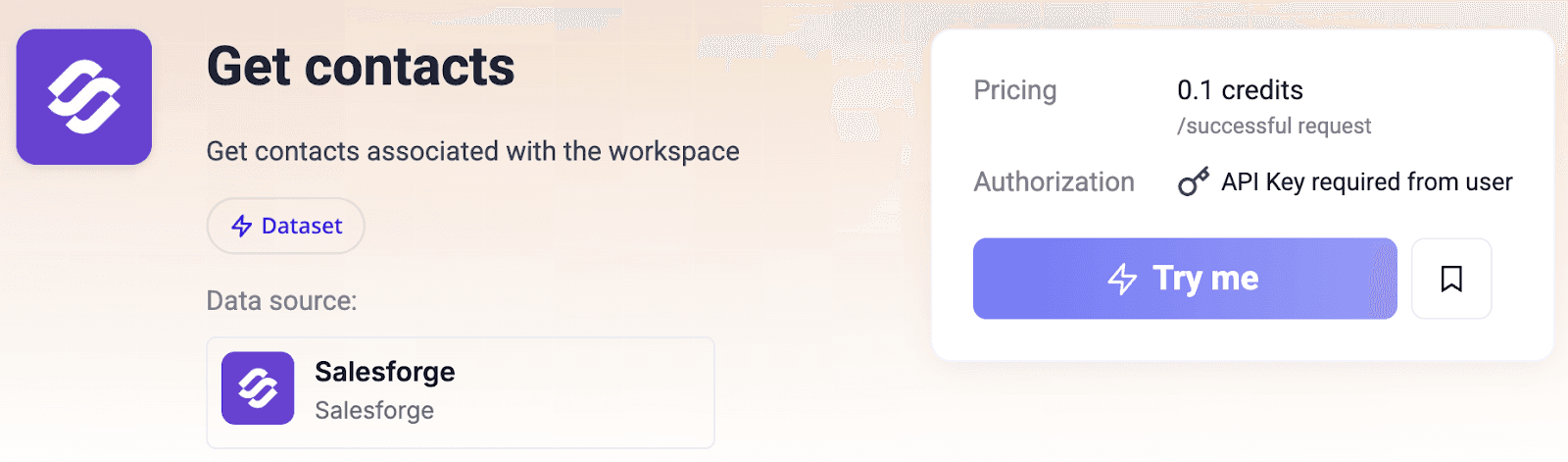
Enter your Salesforge.ai workspace ID
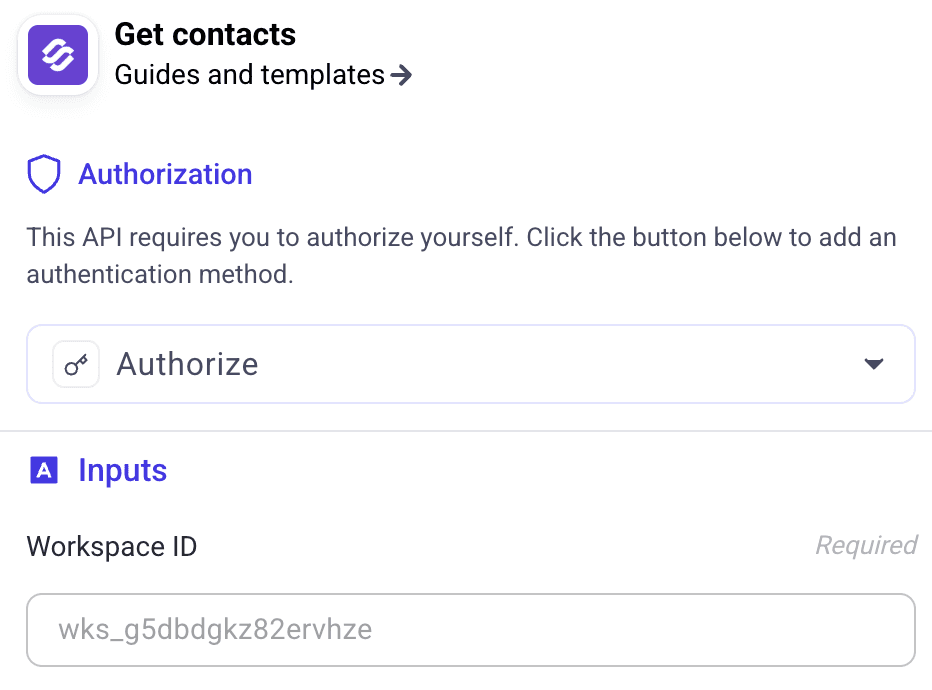
Click 'Run' to import your contacts

After import, you can filter, sort, and enrich your contacts using Databar.ai's built-in tools. This allows you to segment your audience, identify high-value prospects, create targeted outreach lists, and export the data to your CRM or other sales tools in your preferred format.
Available Contact Data Fields
When importing from Salesforge.ai, you'll receive these data points:
ID contact: Unique identifier for each contact
First name: Contact's first name
Last name: Contact's surname
Email: Primary email address
Company: Organization name
LinkedIn link: Contact's LinkedIn profile link
Tags: Contact's tags
Custom variables: Custom fields as needed
Powerful Use Cases
The bidirectional integration enables several valuable workflows:
Targeted List Building: Enrich contact data from multiple sources in Databar.ai, then export precisely segmented lists to Salesforge.ai for focused campaigns
Data Cleansing and Standardization: Import contacts from Salesforge.ai, clean and standardize the data in Databar.ai, then export the improved data back
Prospect Enrichment: Add industry insights, technographic data, or intent signals to your Salesforge.ai contacts through Databar.ai's enrichment tools
Automated Contact Management: Set up scheduled exports of newly enriched contacts from Databar.ai to Salesforge.ai to ensure your outreach is always working with the most current data
For more information about Databar.ai and its no-code API marketplace, visit databar.ai. To learn about Salesforge.ai's sales outreach solutions, visit Salesforge.ai.
About Salesforge.ai
Salesforge.ai offers a comprehensive suite of tools for optimizing sales outreach. Their platform includes solutions for finding leads, enriching contacts, managing email infrastructure, and running campaigns. Their flagship AI product, Agent Frank, functions as an autonomous Sales Development Representative that handles prospecting and follow-ups. Salesforge.ai helps companies combine human expertise with AI capabilities to improve pipeline coverage and reduce acquisition costs. For more information, please visit salesforge.ai.
About Databar.ai
Databar is a powerful prospecting and enrichment platform that helps teams build targeted lead lists and automate their outreach workflows. By combining 100+ best-in-class data providers with intelligent automation capabilities, Databar enables sales teams to identify, research, and engage with prospects at scale. The platform seamlessly integrates with popular sales and CRM tools, making it easy for teams to maintain a steady flow of high-quality leads. Built for modern sales teams, Databar empowers users to spend less time on manual research and more time on meaningful conversations with potential customers.
Get Started Today
Ready to simplify your prospecting workflow? Visit databar.ai to access the Salesforge.ai integration and start enriching and exporting your contact data today.
Related articles
See all